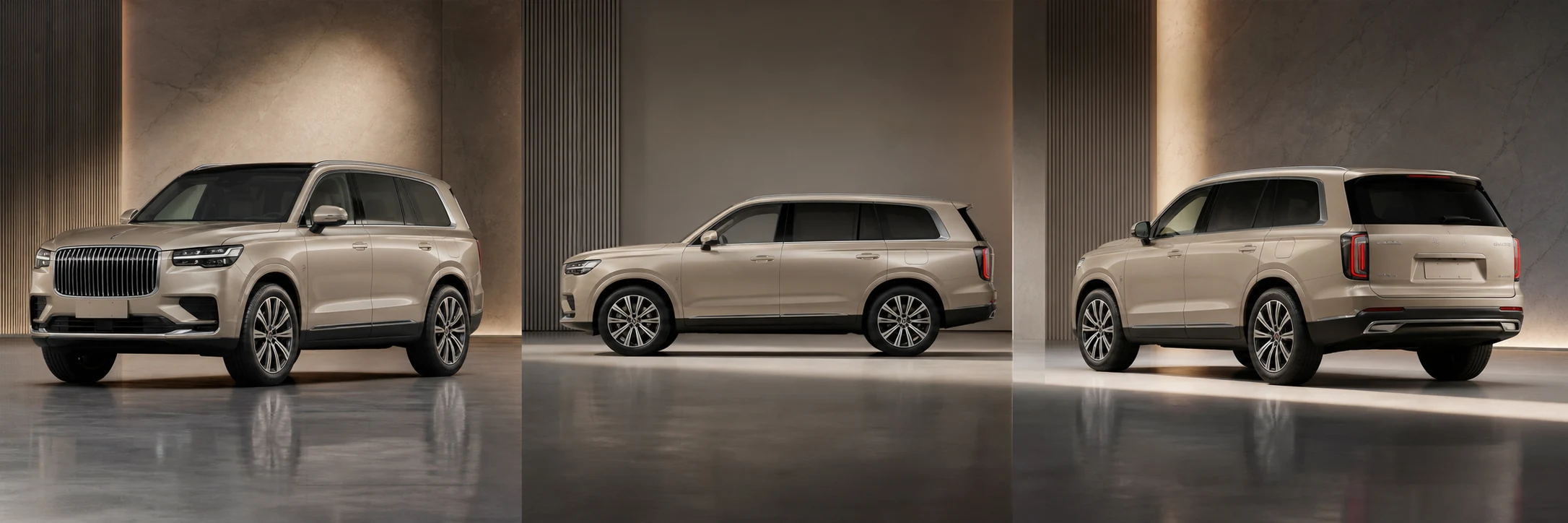
Merchandise complete inventory
Normalize framing, lighting, background, crop, and visual hierarchy across multiple dealership vehicles without turning them into generic approximations.
Open Dealer Listing StudioUpload one car photo or a complete inventory set. Pixtor directs believable light, reflections, wheel contact, motion, and camera perspective while locking the vehicle’s real paint, body, trim, glass, wheels, and condition.
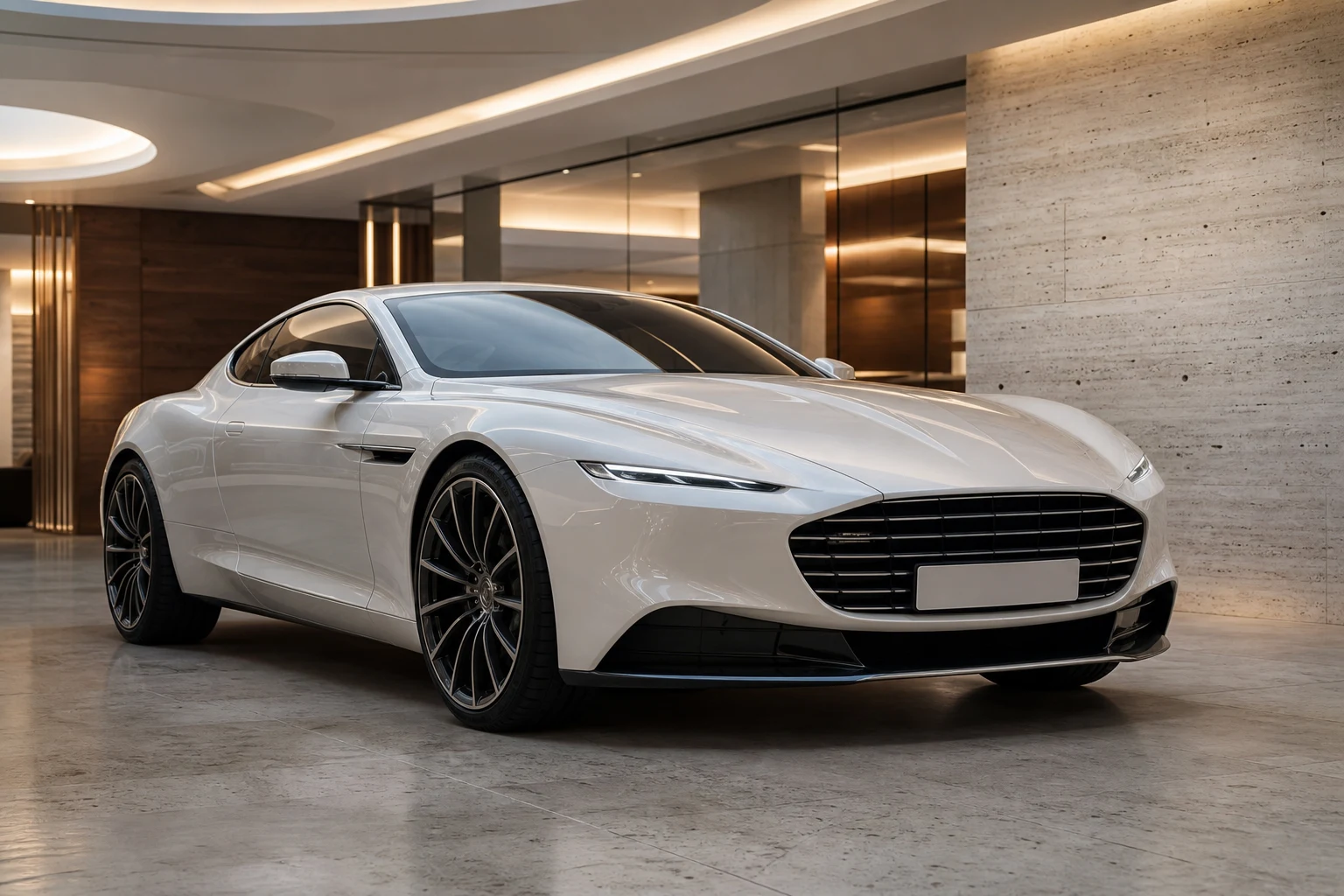
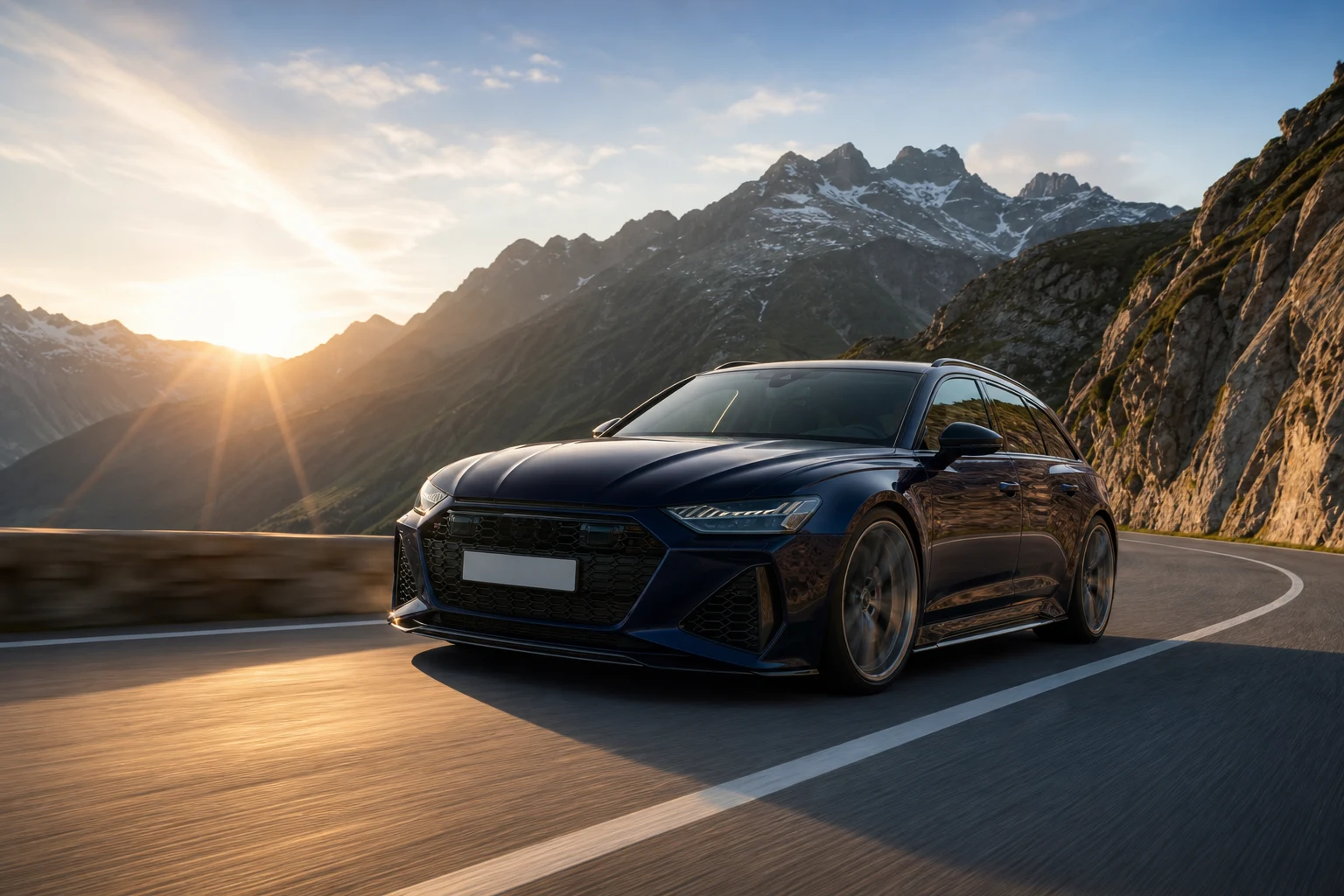
Yes. A strong vehicle workflow can preserve the referenced car’s proportions, paint, wheels, trim, badges, glass, interior visibility, camera perspective, and condition while changing the environment, lighting, or motion. Pixtor uses dedicated automotive briefs instead of a generic image prompt, then lets you review every instruction before generation.
Normalize framing, lighting, background, crop, and visual hierarchy across multiple dealership vehicles without turning them into generic approximations.
Open Dealer Listing StudioPlace the exact vehicle in a controlled showroom or believable road environment with grounded tires, coherent reflections, and physically plausible light.
Create a Road HeroUse several vehicle views to plan a coherent walkaround or create a controlled scenic drive with identity and safety constraints built into the brief.
Make a WalkaroundUse a clean hero angle or several exterior and interior views. Pixtor keeps those references attached as you move into the workflow.
Choose inventory consistency, showroom architecture, road character, weather, camera position, or a custom-build concept.
Confirm the prompt, references, output format, model, credit quote, and vehicle-specific fidelity instructions before generating.
Automotive imagery fails when wheels float, reflections disagree, badges mutate, or the car silently changes trim. Pixtor’s vehicle workflows explicitly protect the recognizable subject and the physical cues that make a shot credible.
Yes. Vehicle Background Switcher generates several believable environments while preserving the car and matching perspective, ground contact, shadows, reflections, and color temperature.
Yes. Dealer Listing Studio is designed for consistent inventory presentation, including repeatable angles, clean lighting, uncluttered backgrounds, readable glass, and a coherent dealership style.
Yes. Scenic Driver and Cinematic Walkaround use reference images for controlled image-to-video workflows. More complete and consistent reference coverage generally produces better subject continuity.
The vehicle workflows instruct the selected model to lock those details. Generative models can still make mistakes, so every result should be reviewed before it is used in a listing or campaign.
Custom Build Visualizer can explore paint, wrap, wheels, stance, aero, overland equipment, and other reversible concepts. Results should be presented as proposed visualizations.
Attach your context, review the complete generation brief, choose a compatible model, and see the exact credit quote before anything runs.