 New
NewDedicated generated workflow sampleDealer Listing Studio
Turn a few honest vehicle photos into a polished, consistent dealer-ready image set.
NewTurn a few honest vehicle photos into a polished, consistent dealer-ready image set.
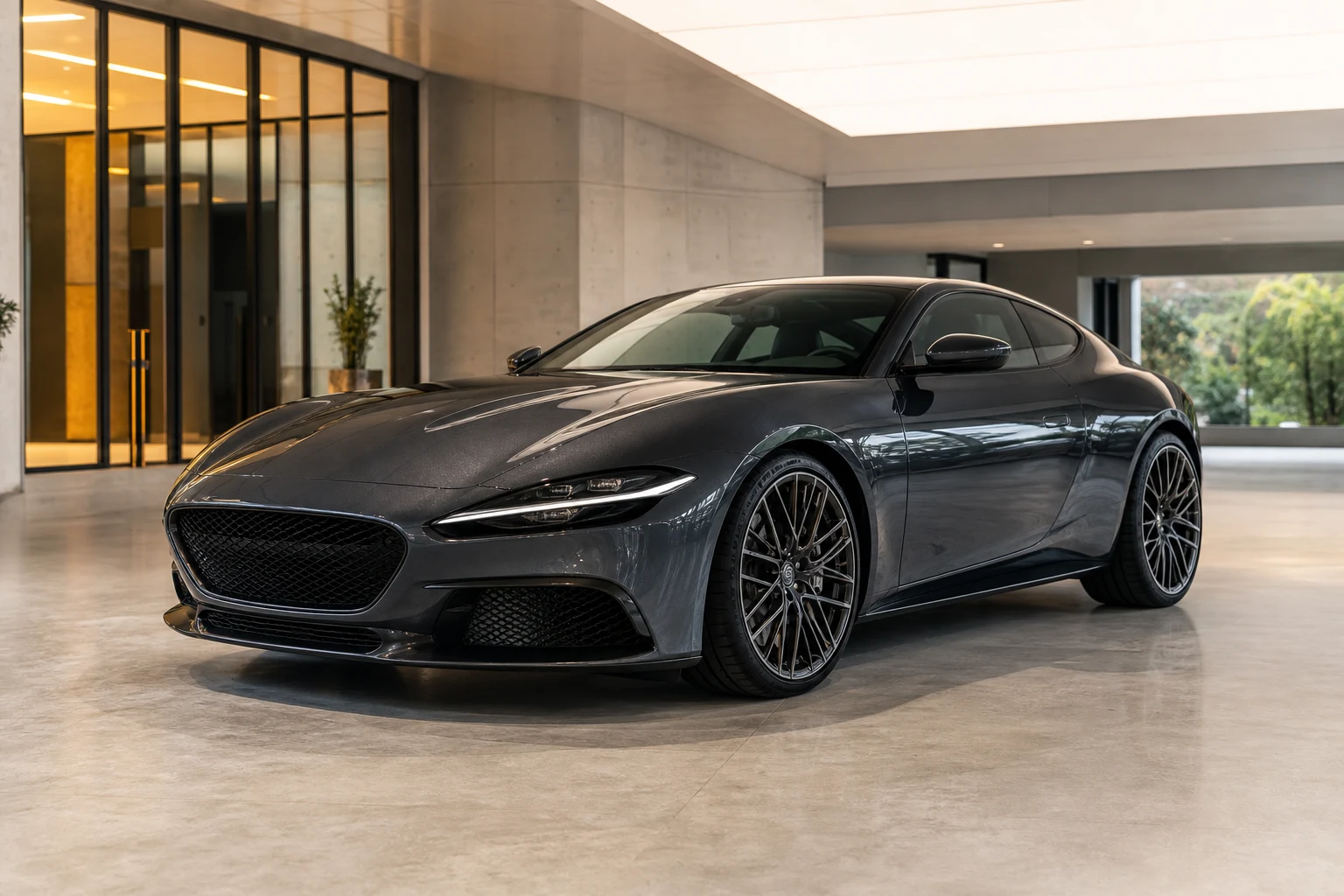
Create a coordinated inventory hero, front three-quarter, rear three-quarter, and interior presentation from approved source photos while preserving the exact vehicle, visible condition, trim, wheels, paint, glass, badges, and equipment.
References are uploaded privately after opening Create, so files never travel through the URL.
Workflow guardrailGenerated listing scenes are marketing visualizations, not documentary photos. Do not use them to conceal damage, alter condition, invent equipment, or misstate the vehicle; disclose AI-created backgrounds where required.
Configuring this app spends no credits. Generation always requires your approval.
Pixtor turns these controls into a complete production brief, configures the recommended model and delivery settings, then lets you edit everything before generation.
Upload two to eight photos of one exact vehicle
Label photo order and choose a consistent presentation environment
Generate four coordinated inventory views
Compare every visible feature and disclose AI-created backgrounds before publishing
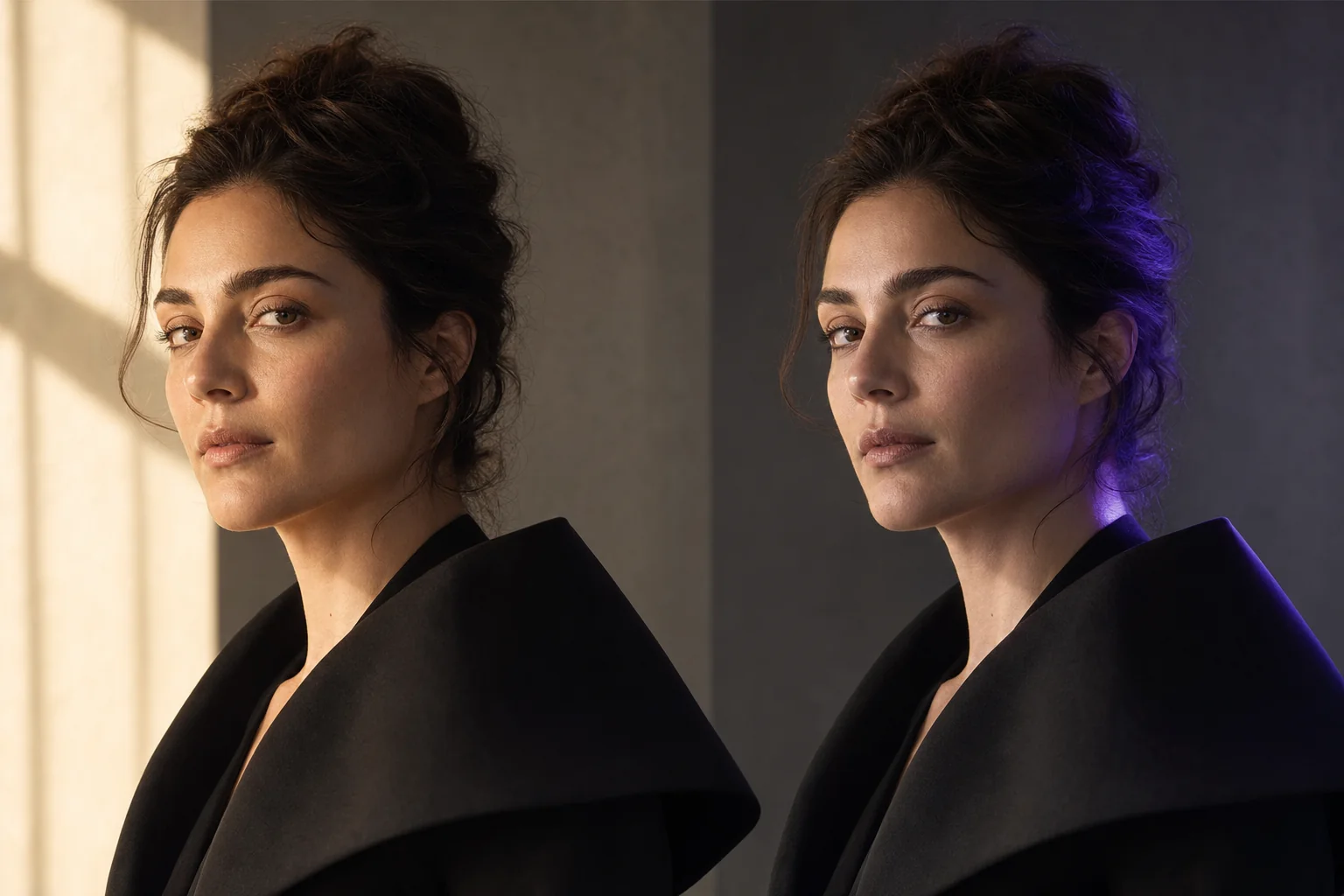
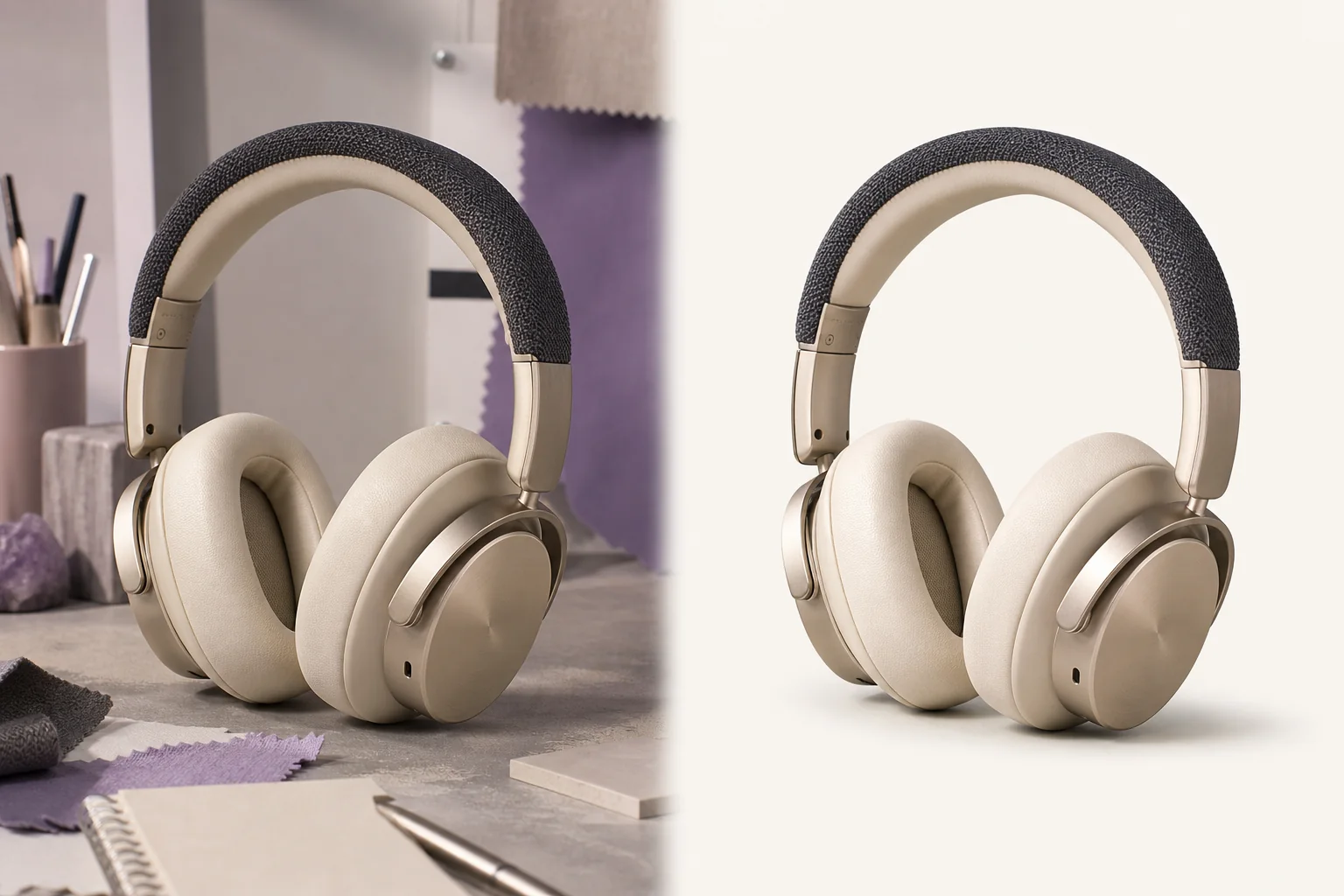
This app uses Pixtor’s own prompts, interaction design, model routing, continuity rules, guardrails, and a dedicated generated preview designed to demonstrate the intended outcome.