 Beta
BetaDedicated generated workflow sampleClean Cutout
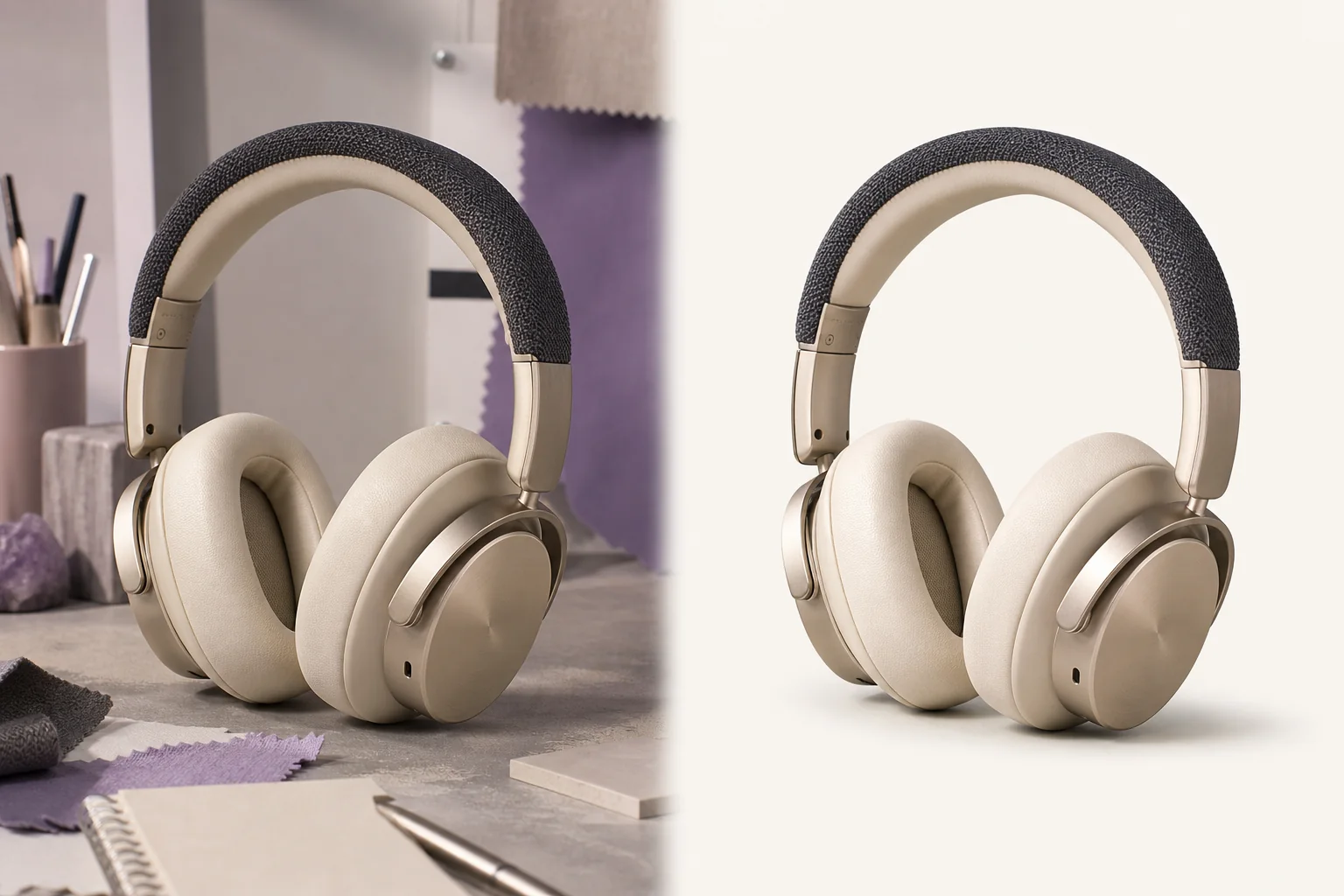
Isolate a subject and rebuild a clean, useful presentation.
BetaIsolate a subject and rebuild a clean, useful presentation.
Create clean marketplace, profile, and design-ready subject isolation with deliberate edge treatment and optional studio grounding.
References are uploaded privately after opening Create, so files never travel through the URL.
Workflow guardrailThis beta generates visually clean backgrounds. True alpha-channel export will arrive with the dedicated segmentation pipeline.
Configuring this app spends no credits. Generation always requires your approval.
Pixtor turns these controls into a complete production brief, configures the recommended model and delivery settings, then lets you edit everything before generation.
Upload one clear subject or product image
Choose background and grounding treatment
Generate two clean presentation options
Use the result in a campaign, project, or new edit
This app uses Pixtor’s own prompts, interaction design, model routing, continuity rules, guardrails, and a dedicated generated preview designed to demonstrate the intended outcome.