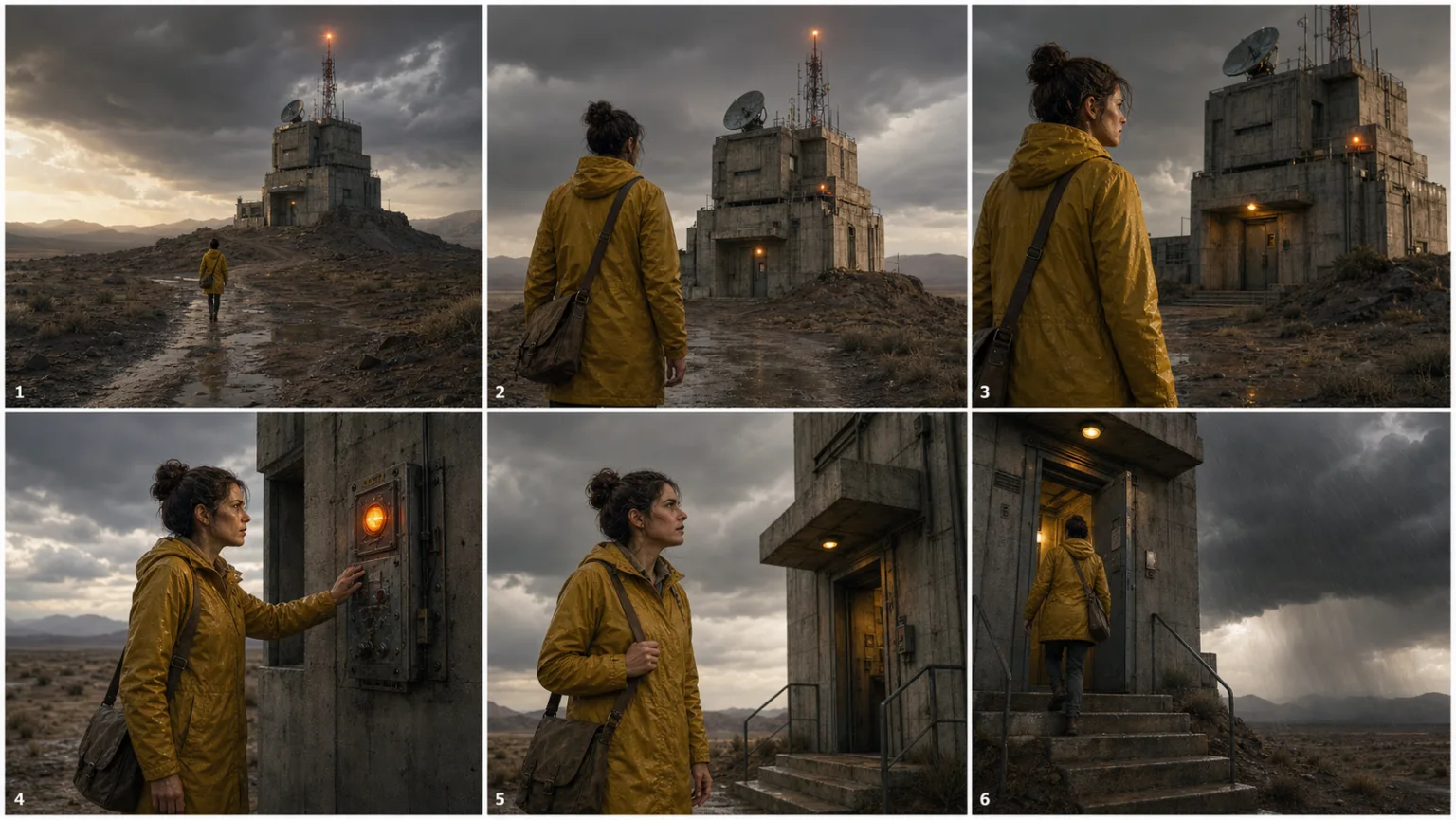
Animate a still image
Define what the subject does, how the camera moves, what remains locked, and how the environment responds over a short controlled shot.
Start Image-to-VideoPixtor turns a rough video idea into camera, subject, environment, motion, timing, continuity, and negative constraints—then helps route the job to a compatible model and shows the exact credit price.
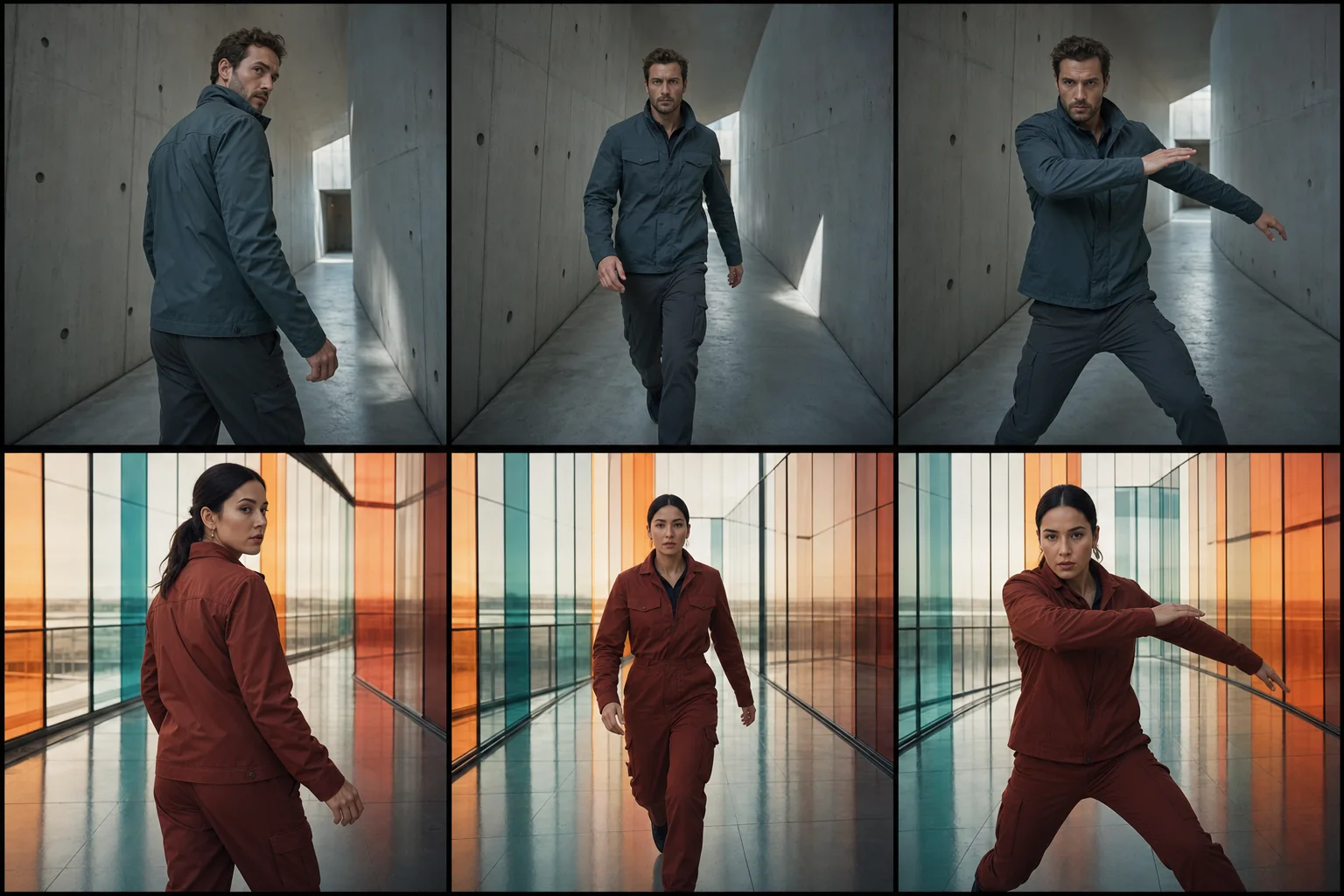
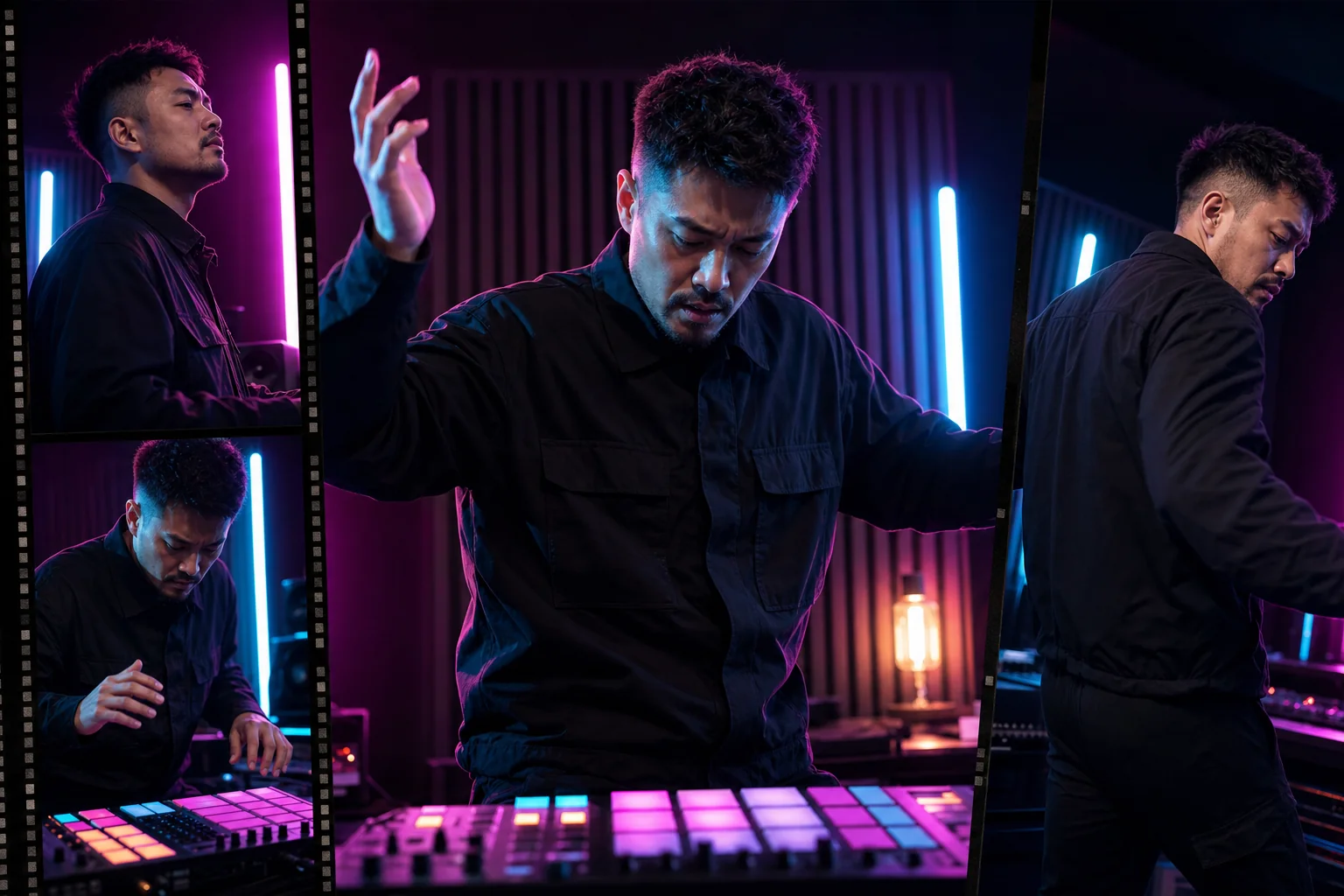
Good AI video prompts describe a shot rather than a mood alone: the subject, environment, framing, lens behavior, camera path, subject motion, timing, physics, continuity, lighting, and what must not change. Reference images improve visual grounding, while storyboards help separate complex sequences into achievable shots. Pixtor builds those details into guided workflows.
Define what the subject does, how the camera moves, what remains locked, and how the environment responds over a short controlled shot.
Start Image-to-VideoUse Camera Remix, Freeze Frame Orbit, dolly moves, macro treatments, or restrained parallax with explicit spatial and physics constraints.
Direct the CameraConvert a short script into a sequence plan with framing, action, continuity, visual progression, and generation-ready shot descriptions.
Build a StoryboardStart from a written shot, attach the exact first frame, or include additional permitted references for identity, product, location, style, and motion.
Specify camera behavior, subject action, timing, physical interaction, lighting consistency, sound preference, and the details that must remain unchanged.
See compatible routes, model-specific settings, duration, resolution, audio, outputs, and the complete credit quote before the request enters the durable queue.
Video models work best when each generation has one readable subject, one coherent camera idea, and a physically achievable action. Longer stories become more controllable when they are designed as a sequence of shots.
Yes. Image-to-video workflows use an uploaded reference as the visual starting point and add directed camera or subject motion.
The available routes can include Veo, Seedance, Runway, and compatible provider fallbacks. Availability and supported settings can change, so Create shows the routes currently configured for your account.
The cost depends on the selected model, duration, resolution, audio, number of outputs, reference type, and whether you use a Pixtor-managed or bring-your-own provider key. The exact credit quote appears before generation.
Pixtor can create storyboard and campaign plans, then keep individual shots together in a project. Generating shots separately usually offers more control than asking one clip to perform an entire narrative.
Yes. Completed outputs appear in Create history and Assets, where they can be previewed, downloaded, reused, and organized into projects.
Attach your context, review the complete generation brief, choose a compatible model, and see the exact credit quote before anything runs.