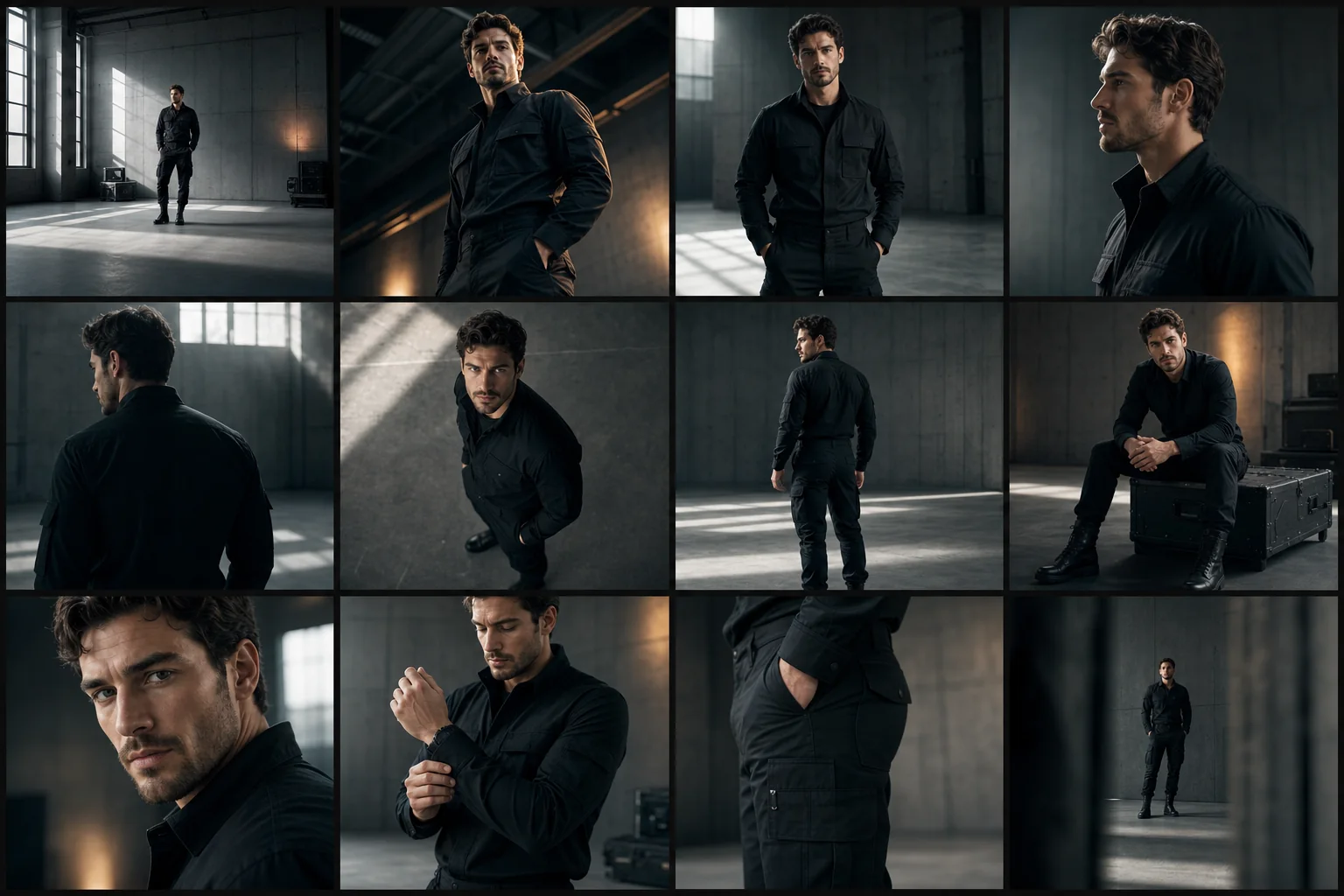
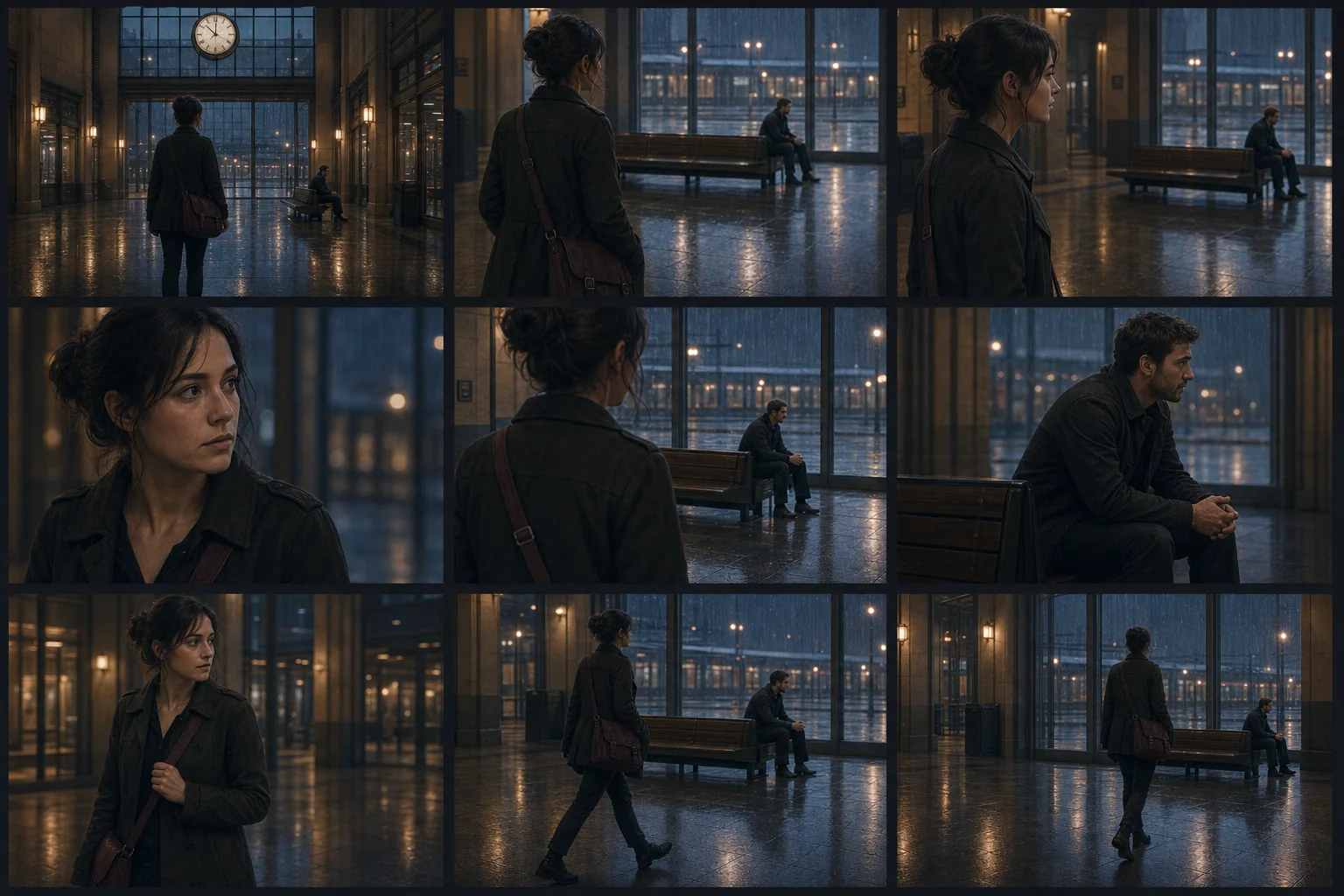
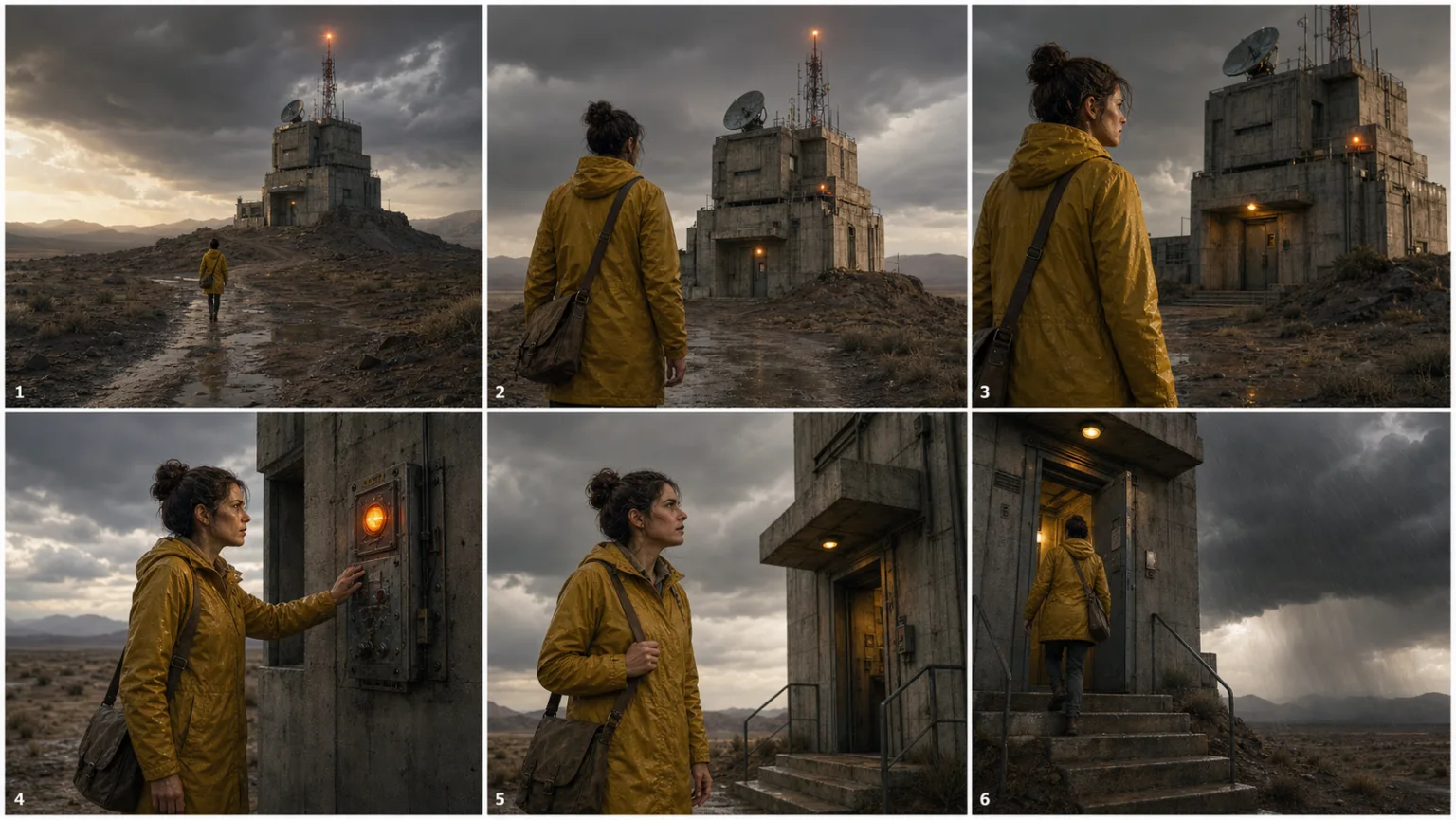
 New
NewDedicated generated workflow sampleScript-to-Storyboard
Turn a scene brief into six production-minded frames with coherent geography.
NewTurn a scene brief into six production-minded frames with coherent geography.
Translate a script, treatment, or campaign beat into a readable six-shot board that maintains identity, location logic, screen direction, action continuity, and purposeful coverage.
References are uploaded privately after opening Create, so files never travel through the URL.
Workflow guardrailUse original material or work you are authorized to develop. Do not reproduce recognizable copyrighted characters, private scripts, or confidential productions without permission.
Configuring this app spends no credits. Generation always requires your approval.
Pixtor turns these controls into a complete production brief, configures the recommended model and delivery settings, then lets you edit everything before generation.
Enter a scene, treatment, or campaign beat
Choose coverage, visual language, and practical constraints
Generate one coherent six-frame storyboard
Open the board in Create to refine a shot or continue into motion
This app uses Pixtor’s own prompts, interaction design, model routing, continuity rules, guardrails, and a dedicated generated preview designed to demonstrate the intended outcome.