Explore different ad hypotheses
Create genuinely distinct concepts around product benefit, audience tension, demonstration, transformation, or visual curiosity—not cosmetic recolors of one layout.
Open Ad Variant LabExplain what you sell, who it is for, and what the campaign needs to accomplish. Pixtor helps shape the visual brief, routes it to compatible models, and keeps the resulting ads, assets, and variations organized.

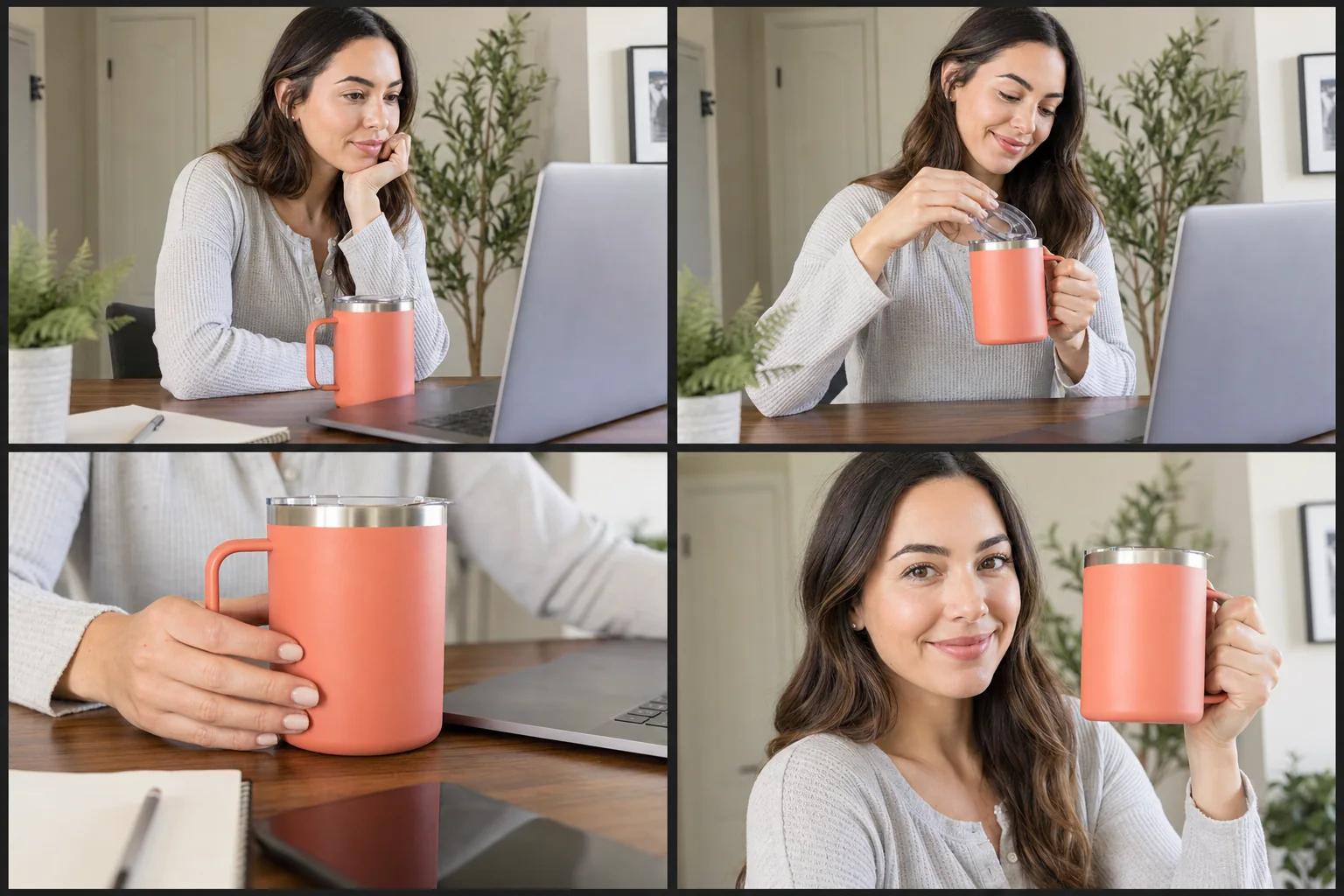
AI can accelerate the expensive exploration stage: turning one offer into distinct hooks, visual worlds, product compositions, UGC concepts, and format variations. The useful workflow still begins with real product information and ends with human review. Pixtor connects that process so teams can compare ideas without losing source references or campaign history.
Create genuinely distinct concepts around product benefit, audience tension, demonstration, transformation, or visual curiosity—not cosmetic recolors of one layout.
Open Ad Variant LabProvide an approved business or product link and turn the relevant information into a structured campaign brief before any media is generated.
Start URL-to-CampaignPlan an authentic handheld social concept with a clear hook, product moment, sequence, environment, and claim guardrails.
Direct a UGC ConceptDescribe the customer, offer, objective, channel, and the one action the finished creative should encourage.
Attach the real product, identity, visual references, approved links, and only the claims your business can substantiate.
Review the brief and price, then create, compare, download, and organize variants by project or campaign.
AI is valuable when it expands visual thinking without fabricating the business case. Pixtor separates creative direction from factual claims so the system can be imaginative about presentation and conservative about evidence.
Pixtor can help structure a concept, but factual claims should come from information you provide and can substantiate. Generated visuals should not be treated as evidence of product performance.
Yes. Ad Variant Lab is designed to explore distinct creative hypotheses while keeping the referenced product and campaign objective consistent.
No. Guided apps provide detailed defaults, and the prompt tools can turn a plain-language goal into a production brief that you can edit before generation.
Yes. Projects keep generations, references, output history, and reusable assets grouped around the work.
Every configuration receives an exact credit quote based on the model, media type, quality, duration, resolution, and output count before you generate.
Attach your context, review the complete generation brief, choose a compatible model, and see the exact credit quote before anything runs.