Pixtor AI Open Create
All apps/Vehicles/Showroom Architect
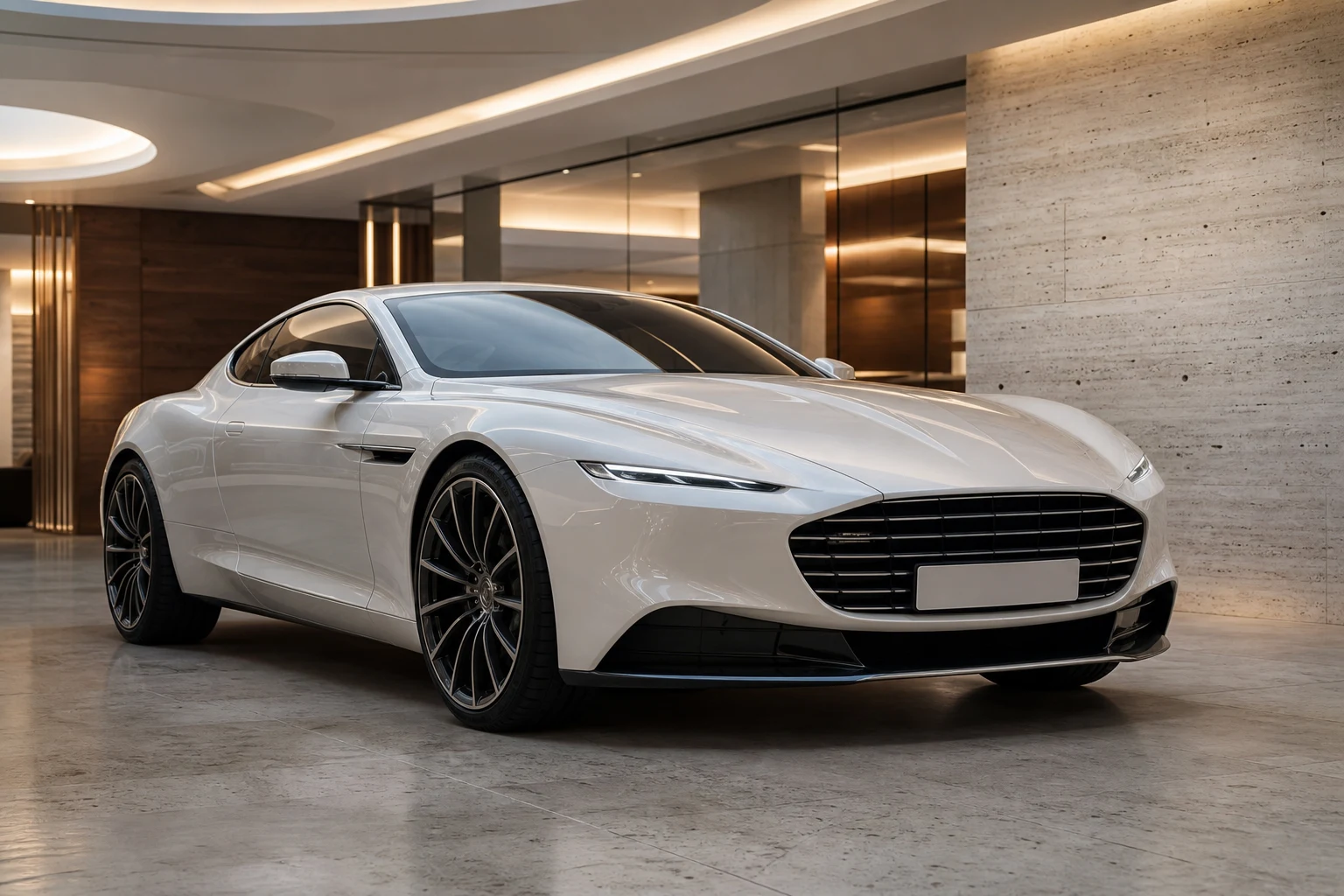
Showroom Architect dedicated generated workflow sample
New
Dedicated generated workflow sampleShowroom Architect

Place the exact vehicle inside a believable, high-end showroom built around its character.

edit16:9
Luxury showroom placement

Showroom Architect

Move a photographed vehicle into a refined architectural showroom with physically matched lighting, floor reflections, scale, and camera perspective—without redesigning the car.

Reference media requiredimage

References are uploaded privately after opening Create, so files never travel through the URL.

Workflow guardrailThis app changes the setting, not the vehicle. Verify that every visible vehicle detail and condition cue still matches the source before using the result commercially.

Prepared route
Gemini 3 Pro Imageedit · 16:9
Continue in CreateReview the complete brief and credit quote before generating

Configuring this app spends no credits. Generation always requires your approval.

Purpose-built workflow

One outcome.
No prompt archaeology.

Pixtor turns these controls into a complete production brief, configures the recommended model and delivery settings, then lets you edit everything before generation.

  1. 01

    Upload one or more clear photos of the exact vehicle

  2. 02

    Choose architecture, presentation angle, and lighting

  3. 03

    Generate two physically grounded showroom directions

  4. 04

    Open the preferred scene in Create for precise refinements

Original Pixtor workflow

This app uses Pixtor’s own prompts, interaction design, model routing, continuity rules, guardrails, and a dedicated generated preview designed to demonstrate the intended outcome.

#showroom#luxury#background#automotive