 Popular
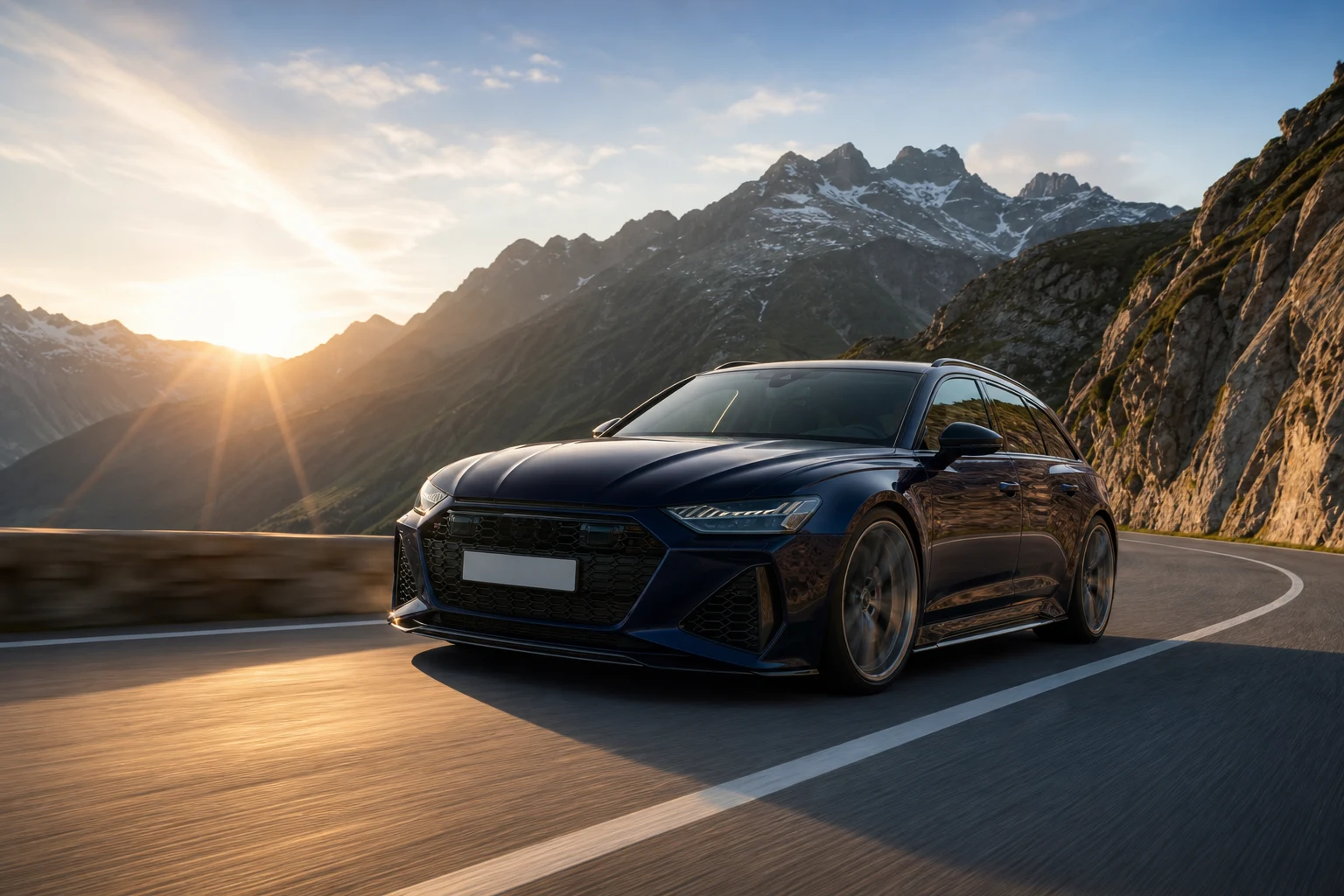
Dedicated generated workflow sampleRoad Hero
Render the exact vehicle in a believable rolling road shot with real camera and tire physics.
PopularRender the exact vehicle in a believable rolling road shot with real camera and tire physics.
Create an aspirational automotive hero image on a chosen road, with physically credible rolling wheels, body motion, reflections, driver visibility, road contact, and environmental light.
References are uploaded privately after opening Create, so files never travel through the URL.
Workflow guardrailRoad scenes are generated campaign concepts. They should depict controlled, lawful driving conditions and must not be represented as a real event or documentary location shoot.
Configuring this app spends no credits. Generation always requires your approval.
Pixtor turns these controls into a complete production brief, configures the recommended model and delivery settings, then lets you edit everything before generation.
Upload a clean three-quarter or side vehicle photo
Choose road, camera rig, and motion energy
Generate two realistic rolling hero directions
Review vehicle fidelity and use only as an AI-created campaign visual
This app uses Pixtor’s own prompts, interaction design, model routing, continuity rules, guardrails, and a dedicated generated preview designed to demonstrate the intended outcome.