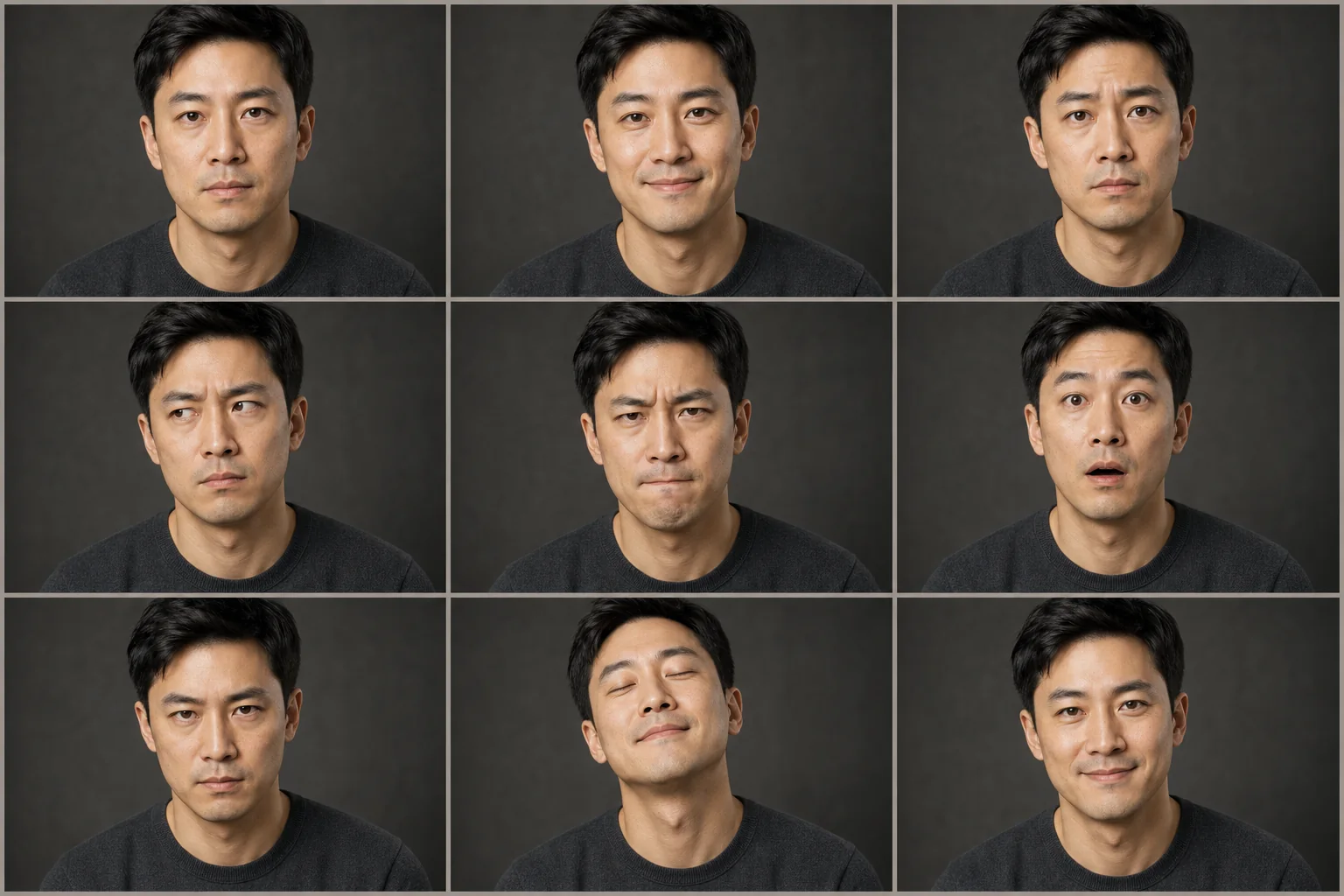
Generate professional headshot sets
Coordinate several polished portraits with consistent identity, camera height, lens character, expression, wardrobe, background, and retouching restraint.
Open Headshot StudioAttach permitted portrait references and direct the lighting, background, wardrobe, grooming, expression, camera, and finish. Identity-aware briefs protect facial structure, age, skin texture, and recognizable features.
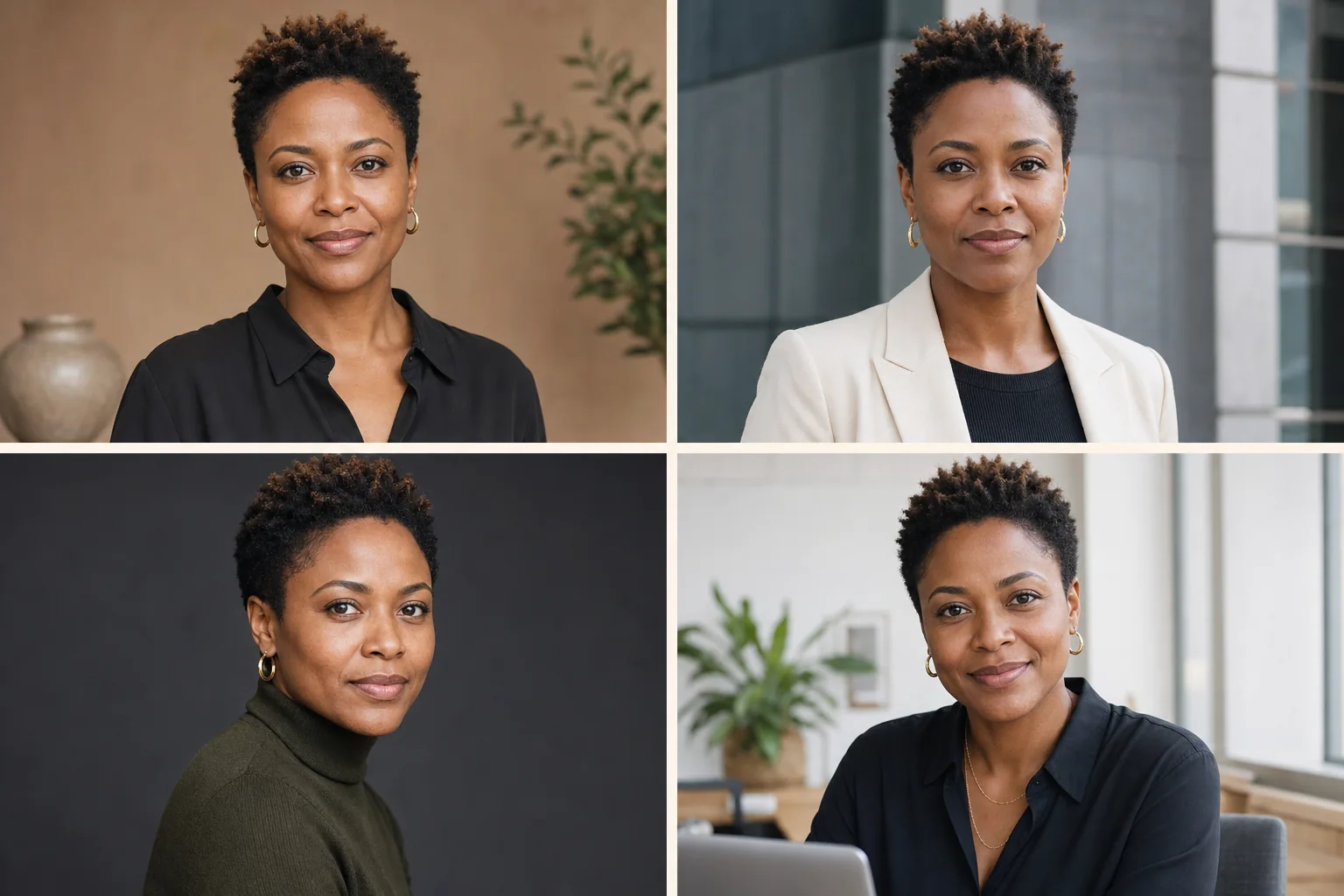
Reference-led generation can preserve recognizable facial geometry, age, skin tone, hairline, distinctive features, and expression character while changing the production around the person. Results still require review because generative models may alter details. Pixtor makes identity constraints explicit and keeps beauty, wardrobe, hair, and lighting changes separate and controllable.
Coordinate several polished portraits with consistent identity, camera height, lens character, expression, wardrobe, background, and retouching restraint.
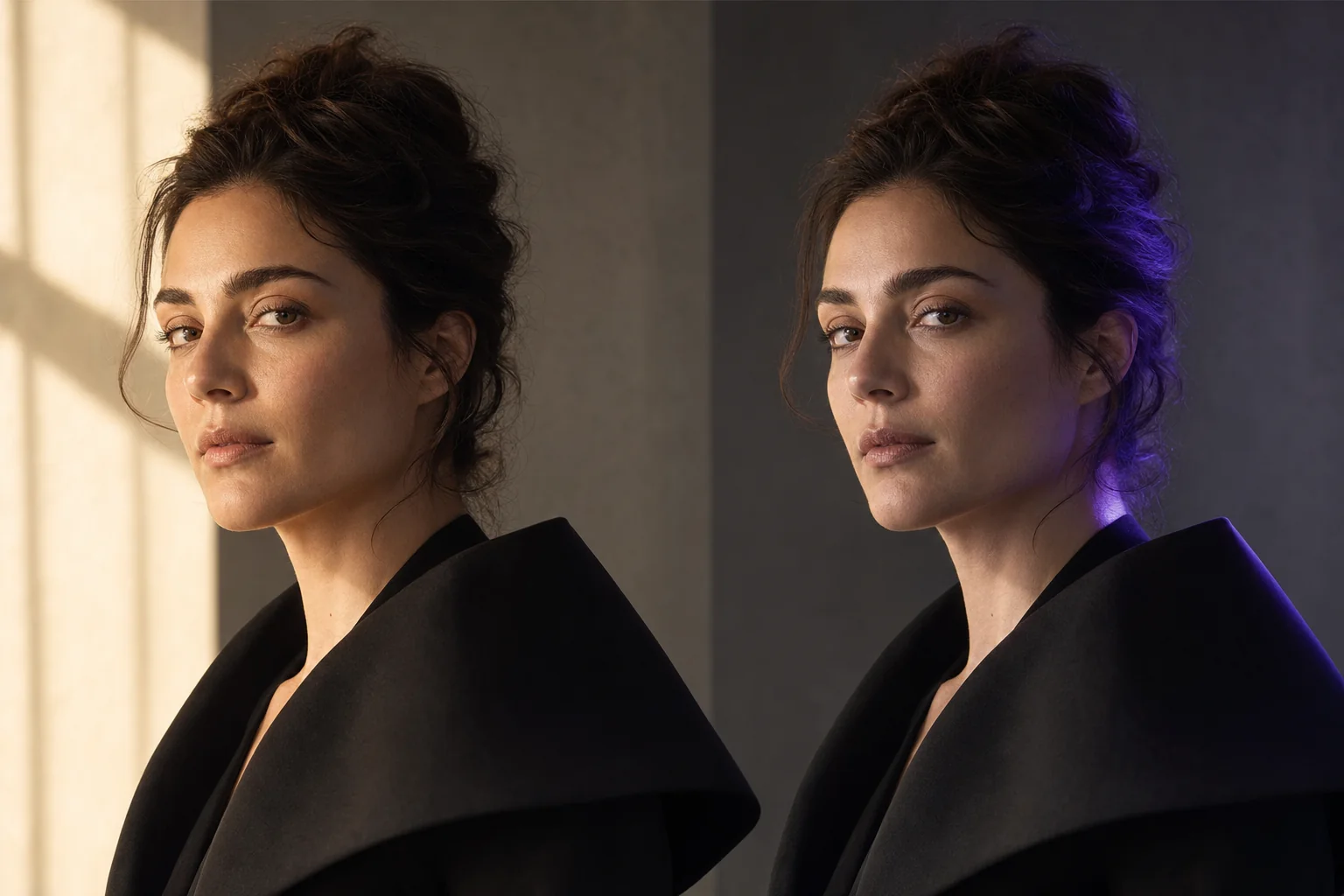
Open Headshot StudioChoose a light direction, height, softness, brightness, and color, then convert the visual choice into precise relighting language.
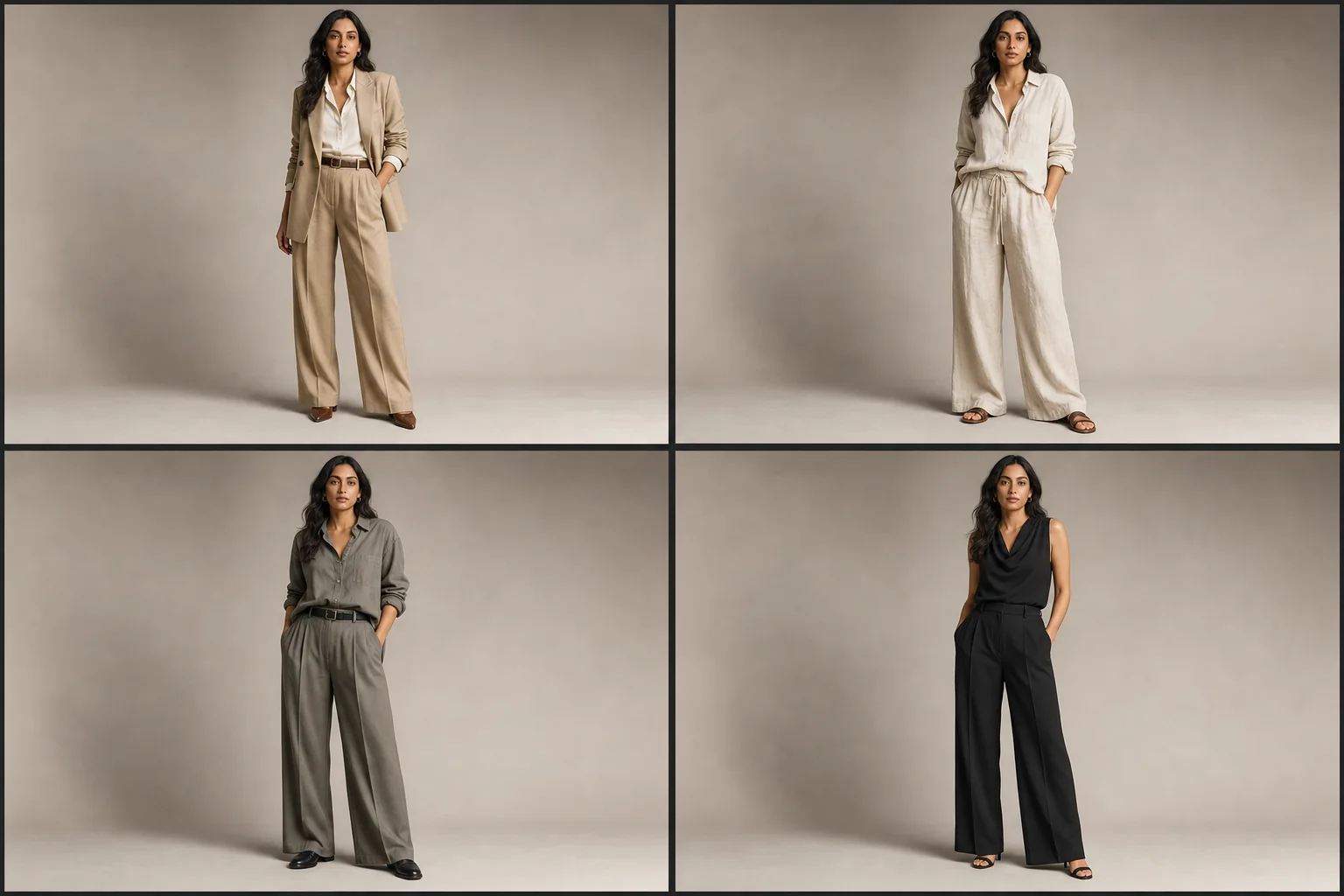
Use Light DirectorPreview wardrobe, hair, makeup, and expression directions in separate workflows that explicitly preserve identity and avoid silent facial redesign.
Explore WardrobeUse clear, recent portraits of yourself or a person who has authorized the creation and intended use.
Direct the headshot session, lighting, wardrobe, hair, makeup, expression, or stylized treatment without mixing unnecessary transformations.
Check age, facial structure, skin tone, distinctive features, texture, grooming, expression, framing, and output settings before generation.
Over-smoothing, face reshaping, age drift, and inconsistent features make portrait AI feel synthetic. Pixtor’s identity workflows favor realistic texture and intentional production changes around the subject.
A clear, well-lit reference can be enough for a first result, while several consistent angles may improve identity context. More images do not help when they show different people, heavy filters, or contradictory features.
Yes. Wardrobe Studio and Identity-Lock Headshots can direct clothing, background, crop, and production style while asking the model to preserve the person.
Yes. Light Director converts an interactive direction, height, softness, brightness, and color selection into a controlled relighting brief.
Reference media is associated with your authenticated workspace and generation workflow. Review the Privacy Policy and the selected AI provider’s data terms before using sensitive material.
Only when you own the media or have permission to use it and the visible person has consented to the intended generation and use.
Attach your context, review the complete generation brief, choose a compatible model, and see the exact credit quote before anything runs.