 New
NewDedicated generated workflow sampleExpression Atlas
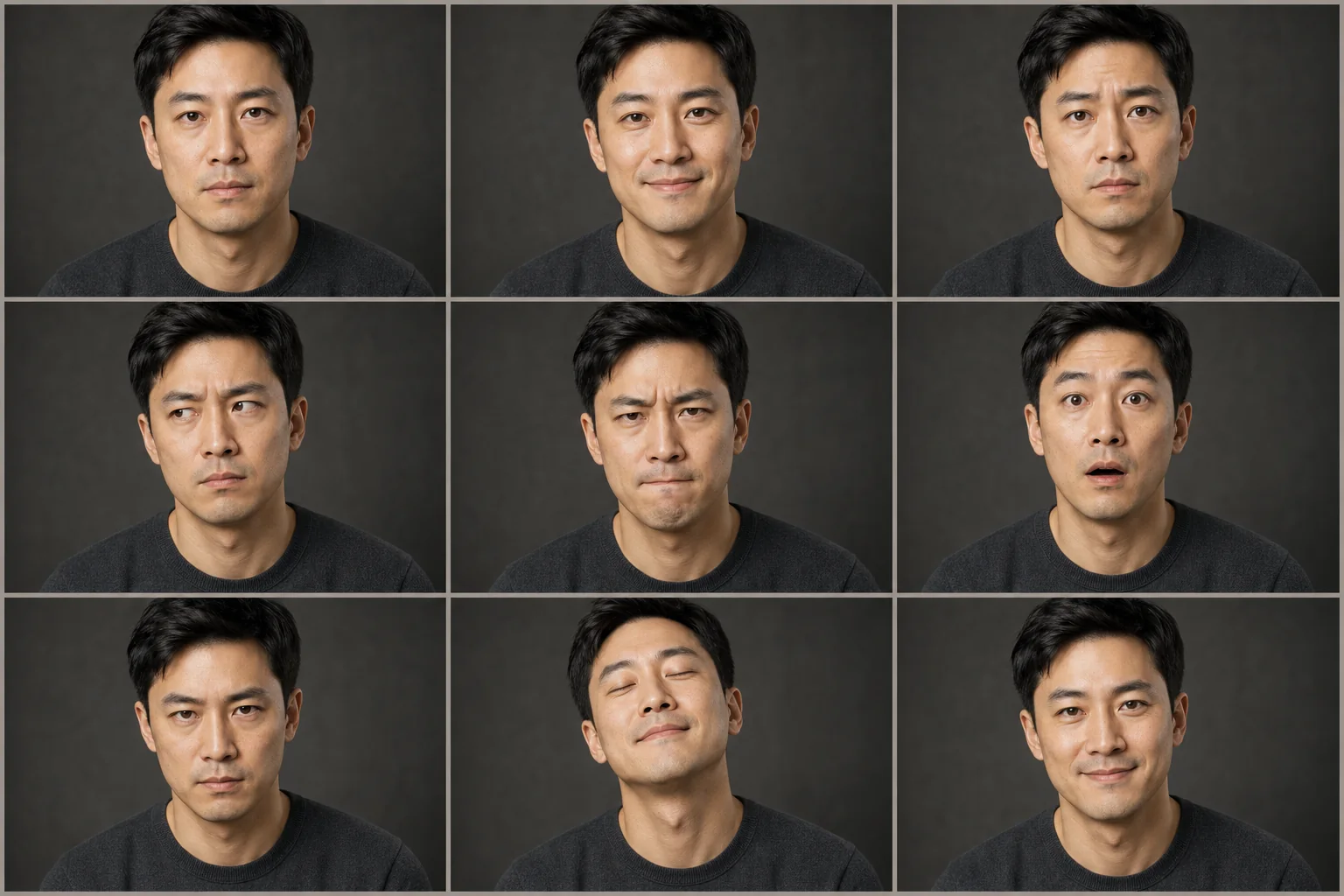
Create a consistent facial-performance sheet from one permitted portrait.
NewCreate a consistent facial-performance sheet from one permitted portrait.
Generate a useful range of restrained adult expressions while locking facial structure, age, skin character, hair, wardrobe, camera, and lighting.
References are uploaded privately after opening Create, so files never travel through the URL.
Workflow guardrailUse only your own image or an adult subject who explicitly agreed to this transformation. The workflow does not support public-figure impersonation.
Configuring this app spends no credits. Generation always requires your approval.
Pixtor turns these controls into a complete production brief, configures the recommended model and delivery settings, then lets you edit everything before generation.
Upload your own portrait or one you have permission to use
Choose expression family and intensity
Generate a nine-expression identity-locked atlas
Use approved expressions as character or performance references
This app uses Pixtor’s own prompts, interaction design, model routing, continuity rules, guardrails, and a dedicated generated preview designed to demonstrate the intended outcome.