 New
NewDedicated generated workflow sampleStyle Translator
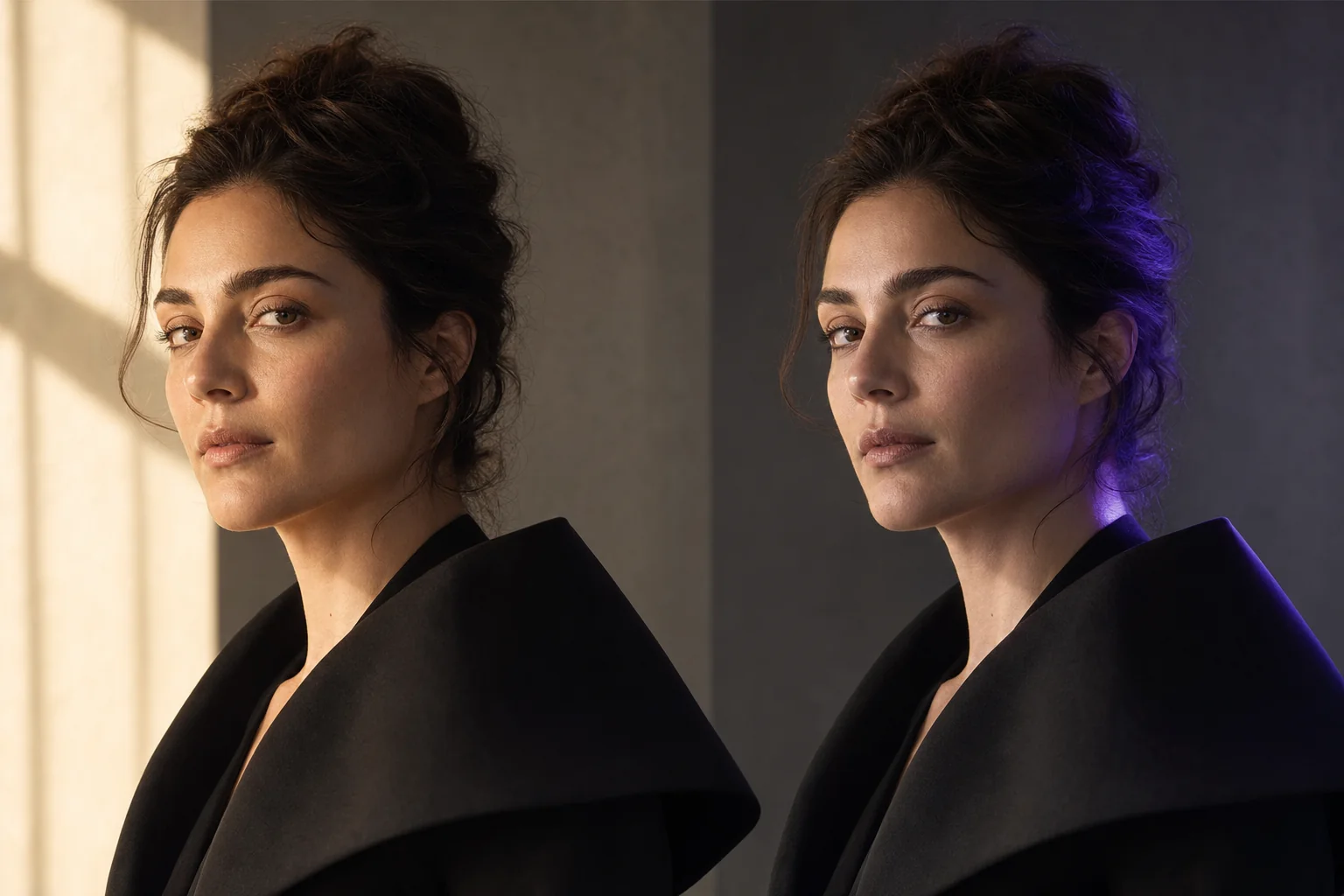
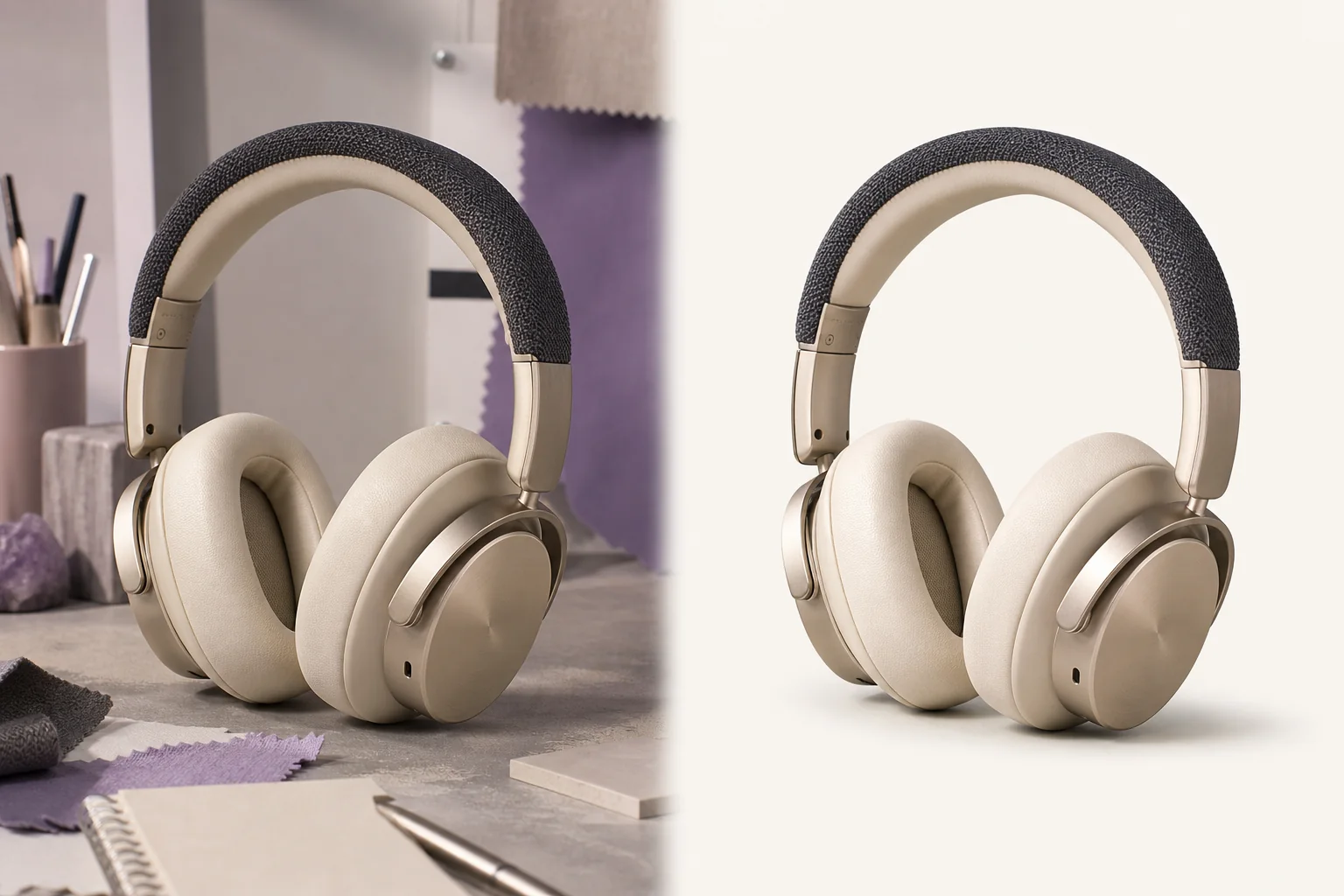
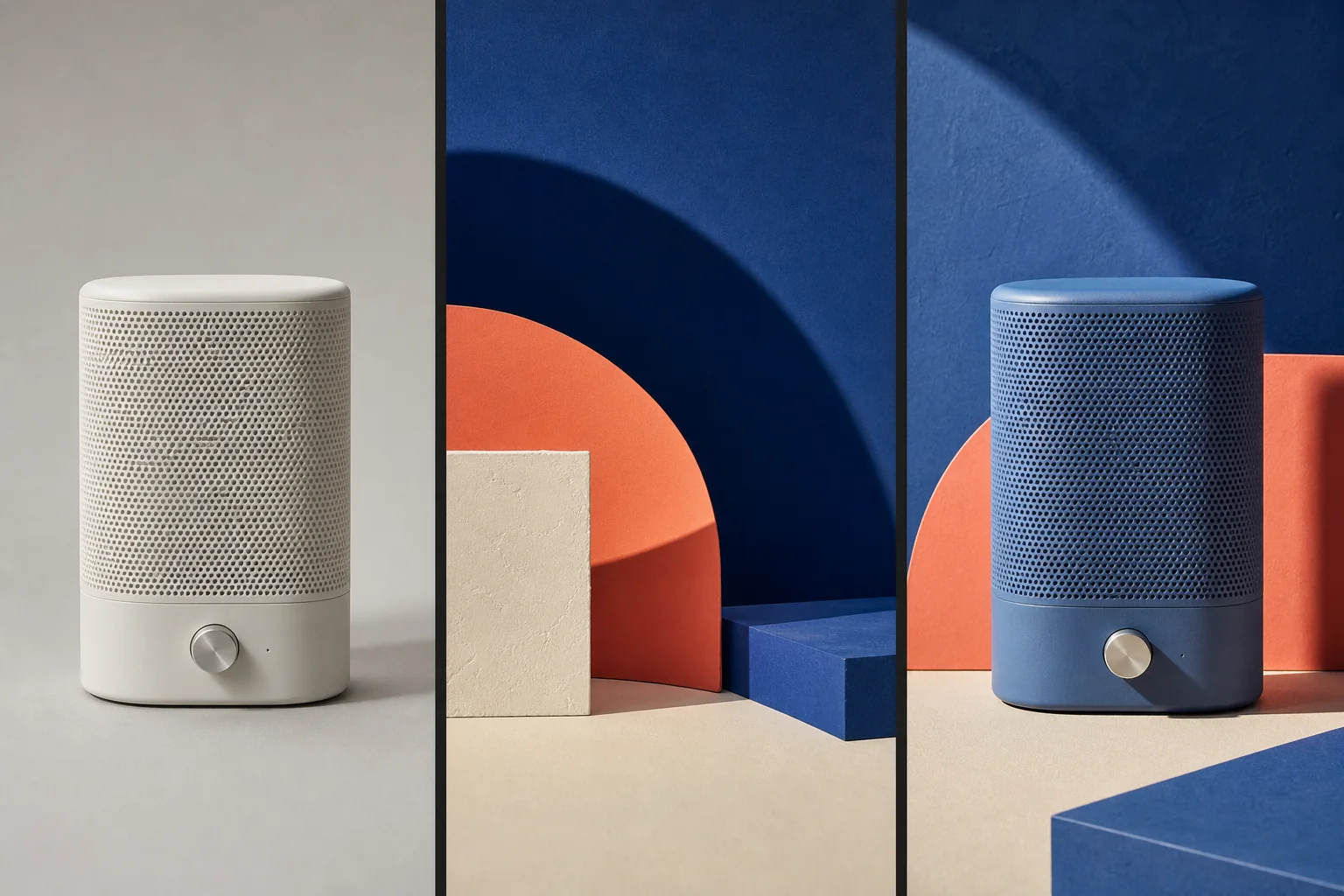
Translate visual grammar from a permitted reference without replacing your subject.
NewTranslate visual grammar from a permitted reference without replacing your subject.
Carry palette, contrast, texture, rendering behavior, shape language, and atmosphere into an image while preserving its identity, content, geometry, and composition.
References are uploaded privately after opening Create, so files never travel through the URL.
Workflow guardrailUse references you own or are permitted to transform. Describe visual traits rather than asking to copy a living artist, protected character, logo, or signature.
Configuring this app spends no credits. Generation always requires your approval.
Pixtor turns these controls into a complete production brief, configures the recommended model and delivery settings, then lets you edit everything before generation.
Attach a source image and a permitted visual reference
Choose the style properties and strength
State what must remain unchanged
Generate two controlled translations and refine the stronger result
This app uses Pixtor’s own prompts, interaction design, model routing, continuity rules, guardrails, and a dedicated generated preview designed to demonstrate the intended outcome.