 New
NewDedicated generated workflow sampleSkin Finish
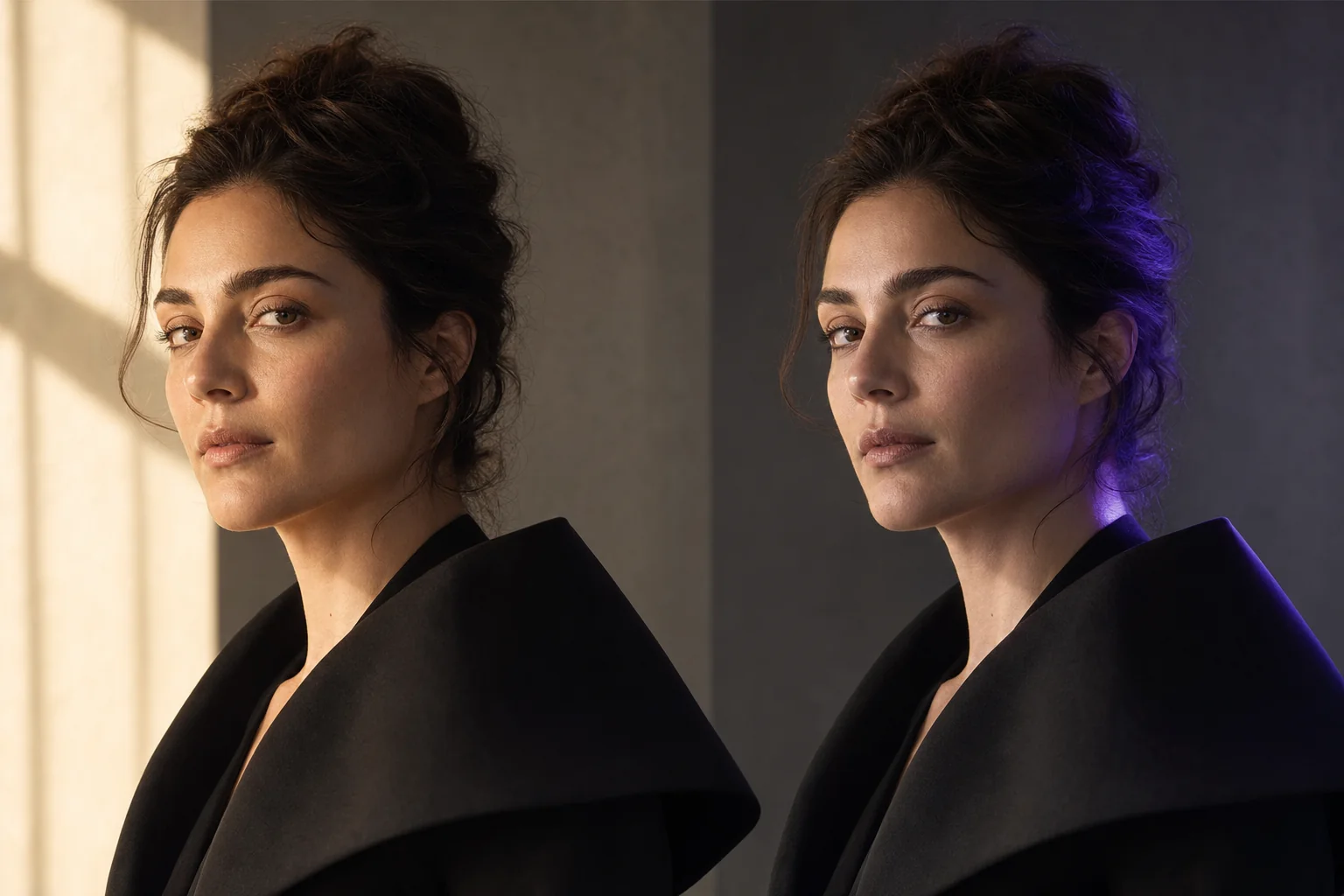
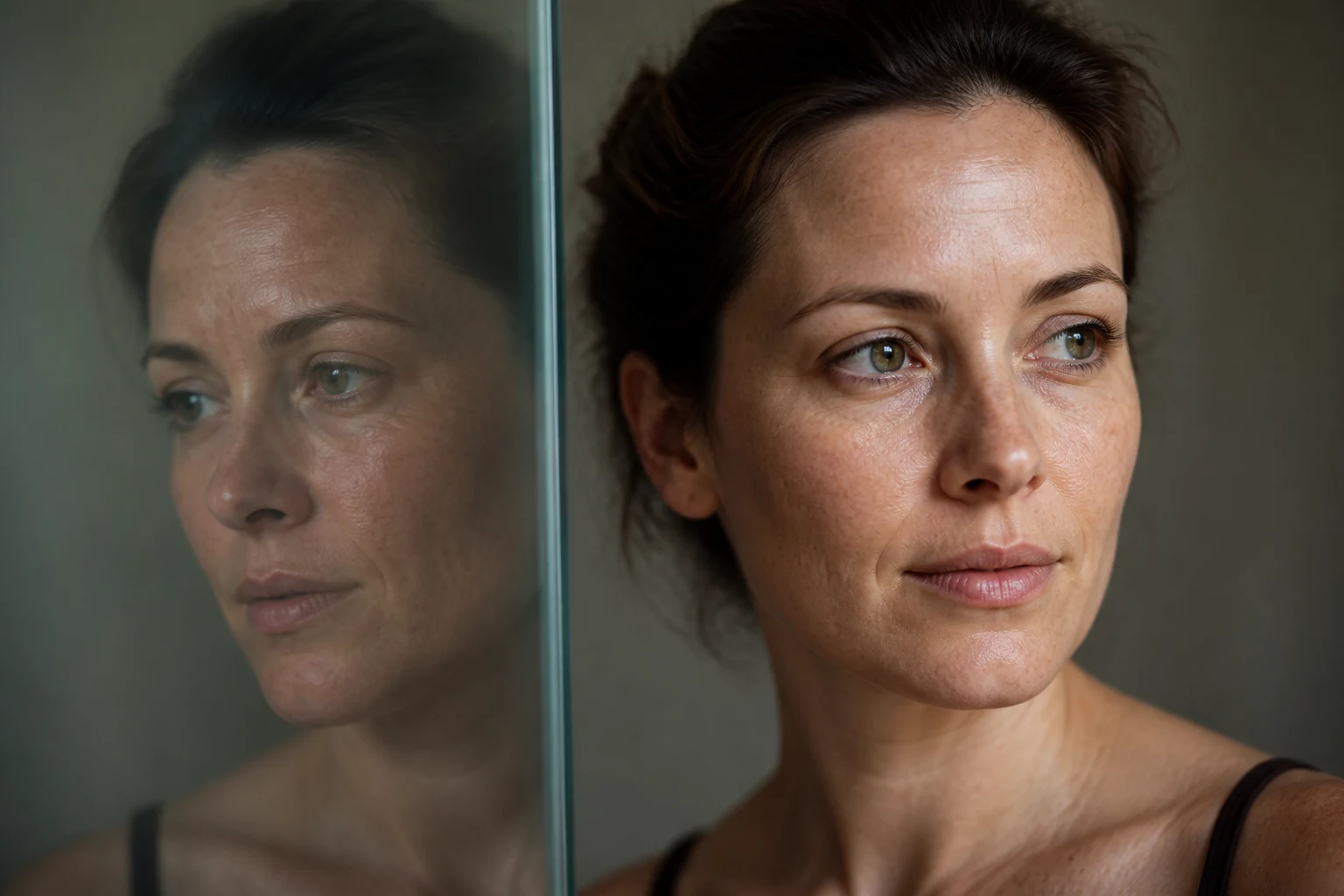
Refine light and texture while keeping real skin recognizably real.
NewRefine light and texture while keeping real skin recognizably real.
Correct harsh color, compression, uneven shine, and over-smoothed texture without changing identity, age, facial anatomy, complexion, or distinctive features.
References are uploaded privately after opening Create, so files never travel through the URL.
Workflow guardrailUse only your own portrait or an adult subject who has agreed to the edit. This workflow is designed for technical finishing, not identity or complexion alteration.
Configuring this app spends no credits. Generation always requires your approval.
Pixtor turns these controls into a complete production brief, configures the recommended model and delivery settings, then lets you edit everything before generation.
Upload a clear adult portrait you have permission to edit
Choose the technical correction goal and strength
Compare two restrained finishes
Review at full size before saving or continuing in Create
This app uses Pixtor’s own prompts, interaction design, model routing, continuity rules, guardrails, and a dedicated generated preview designed to demonstrate the intended outcome.