 Popular
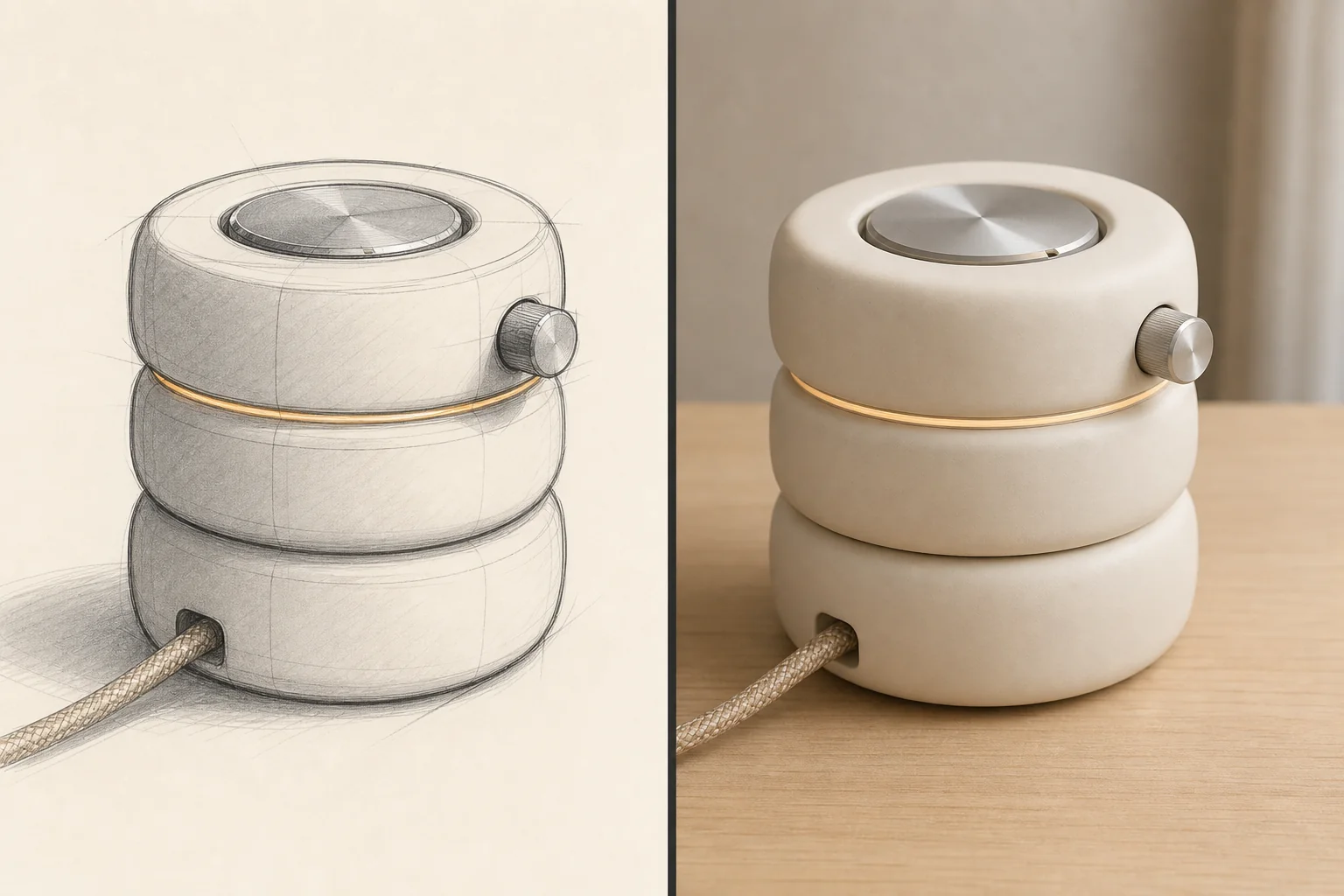
Dedicated generated workflow sampleSketch to Render
Turn a rough drawing into a polished render without losing its design decisions.
PopularTurn a rough drawing into a polished render without losing its design decisions.
Preserve silhouette, proportion, perspective, openings, seams, layout, and annotated intent while resolving materials, construction, light, context, and finish.
References are uploaded privately after opening Create, so files never travel through the URL.
Configuring this app spends no credits. Generation always requires your approval.
Pixtor turns these controls into a complete production brief, configures the recommended model and delivery settings, then lets you edit everything before generation.
Upload a clear sketch or line drawing
Choose the render target and material brief
Set drawing fidelity
Generate two polished interpretations and refine the more faithful one
This app uses Pixtor’s own prompts, interaction design, model routing, continuity rules, guardrails, and a dedicated generated preview designed to demonstrate the intended outcome.