 New
NewDedicated generated workflow samplePhoto Revival
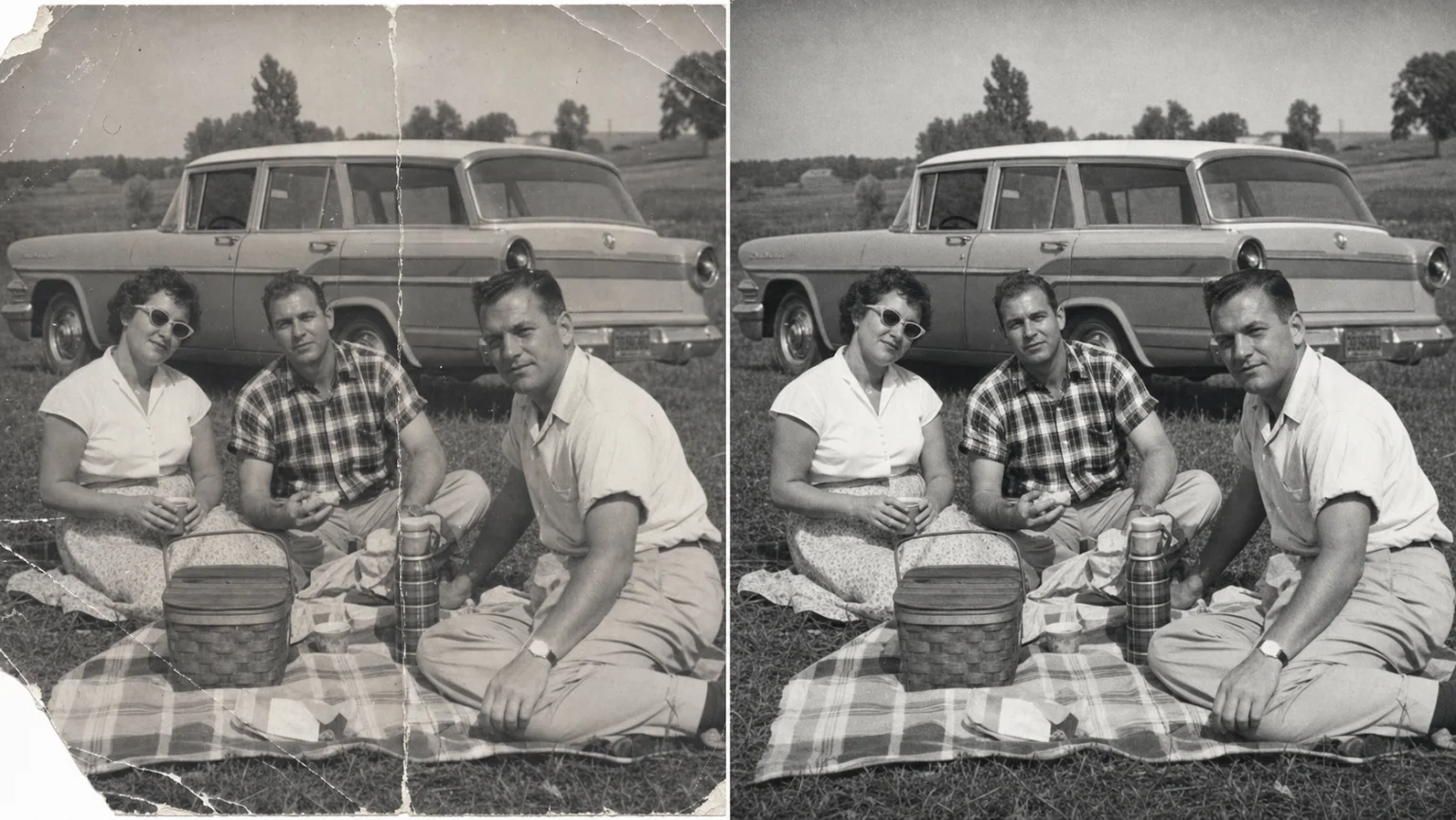
Repair a damaged photograph while preserving the people, moment, and historical character.
NewRepair a damaged photograph while preserving the people, moment, and historical character.
Restore scratches, tears, fading, dust, mild blur, and tonal damage with conservative reconstruction, optional restrained colorization, and explicit protection for identity and period detail.
References are uploaded privately after opening Create, so files never travel through the URL.
Workflow guardrailRestoration is interpretive where pixels are missing. Keep the original, label material colorization or reconstruction, and do not treat the result as forensic or historical proof.
Configuring this app spends no credits. Generation always requires your approval.
Pixtor turns these controls into a complete production brief, configures the recommended model and delivery settings, then lets you edit everything before generation.
Upload the highest-quality scan available
Choose repair, color, identity priority, and context
Generate two conservative interpretations
Compare with the source and preserve the untouched original
This app uses Pixtor’s own prompts, interaction design, model routing, continuity rules, guardrails, and a dedicated generated preview designed to demonstrate the intended outcome.