 New
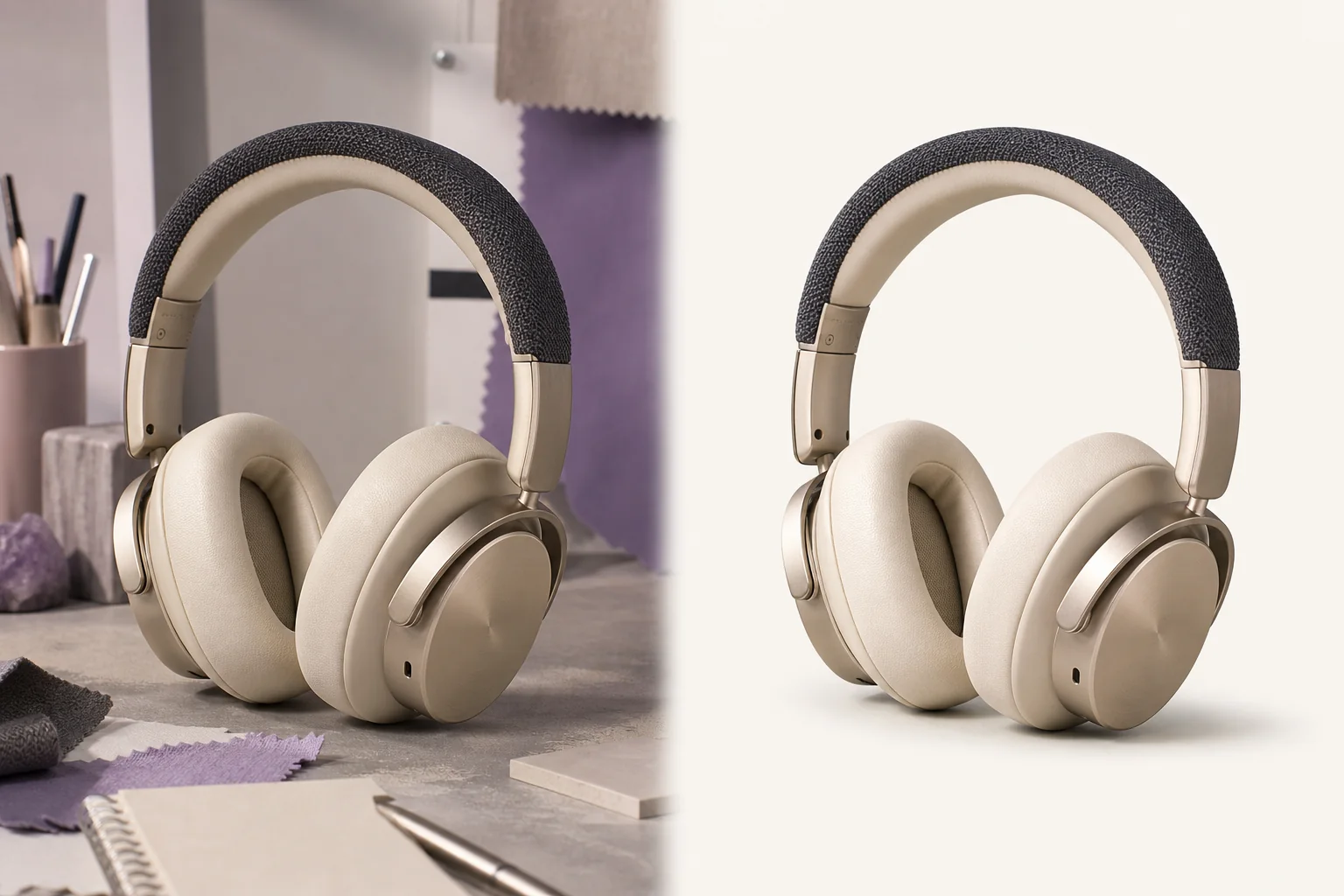
NewDedicated generated workflow sampleObject Eraser
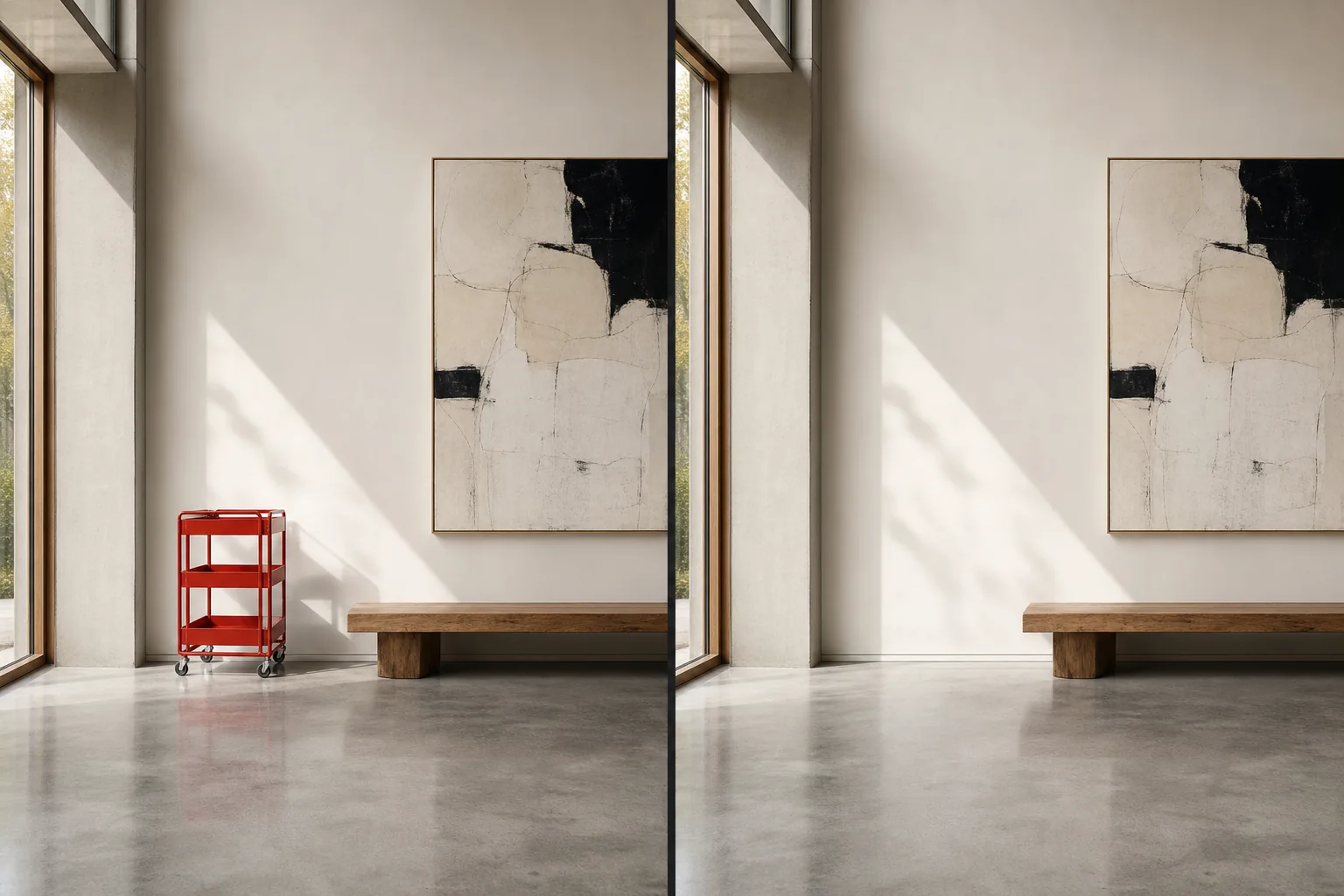
Remove a distraction and rebuild what should have been behind it.
NewRemove a distraction and rebuild what should have been behind it.
Erase a specified object while reconstructing occluded architecture, texture, reflections, shadows, depth, and repeated patterns so the edit disappears.
References are uploaded privately after opening Create, so files never travel through the URL.
Configuring this app spends no credits. Generation always requires your approval.
Pixtor turns these controls into a complete production brief, configures the recommended model and delivery settings, then lets you edit everything before generation.
Upload one image and identify the exact distraction
Choose the hardest repair requirement
Specify what belongs behind the object
Generate two invisible-removal options
This app uses Pixtor’s own prompts, interaction design, model routing, continuity rules, guardrails, and a dedicated generated preview designed to demonstrate the intended outcome.