 New
NewDedicated generated workflow sampleLayer Lab
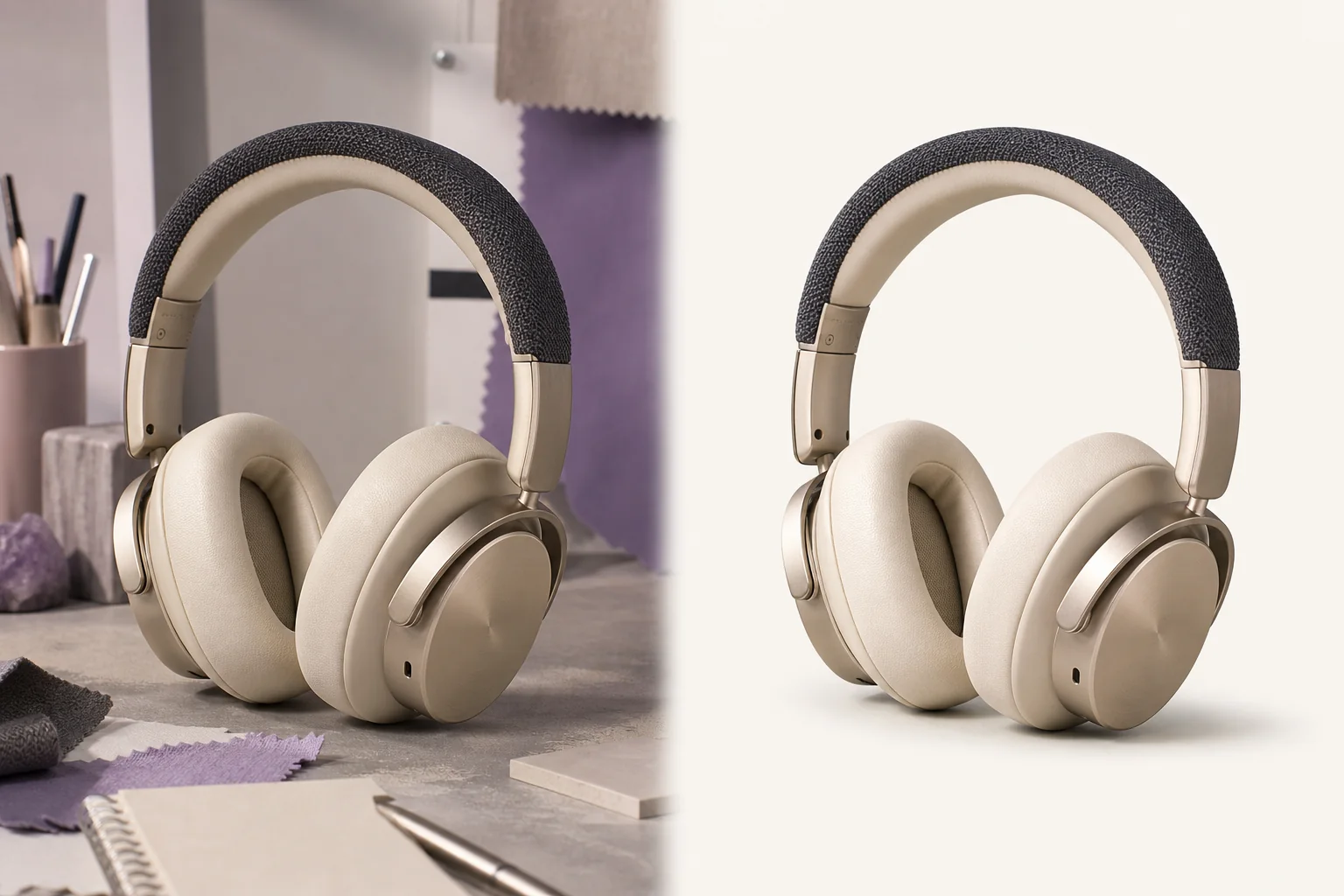
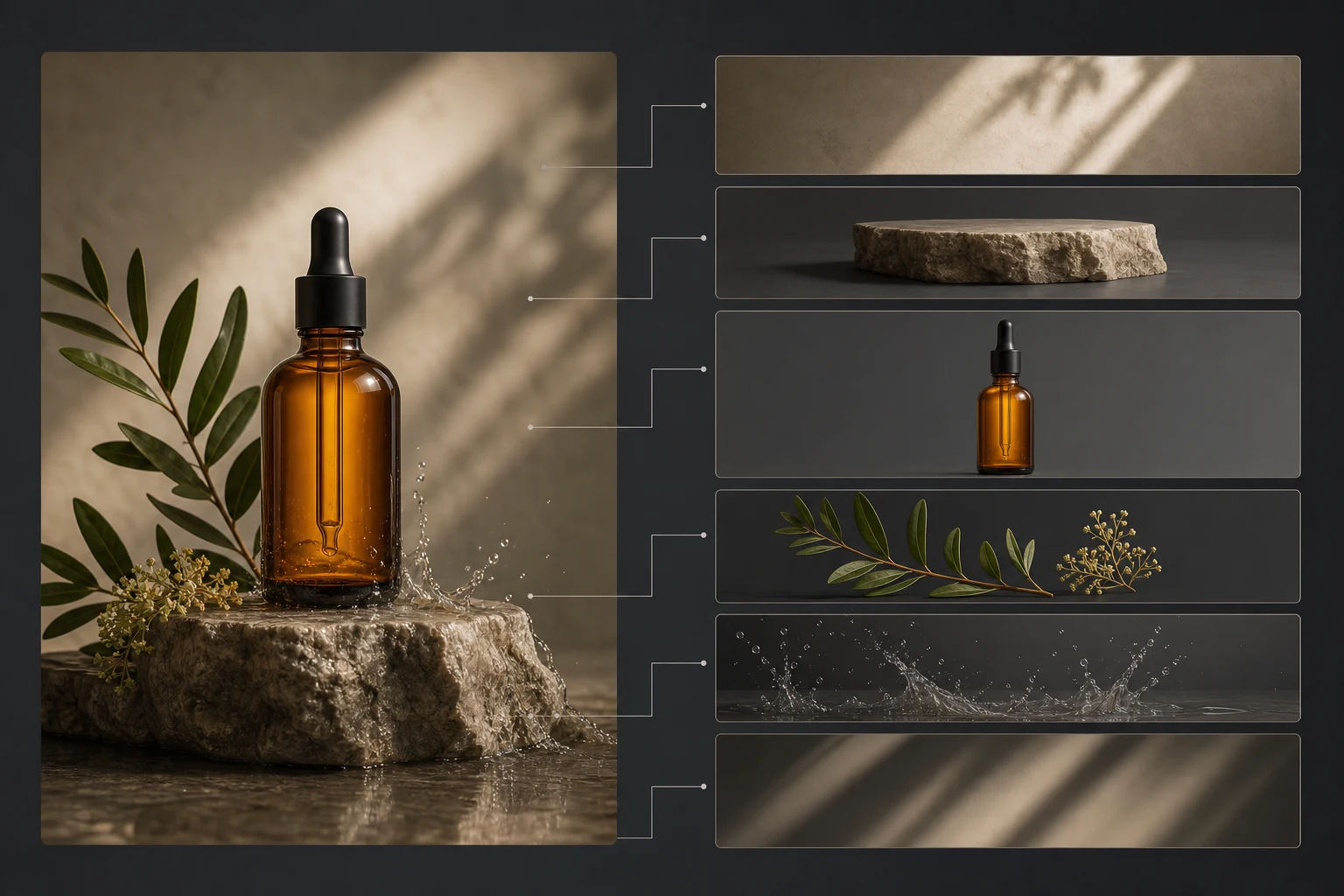
Deconstruct a product or scene into a clean, editable production map.
NewDeconstruct a product or scene into a clean, editable production map.
Create a labeled visual breakdown of subject, foreground, background, surfaces, light, shadow, and effects so creators can understand or rebuild the composition without pretending to deliver true extracted files.
References are uploaded privately after opening Create, so files never travel through the URL.
Workflow guardrailLayer Lab produces a visual analysis board, not actual alpha-isolated PSD, After Effects, CAD, or source layers.
Configuring this app spends no credits. Generation always requires your approval.
Pixtor turns these controls into a complete production brief, configures the recommended model and delivery settings, then lets you edit everything before generation.
Upload the image or product shot to analyze
Choose the breakdown depth and useful layer count
Generate a clear reconstruction map
Use it as a production guide; true file extraction remains a separate pipeline
This app uses Pixtor’s own prompts, interaction design, model routing, continuity rules, guardrails, and a dedicated generated preview designed to demonstrate the intended outcome.