Pixtor AI Open Create
All apps/Real Estate/Virtual Staging
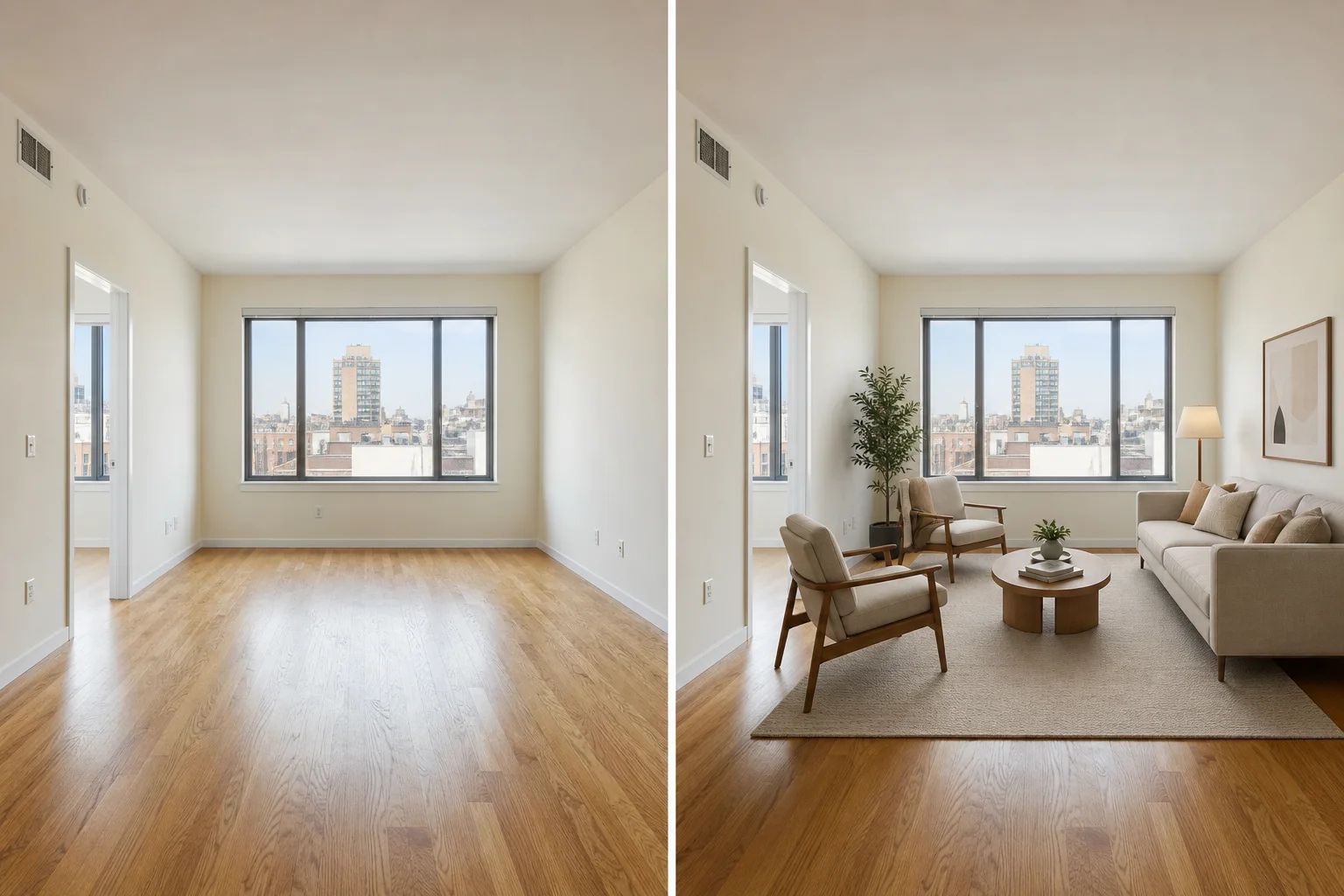
Virtual Staging dedicated generated workflow sample
New
Dedicated generated workflow sampleVirtual Staging

Stage an empty room with plausible furniture while preserving the real space.

edit16:9
Disclosure-ready furnishing

Virtual Staging

Add a cohesive set of movable furniture and decor to a vacant or near-vacant room, with correct scale, sightlines, contact shadows, circulation, and architectural fidelity.

Reference media requiredimage

References are uploaded privately after opening Create, so files never travel through the URL.

Workflow guardrailVirtual staging must be clearly disclosed. It should illustrate furnishing potential only and must not conceal defects, block permanent features, or imply structural changes.

Prepared route
Gemini 3 Pro Imageedit · 16:9
Continue in CreateReview the complete brief and credit quote before generating

Configuring this app spends no credits. Generation always requires your approval.

Purpose-built workflow

One outcome.
No prompt archaeology.

Pixtor turns these controls into a complete production brief, configures the recommended model and delivery settings, then lets you edit everything before generation.

  1. 01

    Upload a clear vacant or lightly furnished room photo

  2. 02

    Choose room purpose, style, and density

  3. 03

    Generate two accurately scaled staging directions

  4. 04

    Label the selected image as virtually staged wherever it is published

Original Pixtor workflow

This app uses Pixtor’s own prompts, interaction design, model routing, continuity rules, guardrails, and a dedicated generated preview designed to demonstrate the intended outcome.

#staging#interior#listing#furniture