 New
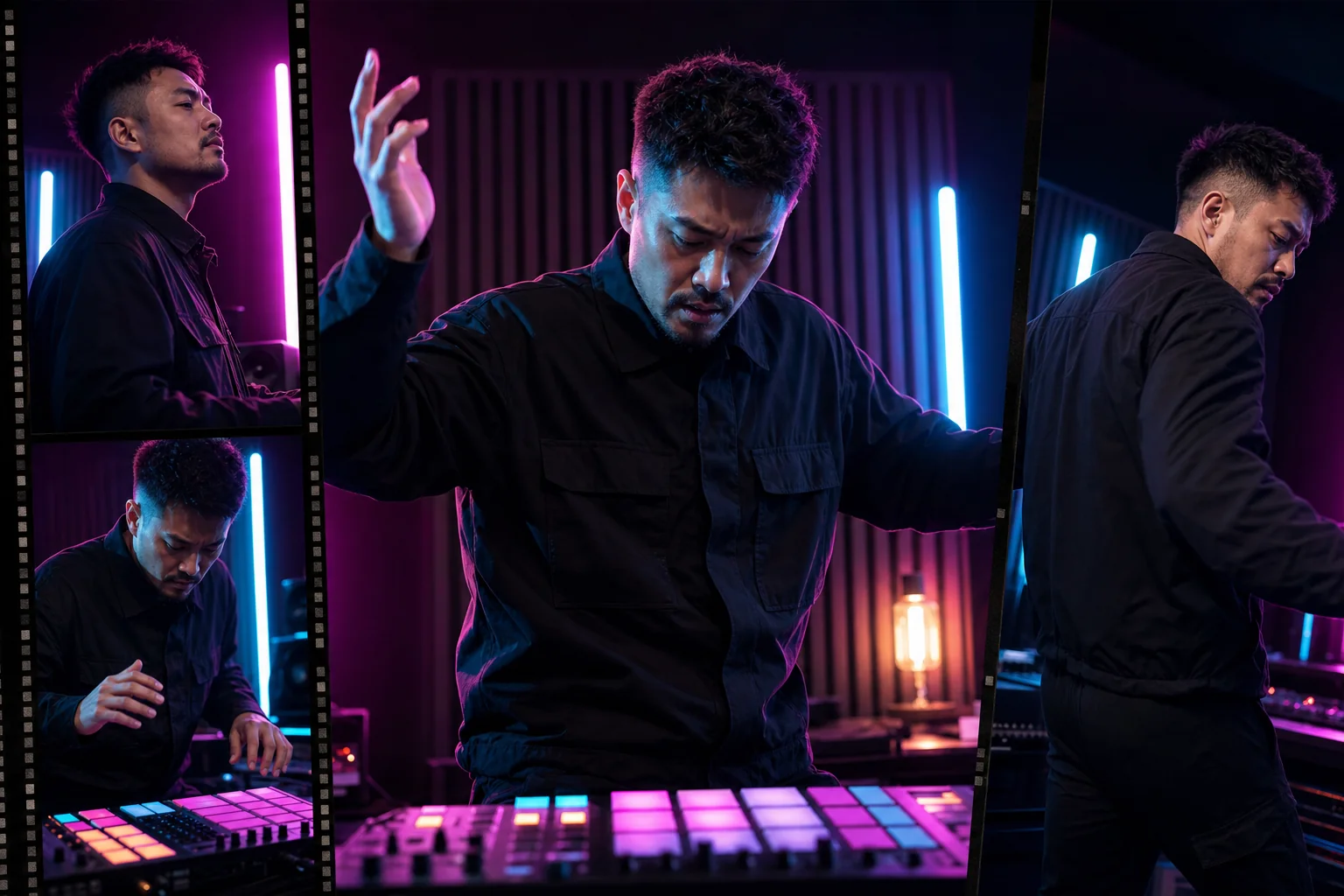
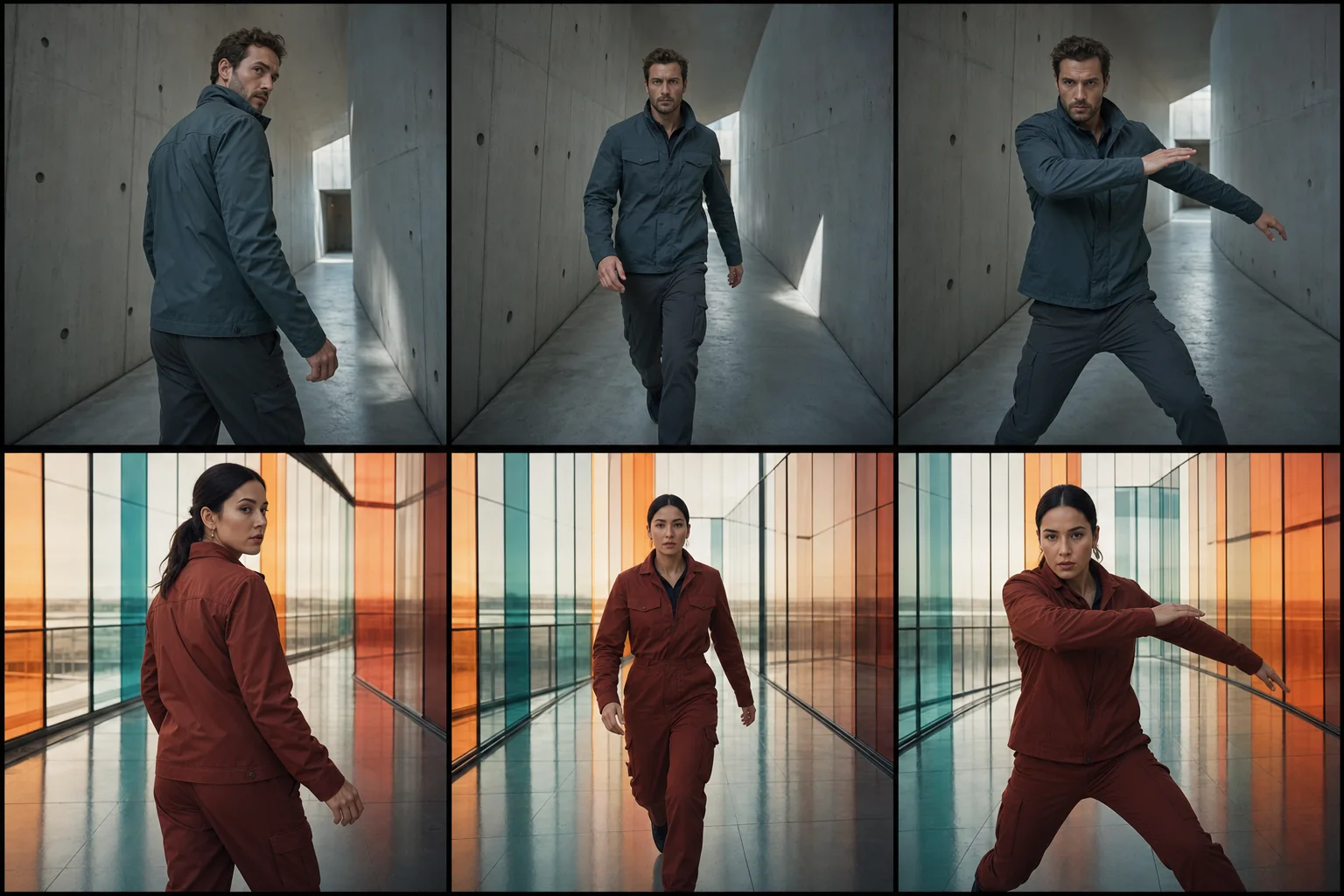
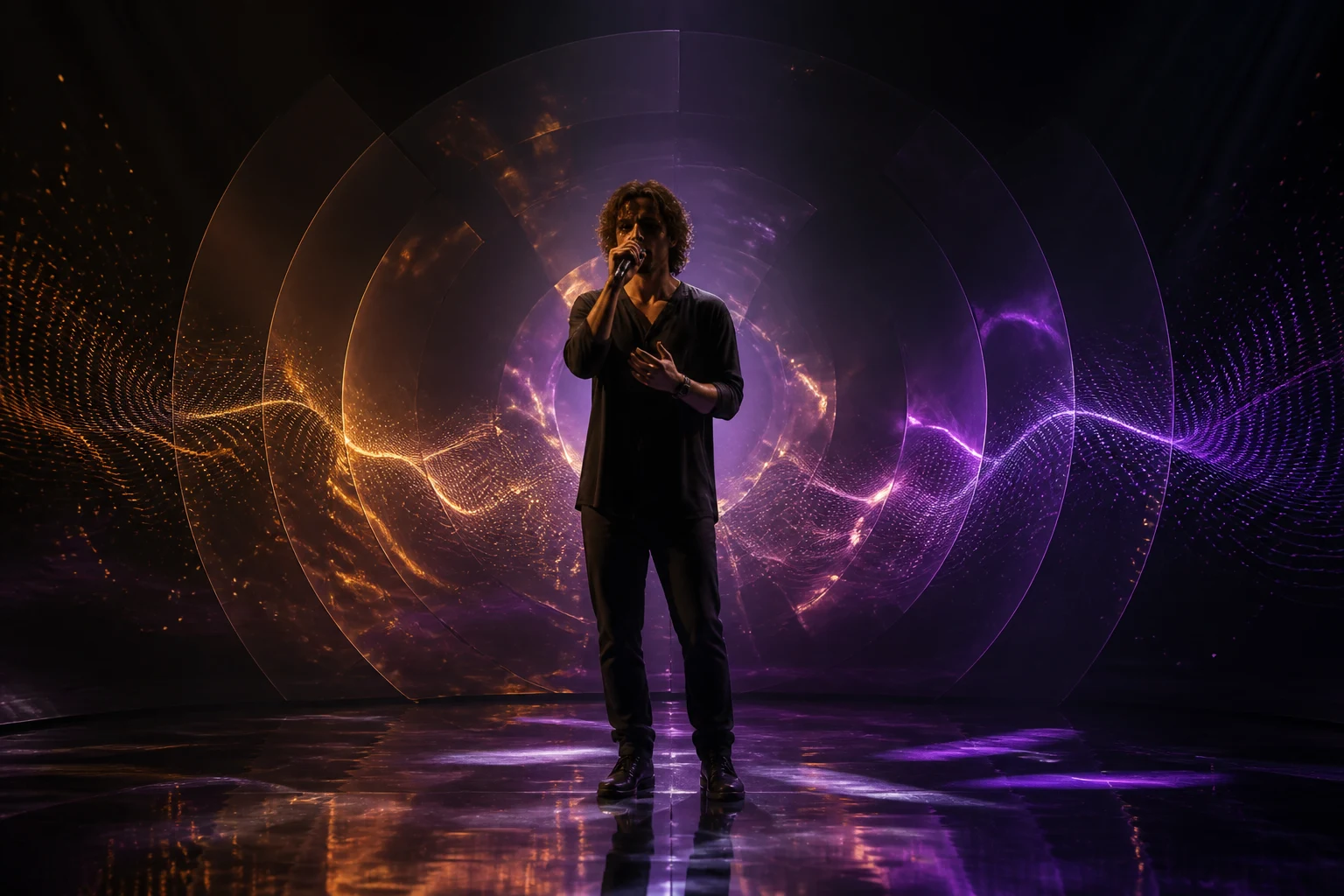
NewDedicated generated workflow sampleSoundstage Loop
Build a seamless visual loop around the structure of your own audio.
NewBuild a seamless visual loop around the structure of your own audio.
Translate rhythm, intensity, texture, and phrase changes from uploaded audio into camera motion, practical light, environment response, and a clean looping endpoint.
References are uploaded privately after opening Create, so files never travel through the URL.
Workflow guardrailUpload only audio you own or are authorized to use. The workflow avoids rapid high-contrast flashing but creators should still review outputs for audience accessibility.
Configuring this app spends no credits. Generation always requires your approval.
Pixtor turns these controls into a complete production brief, configures the recommended model and delivery settings, then lets you edit everything before generation.
Upload your audio and a visual subject reference
Choose how the image should respond to sound
Generate an eight-second synchronized loop
Verify audio rights and review the loop before sharing
This app uses Pixtor’s own prompts, interaction design, model routing, continuity rules, guardrails, and a dedicated generated preview designed to demonstrate the intended outcome.