 New
NewDedicated generated workflow sampleSmart Reframe
Convert wide footage into vertical social video without losing the action.
NewConvert wide footage into vertical social video without losing the action.
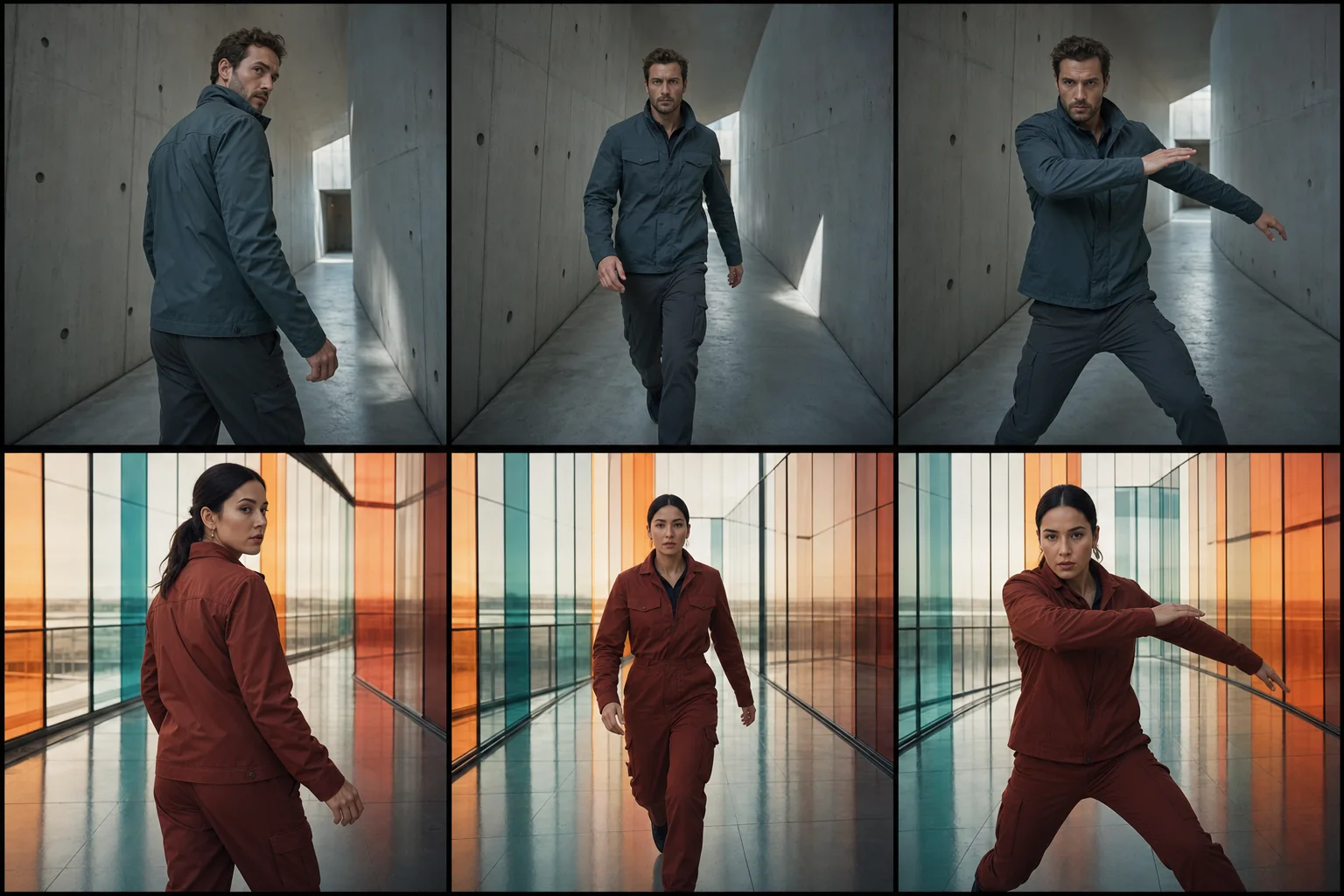
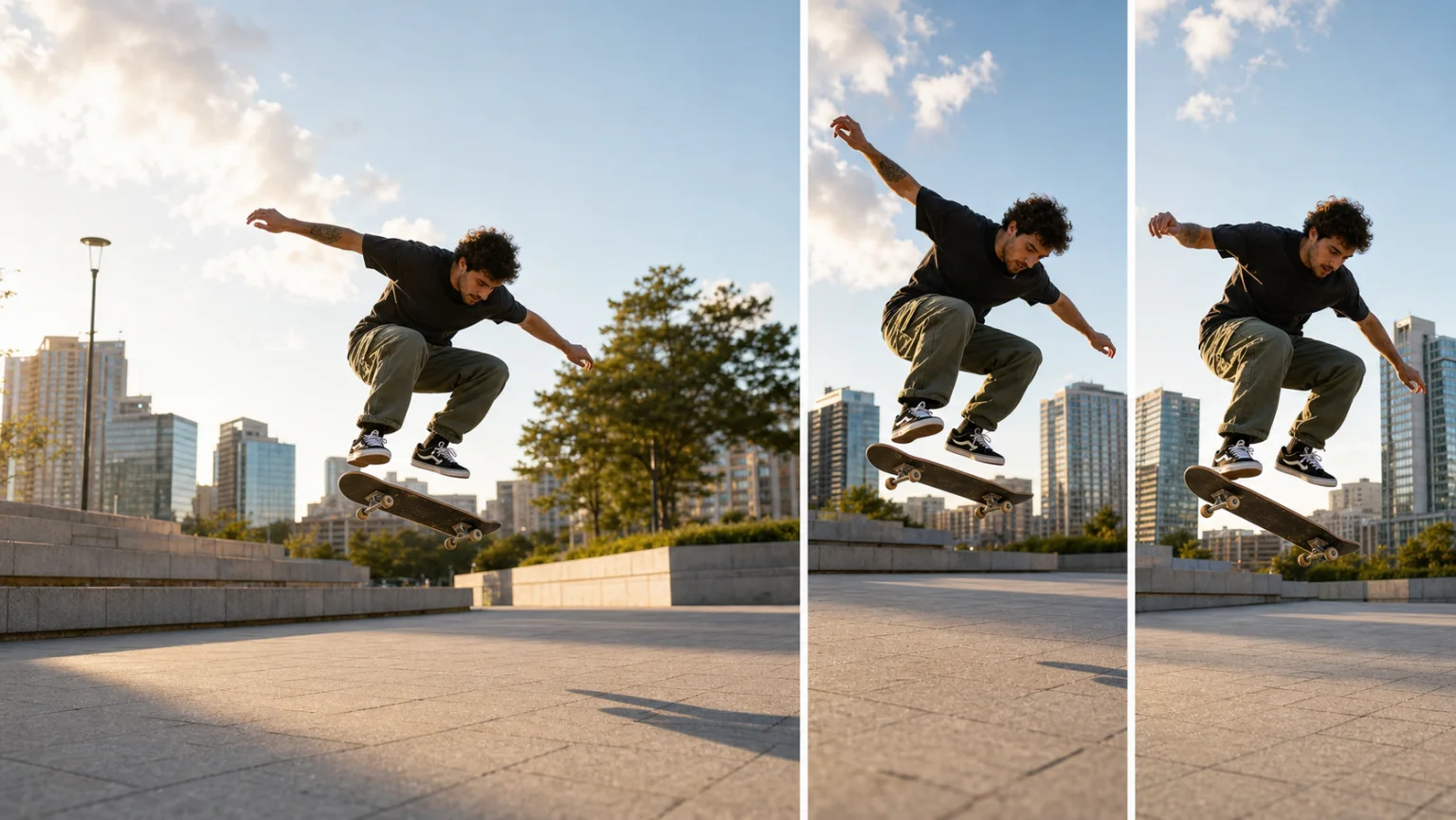
Adapt an approved clip to 9:16 with deliberate subject tracking, motivated digital camera moves, safe composition, stable geometry, and preserved timing instead of a blunt center crop.
References are uploaded privately after opening Create, so files never travel through the URL.
Workflow guardrailUse footage you own or are licensed to edit. Do not crop or extend the frame in ways that misrepresent a real event.
Configuring this app spends no credits. Generation always requires your approval.
Pixtor turns these controls into a complete production brief, configures the recommended model and delivery settings, then lets you edit everything before generation.
Upload an approved source clip and optional audio
Name the priority subject and choose tracking, crop, and audio policy
Generate an eight-second vertical adaptation
Review every crop boundary and export
This app uses Pixtor’s own prompts, interaction design, model routing, continuity rules, guardrails, and a dedicated generated preview designed to demonstrate the intended outcome.