 Popular
Dedicated generated workflow samplePortal Transition
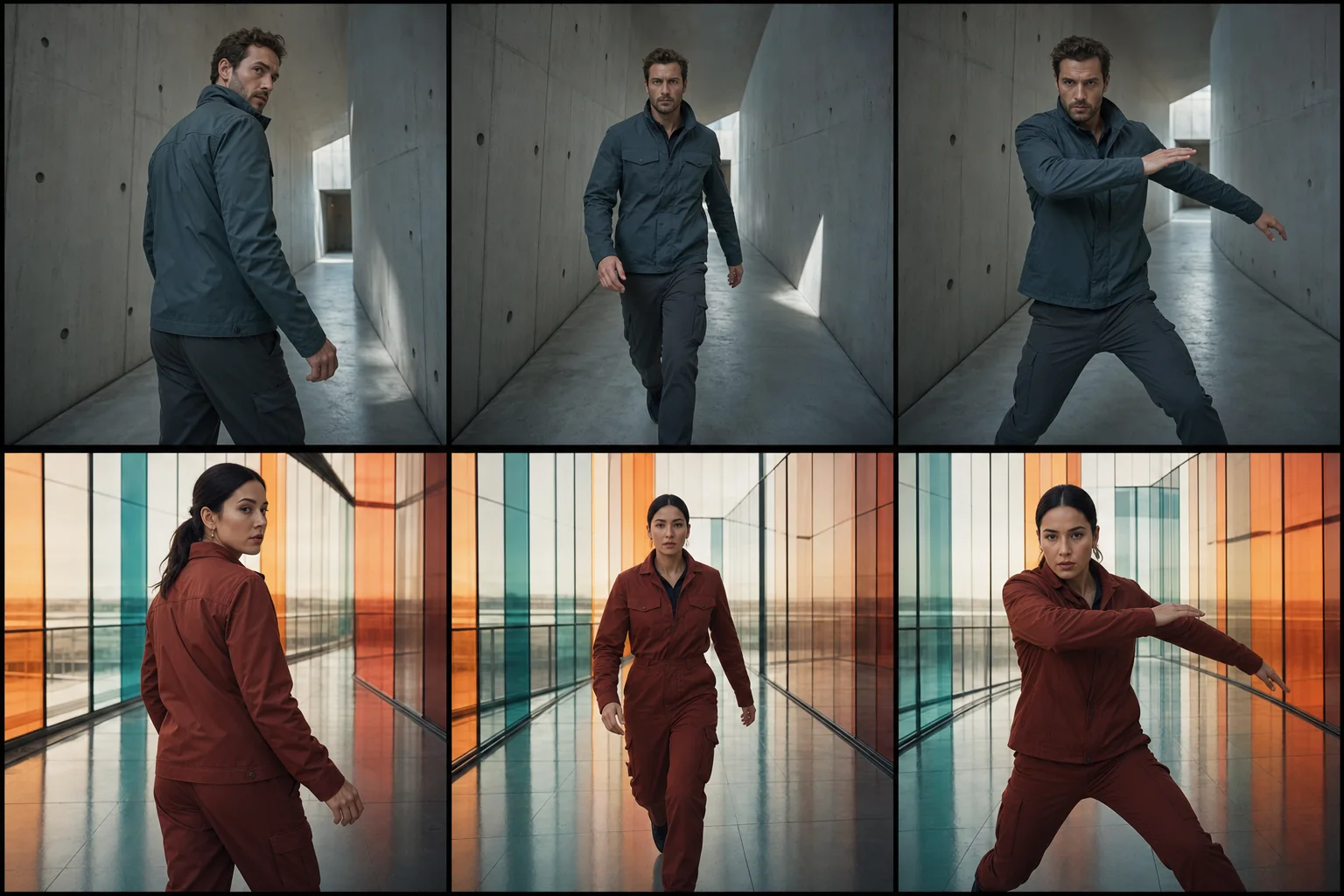
Carry one subject through three original worlds in a seamless social shot.
PopularCarry one subject through three original worlds in a seamless social shot.
Build a vertical transformation where a practical portal wipe changes wardrobe, production design, and atmosphere while identity, movement, and camera continuity stay locked.
References are uploaded privately after opening Create, so files never travel through the URL.
Configuring this app spends no credits. Generation always requires your approval.
Pixtor turns these controls into a complete production brief, configures the recommended model and delivery settings, then lets you edit everything before generation.
Upload one clear adult subject reference
Choose portal material, world sequence, and energy
Generate an eight-second matched transformation
Download the social-ready result or continue directing it
This app uses Pixtor’s own prompts, interaction design, model routing, continuity rules, guardrails, and a dedicated generated preview designed to demonstrate the intended outcome.