 New
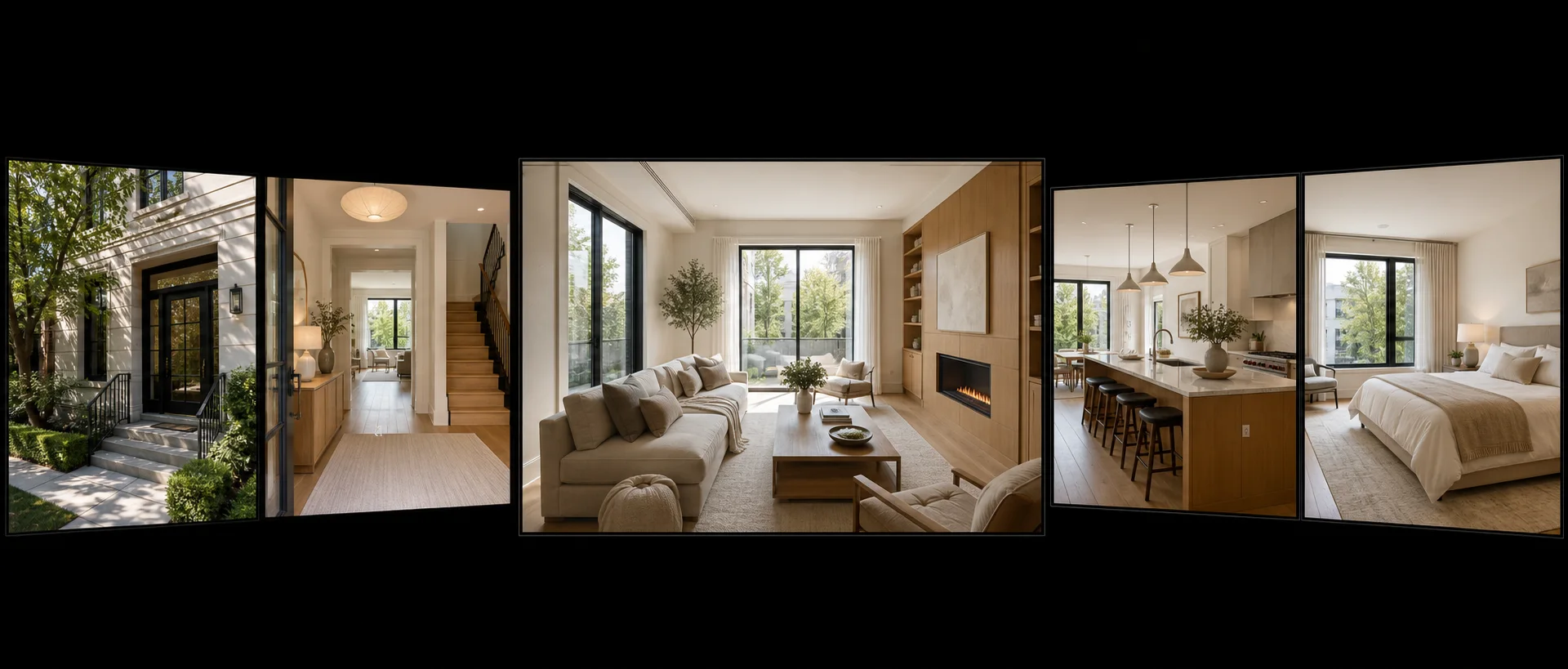
NewDedicated generated workflow samplePhoto-to-Walkthrough
Turn ordered property photos into a smooth, honest walkthrough-style edit.
NewTurn ordered property photos into a smooth, honest walkthrough-style edit.
Animate a short sequence from several ordered room photos with restrained depth, parallax, and editorial transitions. Pixtor preserves each visible room and never pretends unknown spaces or adjacency were captured.
References are uploaded privately after opening Create, so files never travel through the URL.
Workflow guardrailThis is an AI-generated visualization from selected photos—not a continuous recording, inspection, measurement, or floor-plan verification. Do not imply unseen rooms, exact adjacency, accessibility, condition, or amenities.
Configuring this app spends no credits. Generation always requires your approval.
Pixtor turns these controls into a complete production brief, configures the recommended model and delivery settings, then lets you edit everything before generation.
Upload up to eight property photos in the intended viewing order
Name the rooms and choose transition language and pace
Generate an eight-second walkthrough-style listing edit
Disclose that motion and transitions are AI-generated and do not represent an inspection or measured floor plan
This app uses Pixtor’s own prompts, interaction design, model routing, continuity rules, guardrails, and a dedicated generated preview designed to demonstrate the intended outcome.