Gemini 3 Pro Image · 1:1 · 1 image
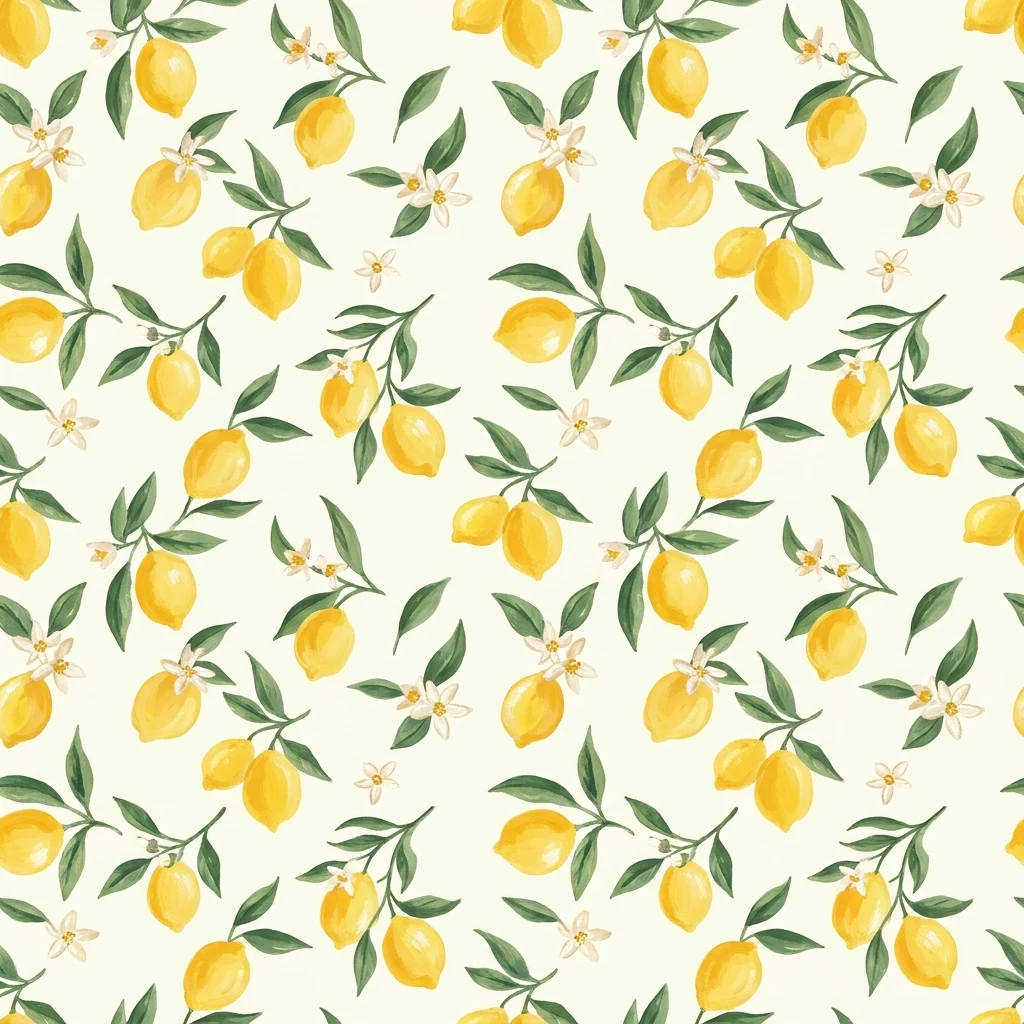
A lemon-and-blossom raster pattern concept. Edge matching needs production validation. Generated with the default controls through Pixtor. Changing controls does not update this saved example. Results vary.
Design an original repeat-pattern concept with a palette you control.
A lemon-and-blossom raster pattern concept. Edge matching needs production validation. Generated with the default controls through Pixtor. Changing controls does not update this saved example. Results vary.
JPG, PNG, WebP · up to 20 MB · preview stays in your browser
PIXTOR APP — PATTERN ATELIER

OBJECTIVE
Choose motifs, repeat rhythm, density, scale, and ground color for fabric, packaging, or wallpaper concepts. Output is a raster design concept, not a validated seamless production tile.

USER CONTROLS
Original motifs: Small hand-painted lemons, delicate leaves, and scattered cream blossoms.
Repeat rhythm: Half-drop stagger
Mark-making: Hand-painted gouache
Motif density: 45%
Motif scale: 35%
Accent palette: #f3d77c
Focus horizontal position: 50%
Focus vertical position: 50%
Output format: 1:1

REFERENCE MAP
References are optional. If none are attached, use the written brief as the source of truth and ignore the conditional reference map below.
[Image1] is the primary exact subject reference. Preserve its identity, design, proportions, materials, colors, condition, and distinguishing details. Treat additional images as alternate factual views in upload order.

PRODUCTION DIRECTION
Create a flat, front-facing repeat-pattern design concept with the specified original motifs, rhythm, scale, and supporting palette. Balance negative space and distribute motifs without focal seams or accidental tangencies. If a reference is supplied, derive only authorized motif and palette cues; do not reproduce trademarked monograms. Keep the design edge-to-edge without a product mockup, perspective, lettering, or border. Suggest repeat continuity at the edges, but do not add claims that this is a validated seamless tile or vector file. Interpret the focus coordinates in normalized screen space, measured from the upper-left corner. Use them as the primary motif anchor; they are not a segmentation mask. User notes refine the selected controls but must not override identity, factual-product, or safety constraints. Deliver one finished image, not a collage, mock interface, or set of variants. Keep the subject readable at thumbnail size and inspect edges, anatomy, and materials.

DELIVERY
1:1 image output with 1 result.

QUALITY AND CONTINUITY
Honor supplied references first. Preserve every unspecified identity, product, wardrobe, geometry, perspective, lighting-logic, and environmental detail. Make one tasteful choice for missing details and keep it consistent.

EXCLUDE
fabric mockup, perspective fold, famous monogram, logo, text, border, mismatched motif style. No watermarks, interface elements, prompt labels, accidental captions, duplicate subjects, flicker, morphing, or unintended text.