 New
NewDedicated generated workflow sampleOutfit Reel
Turn one portrait and approved looks into a clean, rhythmic wardrobe reel.
NewTurn one portrait and approved looks into a clean, rhythmic wardrobe reel.
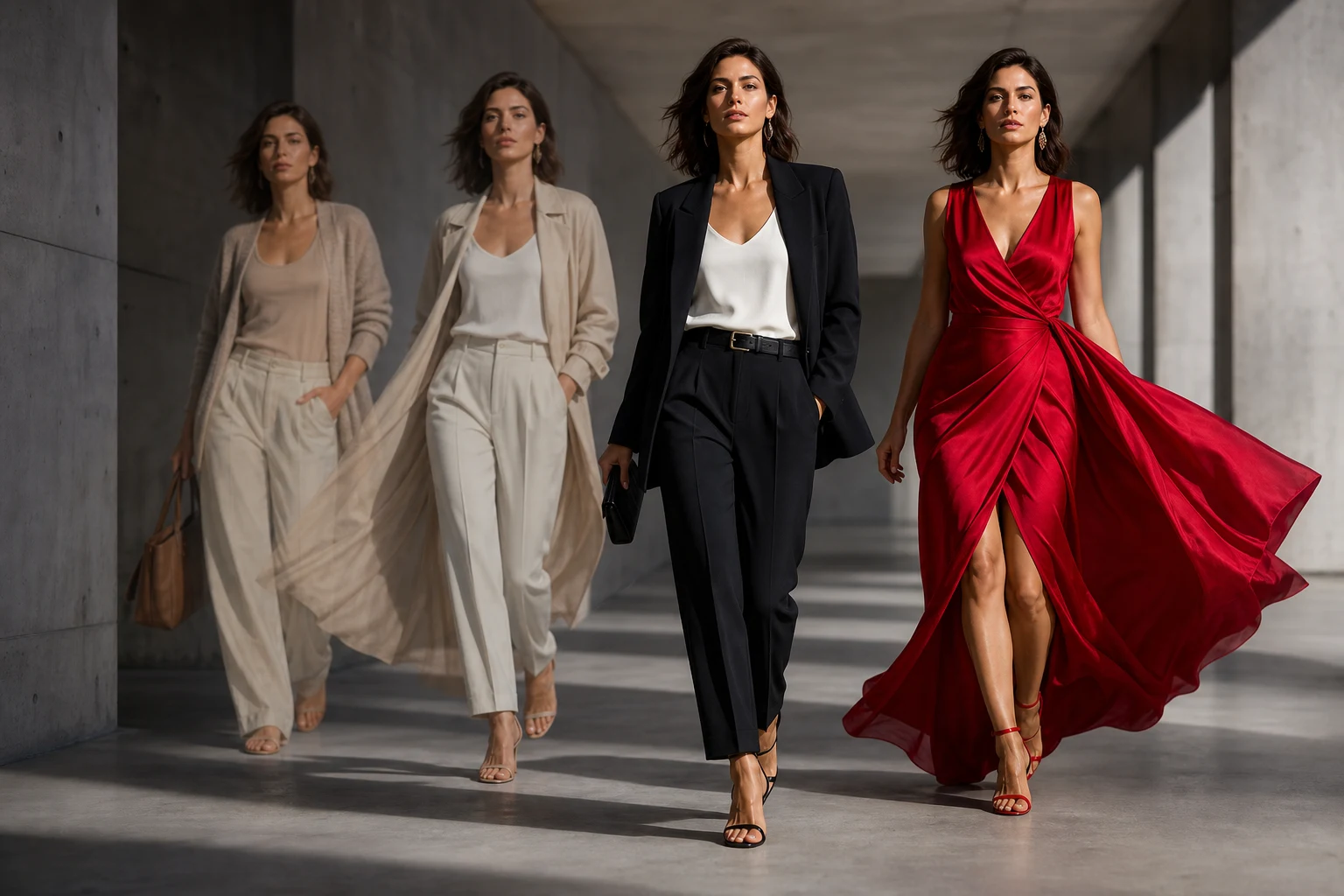
Build a short social sequence that changes only the outfit at controlled transition beats while the person, body, setting, movement, and camera remain coherent.
References are uploaded privately after opening Create, so files never travel through the URL.
Workflow guardrailUse your own image or an adult who has agreed to the transformation. Garment previews are visual concepts and do not guarantee real-world fit or availability.
Configuring this app spends no credits. Generation always requires your approval.
Pixtor turns these controls into a complete production brief, configures the recommended model and delivery settings, then lets you edit everything before generation.
Upload a consenting adult portrait and optional garment or audio references
Order the looks and choose a transition trigger
Generate one coherent eight-second vertical reel
Review identity and garment continuity before publishing
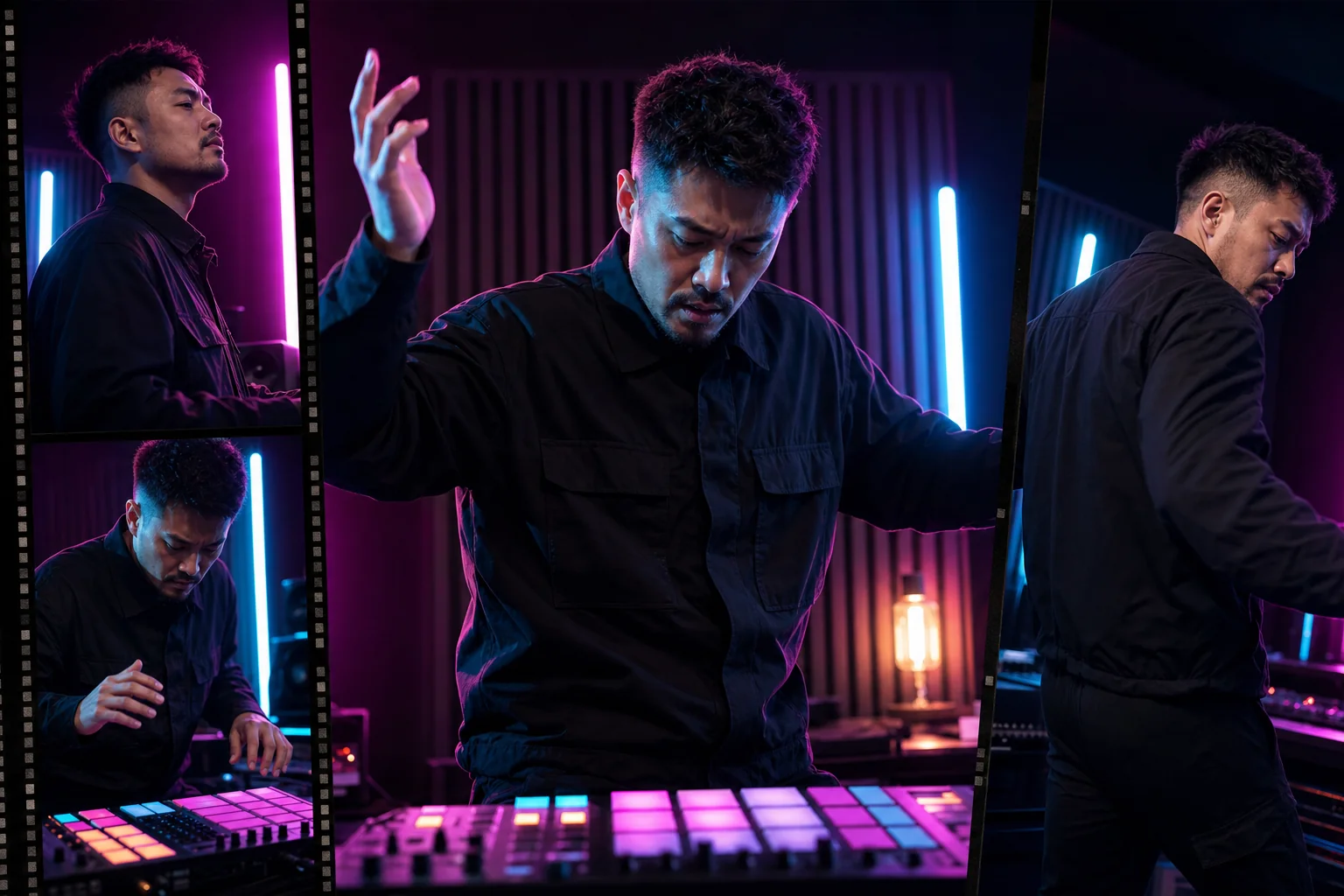
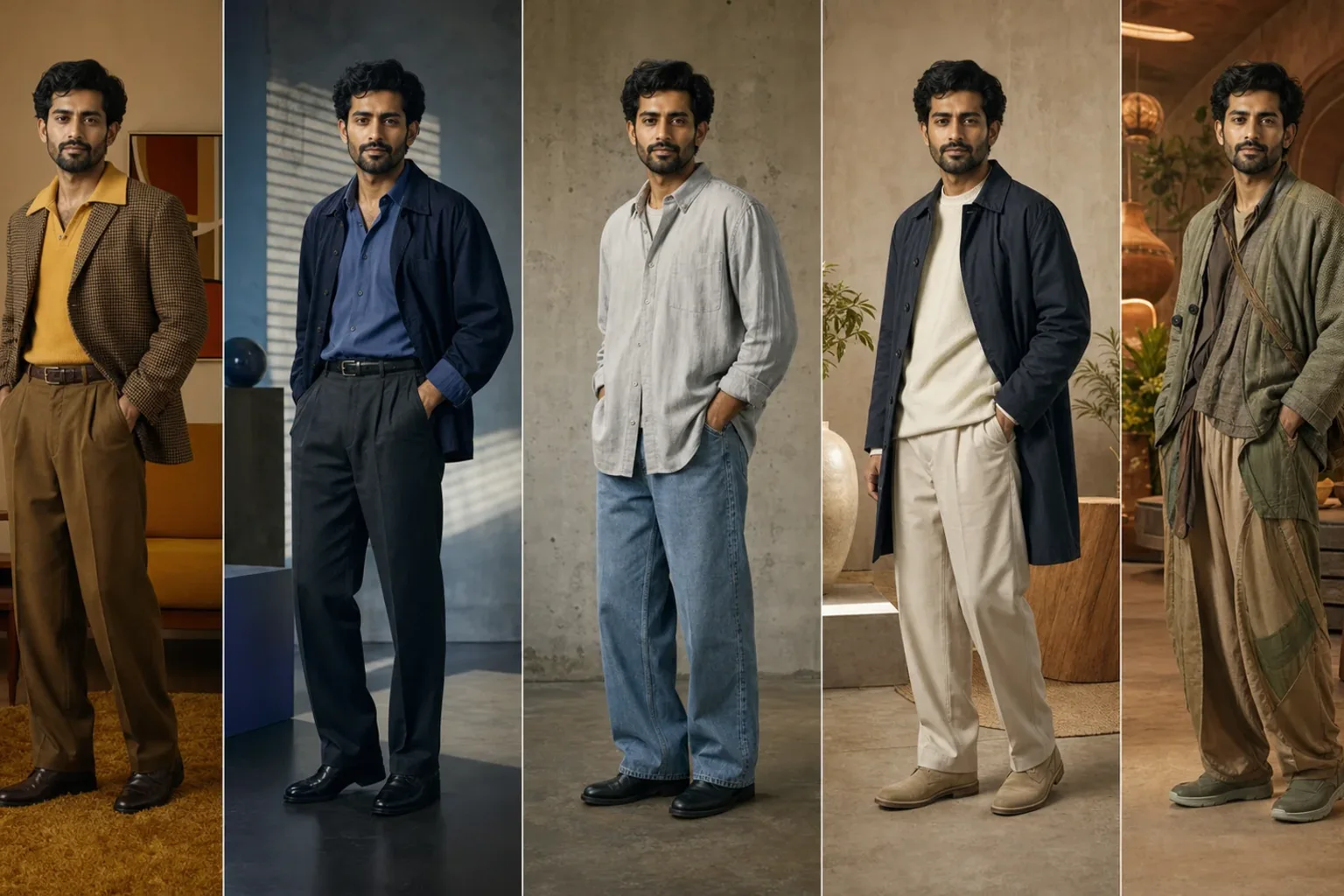
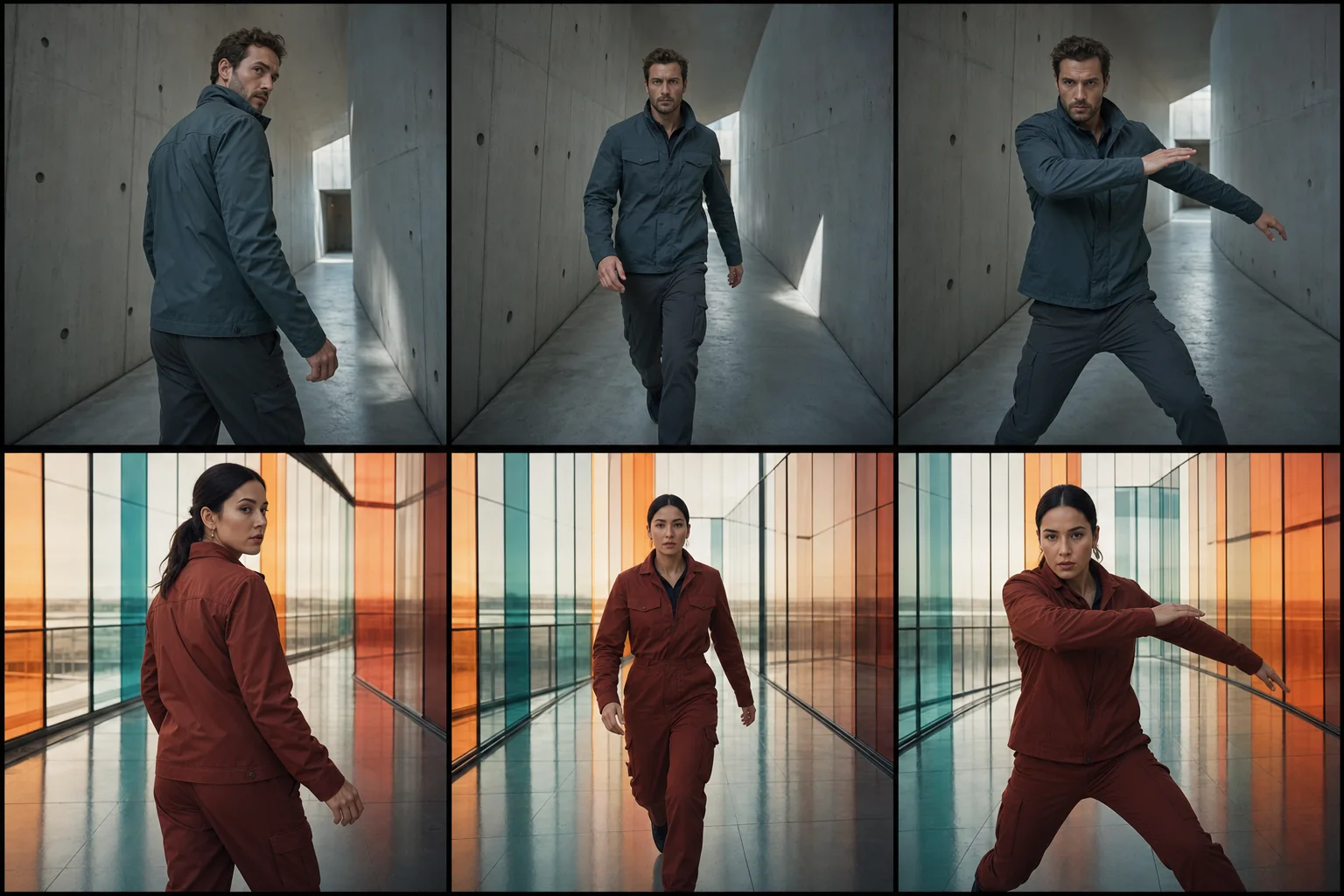
This app uses Pixtor’s own prompts, interaction design, model routing, continuity rules, guardrails, and a dedicated generated preview designed to demonstrate the intended outcome.