 Source reference ↗
Gemini 3 Pro Image · 1:1 · 1 image
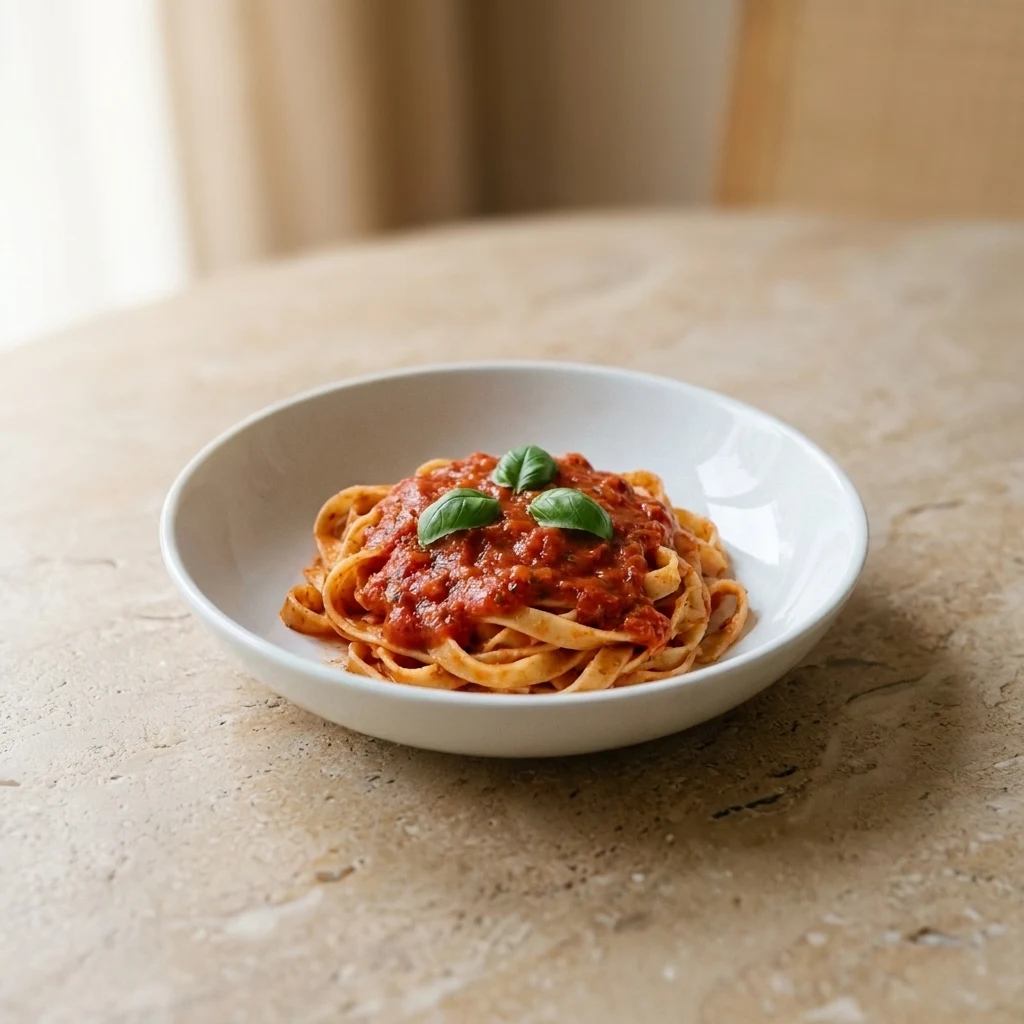
The same pasta dish restyled on warm stone. Generated with the default controls through Pixtor. Changing controls does not update this saved example. Results vary.
Make your real dish menu-ready without changing what you serve.
Source reference ↗The same pasta dish restyled on warm stone. Generated with the default controls through Pixtor. Changing controls does not update this saved example. Results vary.
JPG, PNG, WebP · up to 20 MB · preview stays in your browser
PIXTOR APP — MENU STUDIO

OBJECTIVE
Control camera angle, tabletop, light, background softness, and copy space while preserving the dish, portion size, and ingredients.

USER CONTROLS
Camera angle: Preserve reference angle
Table surface: Warm neutral stone
Lighting: Large soft side window
Copy space: No reserved copy space
Background softness: 40%
Accent palette: #d9be93
Focus horizontal position: 50%
Focus vertical position: 50%
Output format: 1:1

REFERENCE MAP
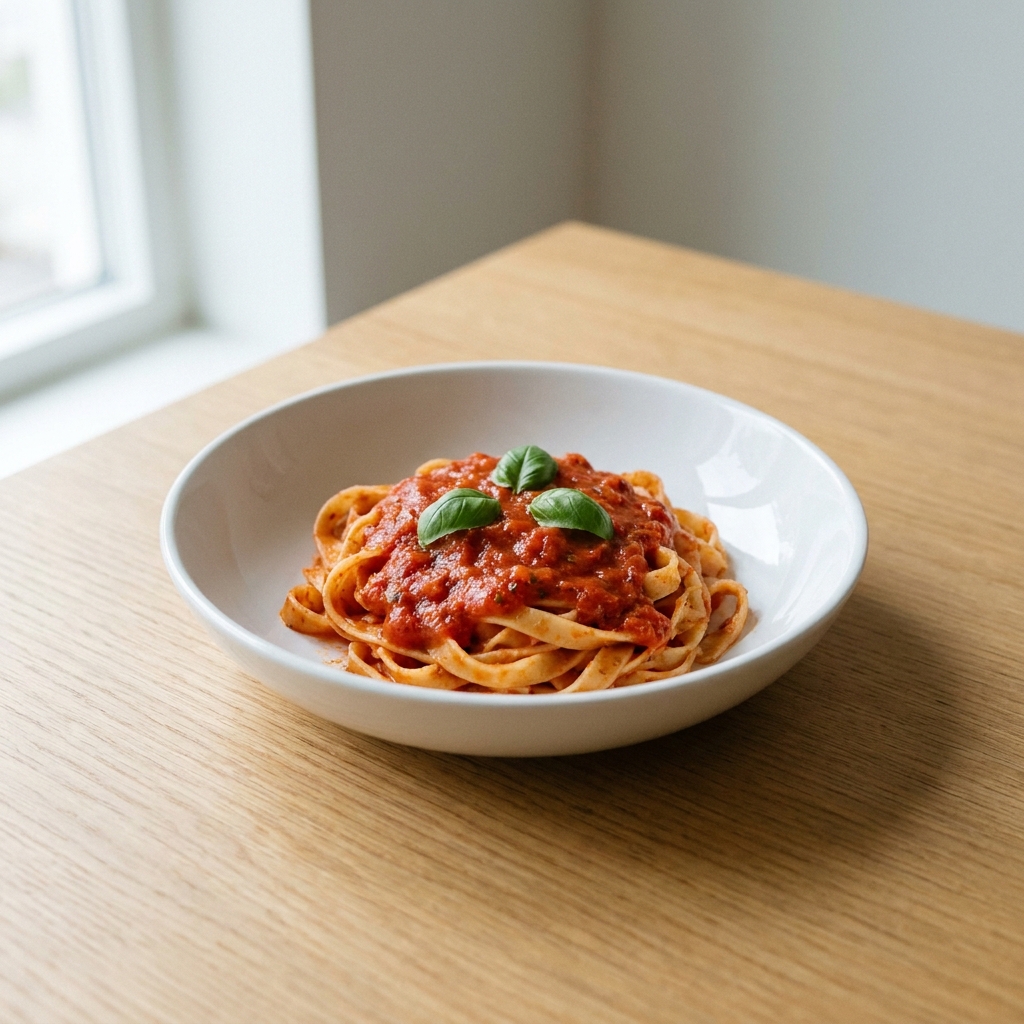
[Image1] is the primary exact subject reference. Preserve its identity, design, proportions, materials, colors, condition, and distinguishing details. Treat additional images as alternate factual views in upload order.

PRODUCTION DIRECTION
Photograph the exact referenced meal for a restaurant menu. Do not add ingredients, increase portions, hide visible quality issues, or substitute a more expensive food. Restage only the approved surrounding surface and lighting. Any changed viewpoint must remain plausible from visible evidence, with no invented hidden fillings. Match plate ellipses, fork scale, contact shadows, moisture, crust, and food texture. Reserved copy space is empty background; do not generate menu prices, labels, or health claims. Interpret the focus coordinates in normalized screen space, measured from the upper-left corner. Use them as the dish placement; they are not a segmentation mask. User notes refine the selected controls but must not override identity, factual-product, or safety constraints. Deliver one finished image, not a collage, mock interface, or set of variants. Keep the subject readable at thumbnail size and inspect edges, anatomy, and materials.

DELIVERY
1:1 image output with 1 result.

QUALITY AND CONTINUITY
Honor supplied references first. Preserve every unspecified identity, product, wardrobe, geometry, perspective, lighting-logic, and environmental detail. Make one tasteful choice for missing details and keep it consistent.

EXCLUDE
invented garnish, larger portion, plastic food, fake steam overlay, changed dish, menu text, nutrition claim. No watermarks, interface elements, prompt labels, accidental captions, duplicate subjects, flicker, morphing, or unintended text.