 New
NewDedicated generated workflow sampleLoop Smith
Build an eight-second shot whose ending naturally becomes its beginning.
NewBuild an eight-second shot whose ending naturally becomes its beginning.
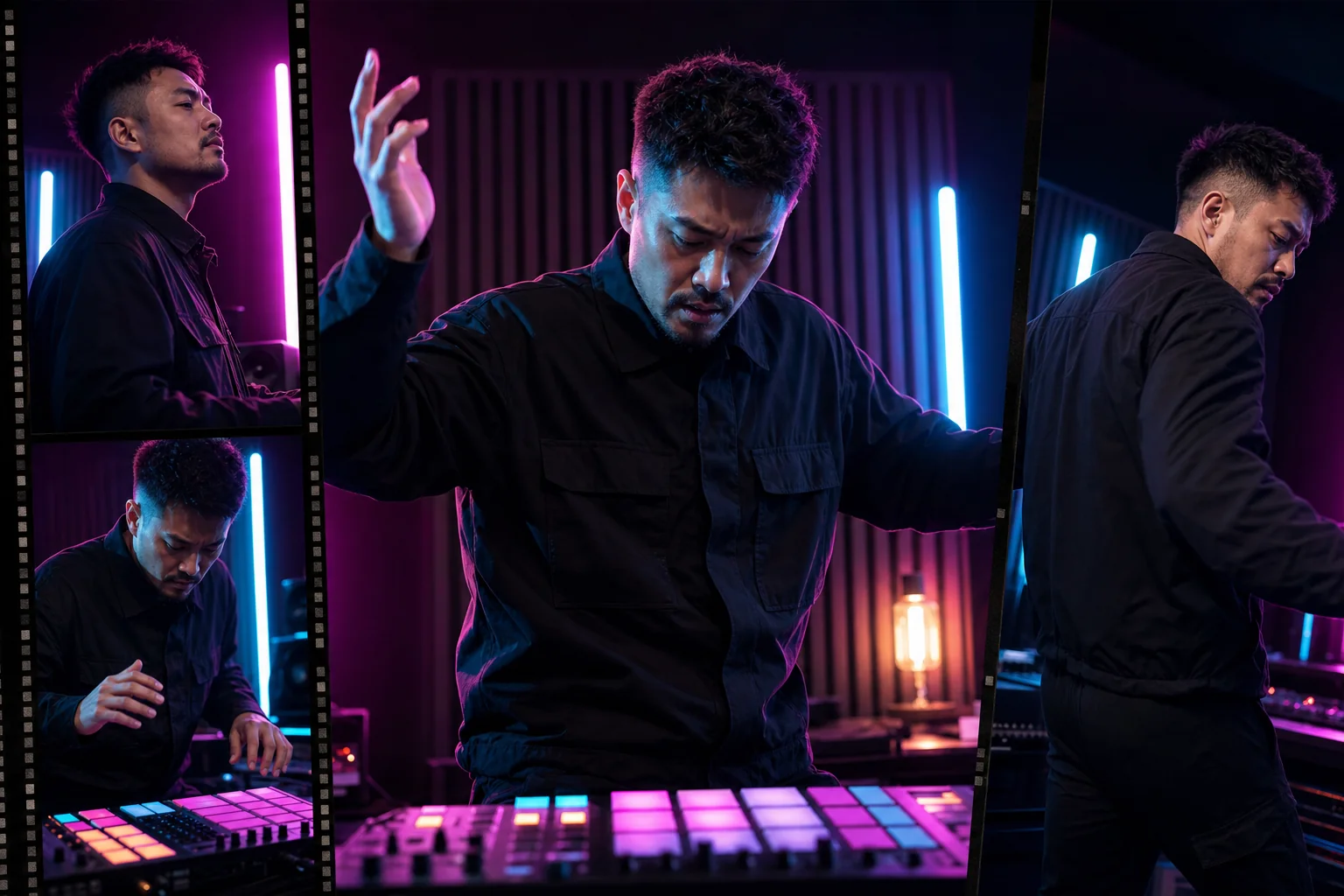
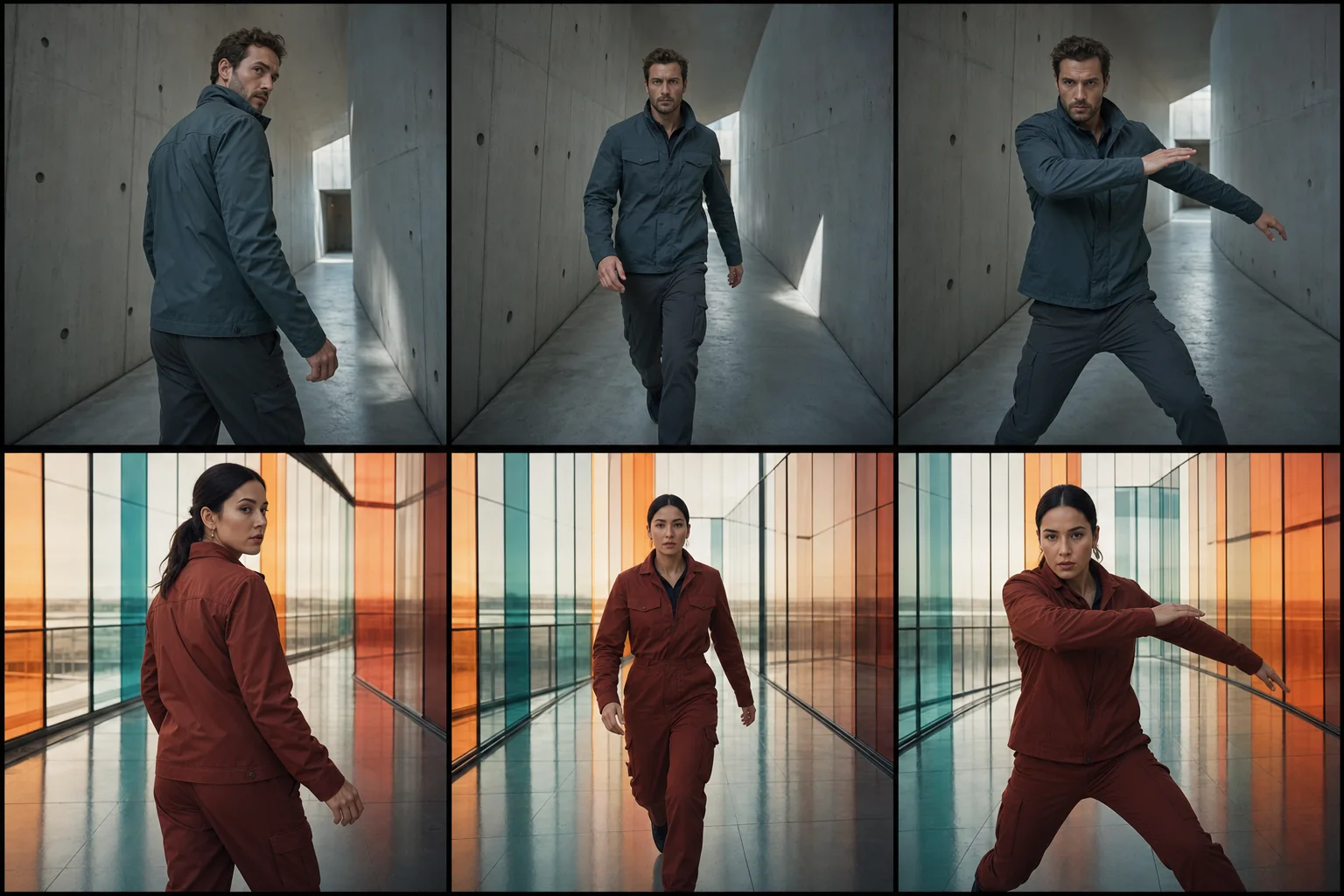
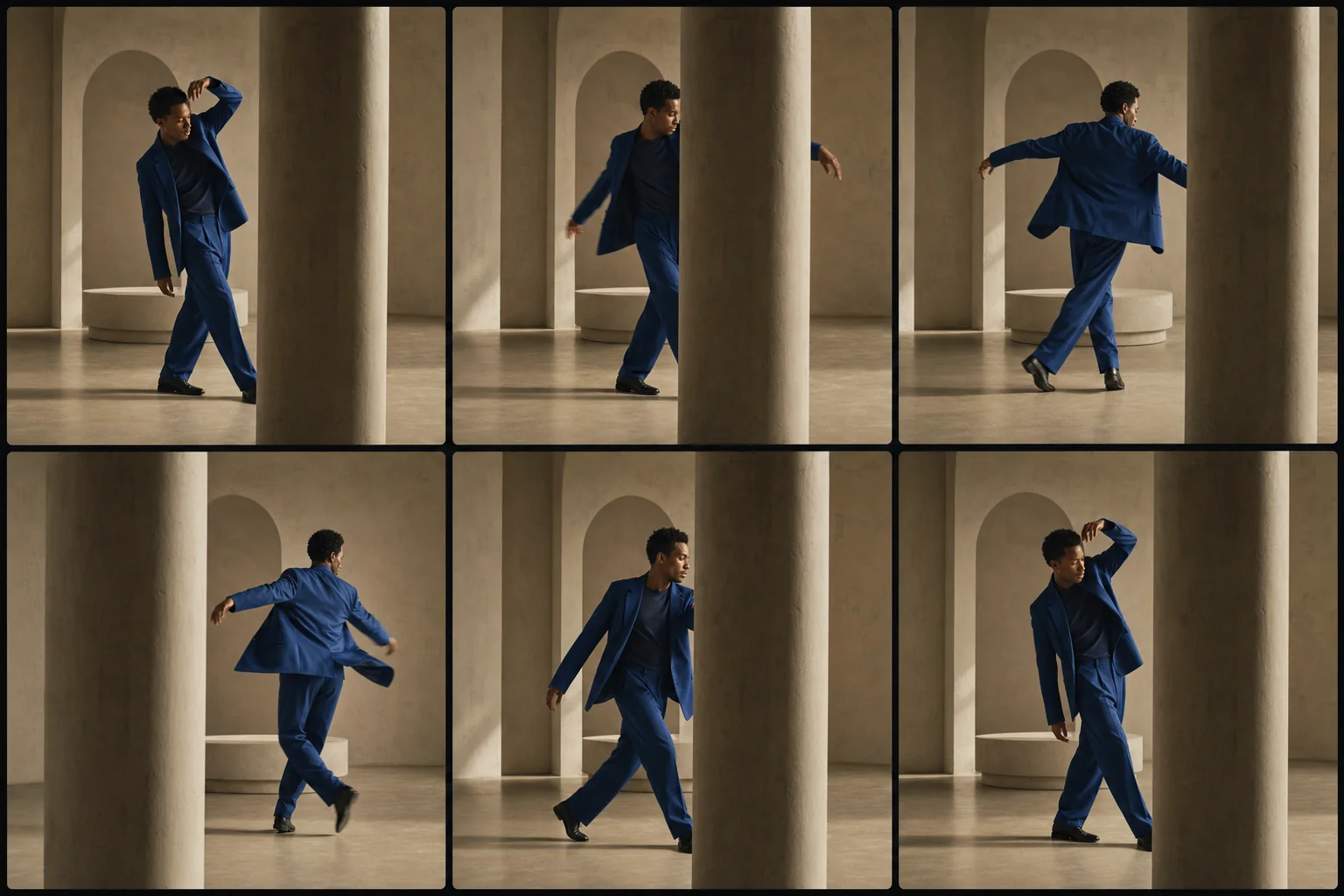
Design a visually motivated loop around subject movement, camera motion, environmental rhythm, or a practical occlusion—with continuity that survives repeated playback.
References are uploaded privately after opening Create, so files never travel through the URL.
Configuring this app spends no credits. Generation always requires your approval.
Pixtor turns these controls into a complete production brief, configures the recommended model and delivery settings, then lets you edit everything before generation.
Attach one image or short permitted clip
Choose a loop mechanism and core action
Set motion restraint
Generate, replay, and download the seamless vertical loop
This app uses Pixtor’s own prompts, interaction design, model routing, continuity rules, guardrails, and a dedicated generated preview designed to demonstrate the intended outcome.