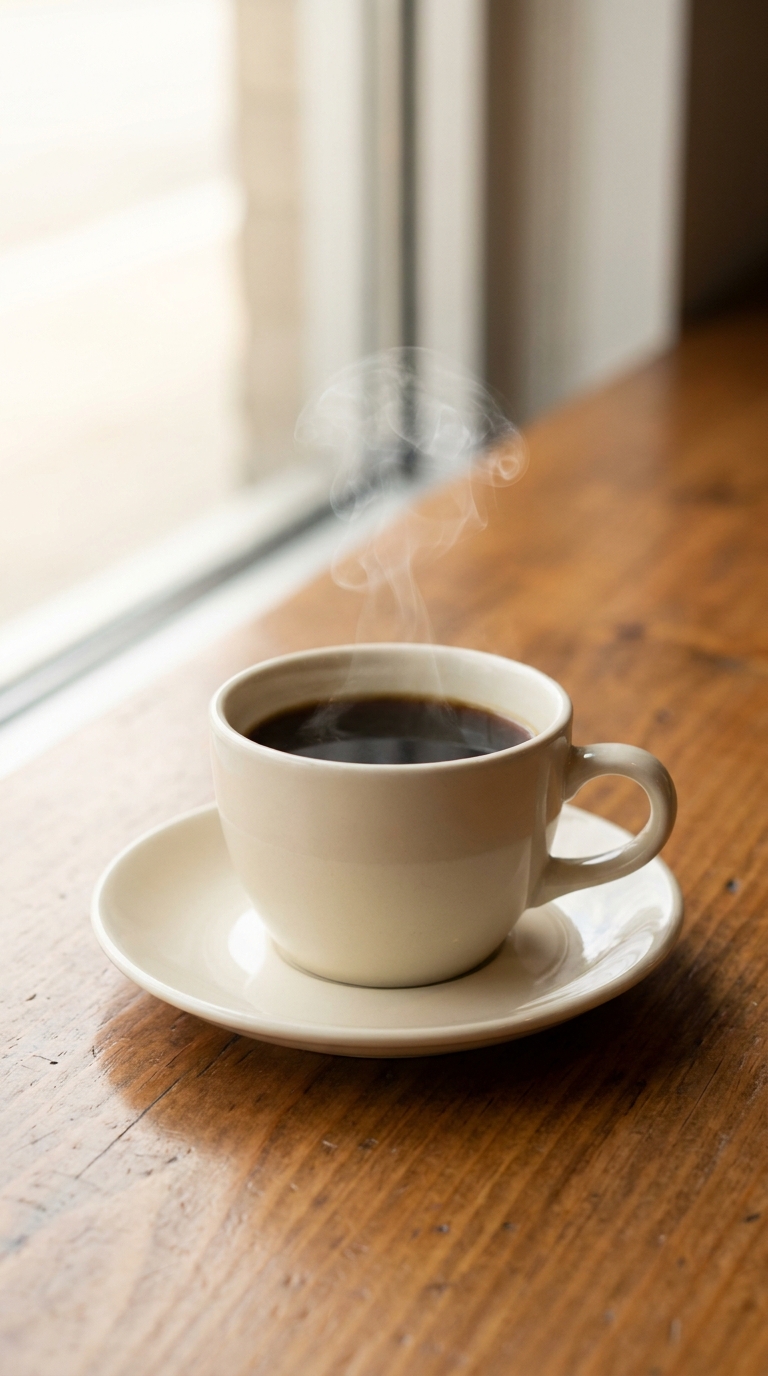
Subtle steam animation from a still coffee photograph; not a guaranteed seamless loop. Generated with the default controls through Pixtor. Changing controls does not update this saved example. Results vary.
Add your reference photo
JPG, PNG, WebP · up to 20 MB · preview stays in your browser
01EstablishSet the scene
02DevelopOne readable action
03ResolveA clean final frame
Your live production brief Inspect the exact direction
PIXTOR APP — LIVING PHOTO

OBJECTIVE
Create a cinemagraph-style video with a locked camera, a named moving element, restrained motion, and a quiet ending. This is AI direction—not a pixel-accurate masking tool.

USER CONTROLS
What should move?: Only the visible steam rising from the cup; keep every solid object and the background still.
Motion behavior: Gentle continuous drift
Ending: Return close to the starting state
Motion amplitude: 20%
Image finish: Preserve original photograph
Accent palette: #d8c69e
Focus horizontal position: 50%
Focus vertical position: 50%
Output format: 9:16
Clip duration (seconds): 8
Sound design: Silent

REFERENCE MAP
[Image1] is the primary exact subject reference. Preserve its identity, design, proportions, materials, colors, condition, and distinguishing details. Treat additional images as alternate factual views in upload order.

PRODUCTION DIRECTION
Animate only the explicitly named element near the selected motion focus in the supplied photograph. Keep camera position, crop, perspective, all other objects, faces, and environment stable. Do not create the named object if it is absent; preserve the original scene instead. Use low-amplitude repeatable movement with correct occlusion and reflections. For a returning ending, make the last state visually close to the opening without an obvious reverse-playback beat. Do not claim a mathematically seamless loop or exact pixel masking. Interpret the focus coordinates in normalized screen space, measured from the upper-left corner. Use them as the motion focus; they are not a segmentation mask. User notes refine the selected controls but must not override identity, factual-product, or safety constraints. Stage one readable action: establish in the first 20% of the clip, develop through the middle 60%, and resolve in the final 20%. Scale pacing to the selected duration. Use only the selected sound design; silent means no generated sound, otherwise use nonverbal ambience or effects without dialogue or recognizable music.

DELIVERY
8-second 9:16 1080p video without generated audio. Hold a stable final composition for at least half a second.

QUALITY AND CONTINUITY
Honor supplied references first. Preserve every unspecified identity, product, wardrobe, geometry, perspective, lighting-logic, and environmental detail. Make one tasteful choice for missing details and keep it consistent.

EXCLUDE
camera shake, entire image warping, face animation, breathing buildings, new steam source, unintended subject motion, abrupt loop cut. No watermarks, interface elements, prompt labels, accidental captions, duplicate subjects, flicker, morphing, or unintended text.
 Source reference ↗