 New
NewDedicated generated workflow sampleListing Studio
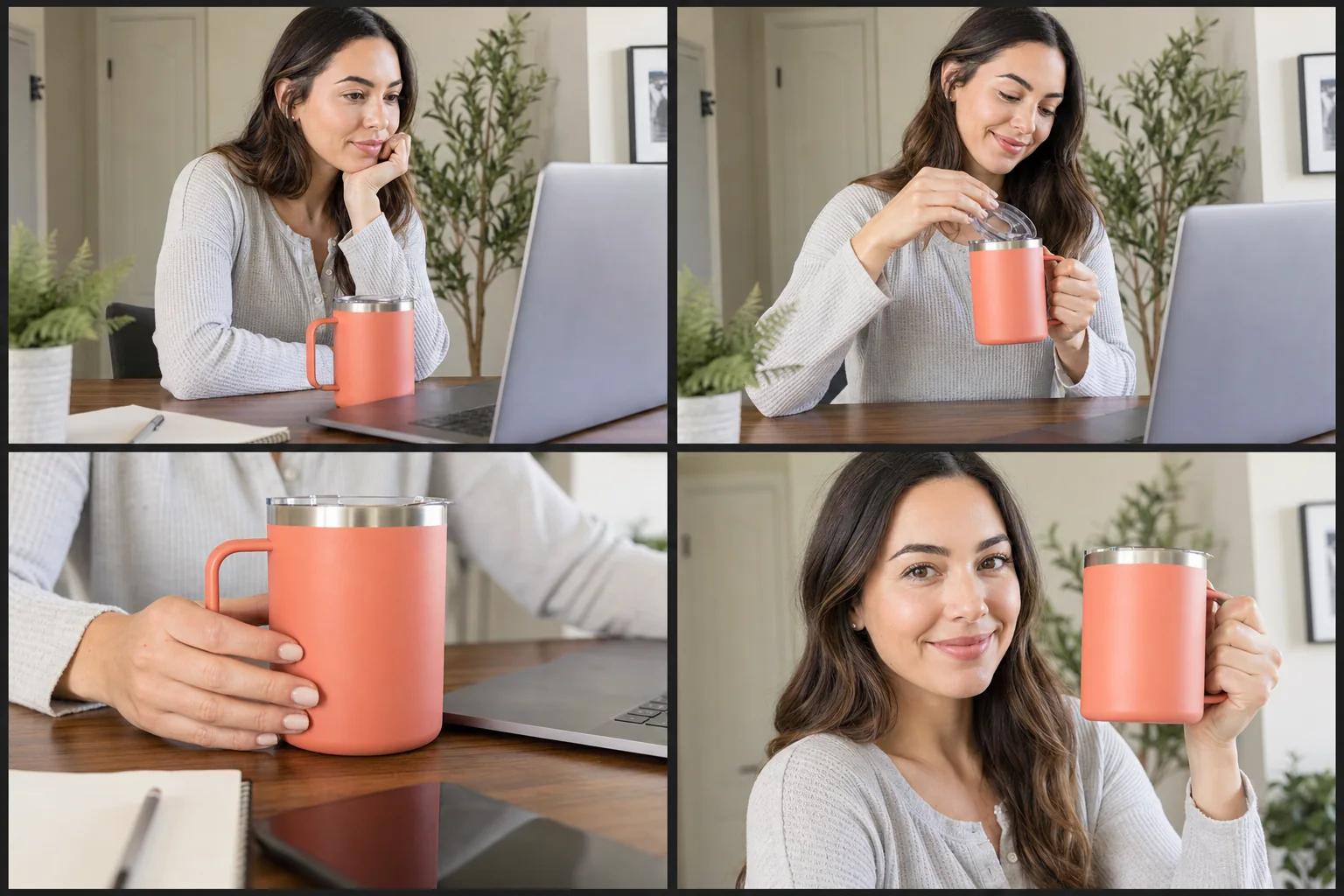
Turn one exact product into a complete, consistent marketplace image set.
NewTurn one exact product into a complete, consistent marketplace image set.
Generate hero, detail, scale, feature, and lifestyle frames with stable packaging, color, materials, proportions, and claim-safe presentation.
References are uploaded privately after opening Create, so files never travel through the URL.
Workflow guardrailOnly enter accurate product features you are authorized to communicate. Pixtor does not verify claims, certifications, prices, reviews, or marketplace compliance.
Configuring this app spends no credits. Generation always requires your approval.
Pixtor turns these controls into a complete production brief, configures the recommended model and delivery settings, then lets you edit everything before generation.
Upload one clear product reference
Choose marketplace context and shot system
Enter one verified feature
Generate four consistent listing assets and save the approved set
This app uses Pixtor’s own prompts, interaction design, model routing, continuity rules, guardrails, and a dedicated generated preview designed to demonstrate the intended outcome.