Pixtor AI Open Create
All apps/Real Estate/Listing Polish
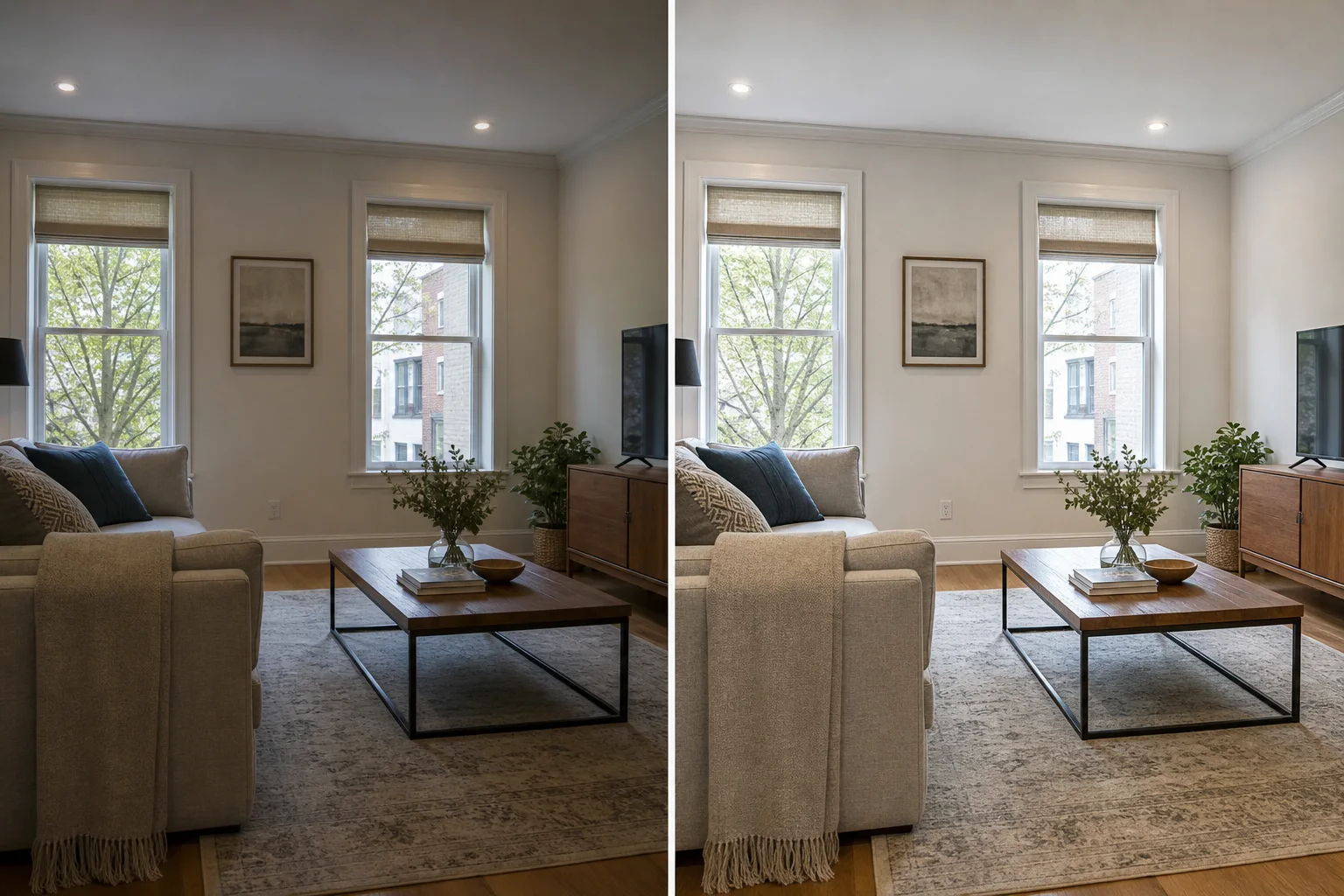
Listing Polish dedicated generated workflow sample
Popular
Dedicated generated workflow sampleListing Polish

Correct light, color, windows, and perspective without changing the home.

edit16:9
True-to-property enhancement

Listing Polish

Prepare an honest, professional listing photograph with restrained exposure, white-balance, lens, perspective, glare, and noise correction while locking the property's architecture, contents, materials, condition, and view.

Reference media requiredimage

References are uploaded privately after opening Create, so files never travel through the URL.

Workflow guardrailThis workflow is for photographic correction, not property alteration. Do not remove damage, conceal defects, change views, or materially misrepresent the property's current condition.

Prepared route
Gemini 3 Pro Imageedit · 16:9
Continue in CreateReview the complete brief and credit quote before generating

Configuring this app spends no credits. Generation always requires your approval.

Purpose-built workflow

One outcome.
No prompt archaeology.

Pixtor turns these controls into a complete production brief, configures the recommended model and delivery settings, then lets you edit everything before generation.

  1. 01

    Upload one original property photograph

  2. 02

    Choose its listing use and correction priority

  3. 03

    Generate two restrained professional finishes

  4. 04

    Compare against the original and publish only the accurate result

Original Pixtor workflow

This app uses Pixtor’s own prompts, interaction design, model routing, continuity rules, guardrails, and a dedicated generated preview designed to demonstrate the intended outcome.

#listing#enhance#interior#property