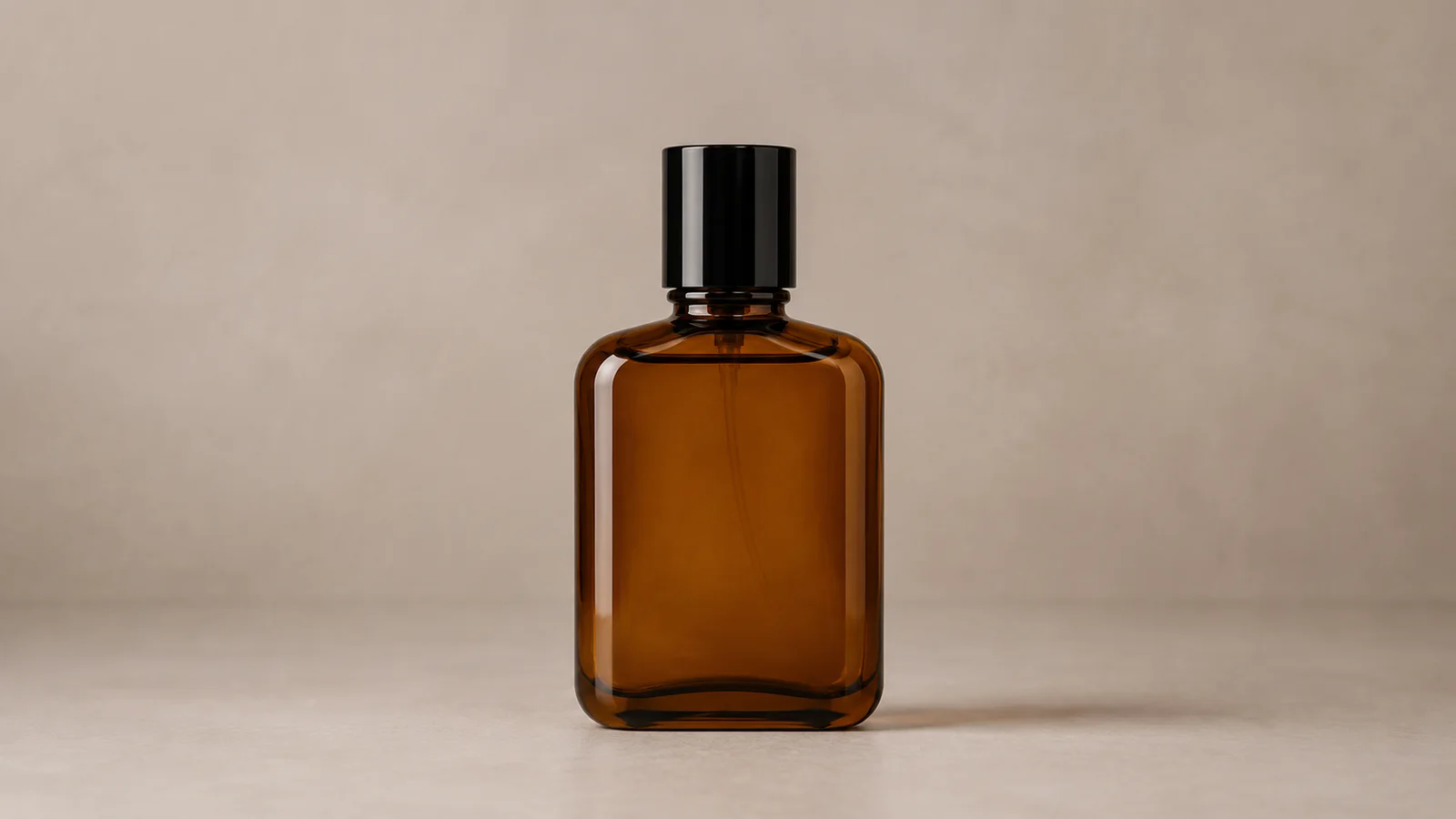
 Source reference ↗
Seedance 2.0 · 9:16 · 8s · silent
A water-sculpture reveal around the supplied perfume bottle. Generated with the default controls through Pixtor. Changing controls does not update this saved example. Results vary.
Unveil your product through a precisely directed liquid sculpture.
Source reference ↗A water-sculpture reveal around the supplied perfume bottle. Generated with the default controls through Pixtor. Changing controls does not update this saved example. Results vary.
JPG, PNG, WebP · up to 20 MB · preview stays in your browser
PIXTOR APP — LIQUID REVEAL

OBJECTIVE
Control the fluid, reveal path, camera, viscosity, and palette around a real product. The product stays intact while a single fluid movement frames its hero moment.

USER CONTROLS
Fluid material: Clear water
Reveal choreography: Ribbon opens around the product
Camera move: Slow centered push-in
Fluid viscosity: 40%
Splash energy: 35%
Accent palette: #dfad70
Focus horizontal position: 50%
Focus vertical position: 50%
Output format: 9:16
Clip duration (seconds): 8
Sound design: Silent

REFERENCE MAP
[Image1] is the primary exact subject reference. Preserve its identity, design, proportions, materials, colors, condition, and distinguishing details. Treat additional images as alternate factual views in upload order.

PRODUCTION DIRECTION
Build a premium product film around the supplied exact object. The fluid must never dissolve, replace, penetrate, or deform it. Preserve packaging, cap, seams, proportions, logo shapes, label position, and visible condition. Stage the chosen reveal around—not over—the main label. Conserve liquid volume and gravity with coherent surface tension, reflections, refraction, contact, and drainage. End with an unobstructed hero product and settled fluid. Interpret the focus coordinates in normalized screen space, measured from the upper-left corner. Use them as the product hero point; they are not a segmentation mask. User notes refine the selected controls but must not override identity, factual-product, or safety constraints. Stage one readable action: establish in the first 20% of the clip, develop through the middle 60%, and resolve in the final 20%. Scale pacing to the selected duration. Use only the selected sound design; silent means no generated sound, otherwise use nonverbal ambience or effects without dialogue or recognizable music.

DELIVERY
8-second 9:16 1080p video without generated audio. Hold a stable final composition for at least half a second.

QUALITY AND CONTINUITY
Honor supplied references first. Preserve every unspecified identity, product, wardrobe, geometry, perspective, lighting-logic, and environmental detail. Make one tasteful choice for missing details and keep it consistent.

EXCLUDE
melting package, altered label, liquid through solid walls, unreadable hero, multiplying droplets, fake product claim. No watermarks, interface elements, prompt labels, accidental captions, duplicate subjects, flicker, morphing, or unintended text.