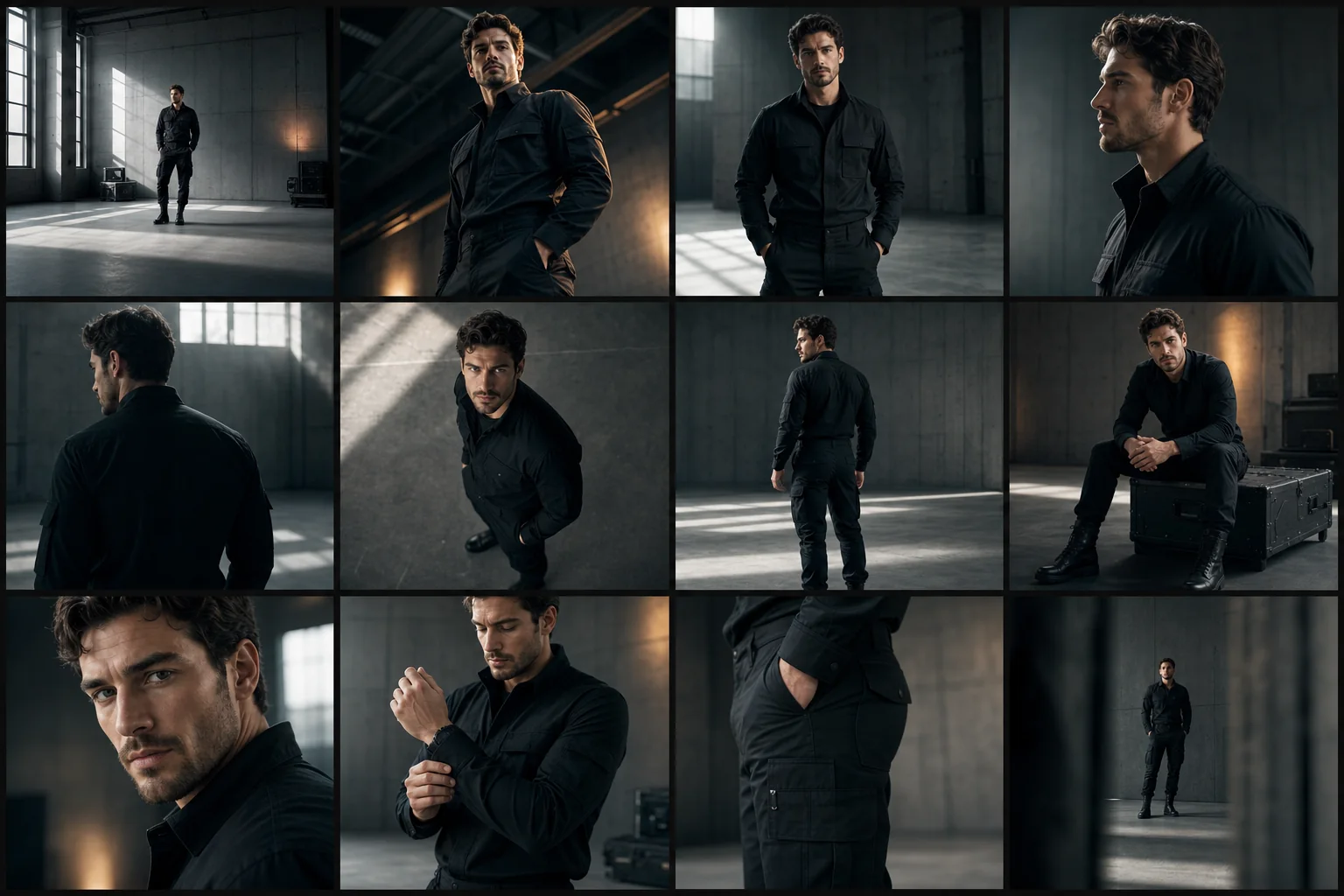
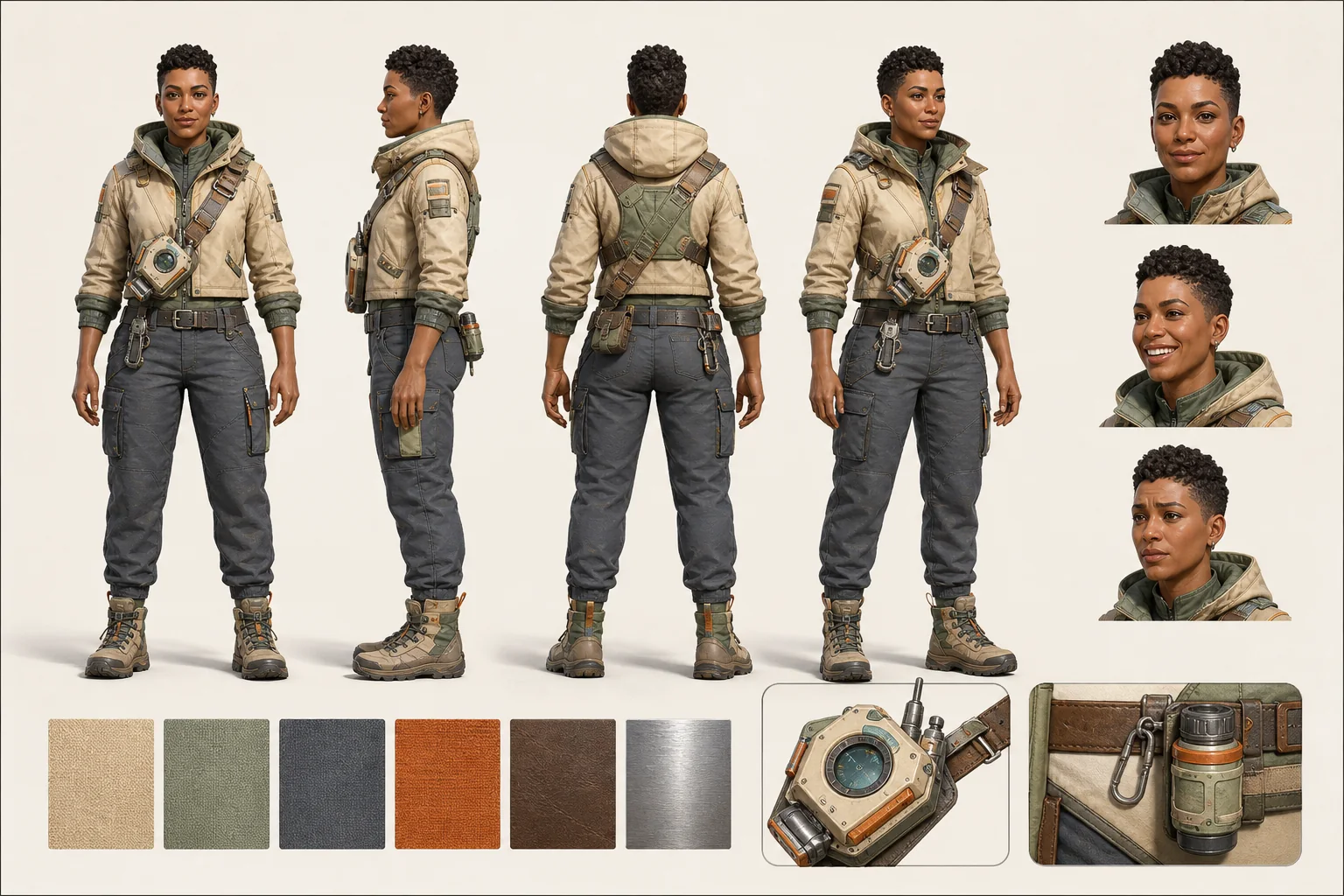
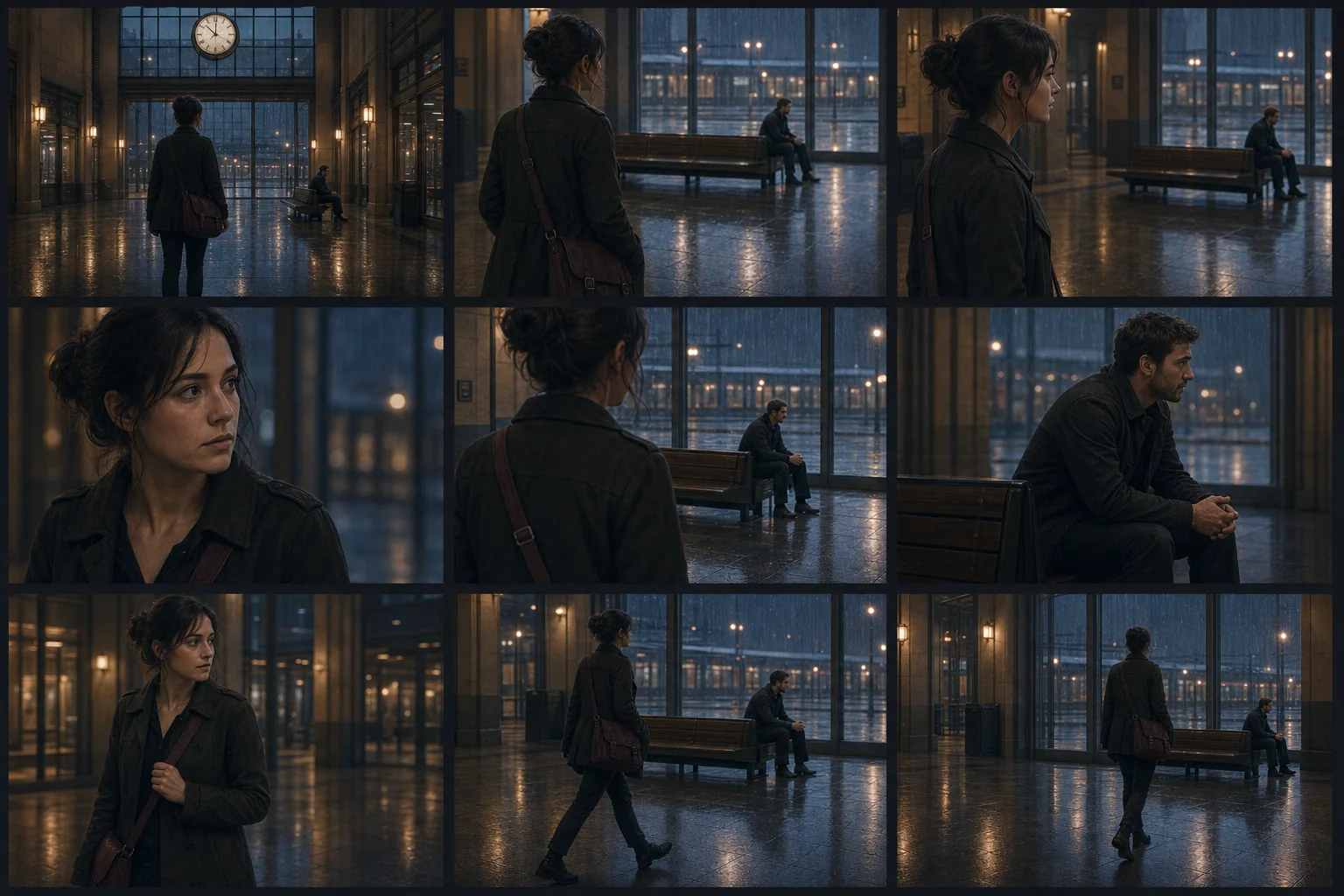
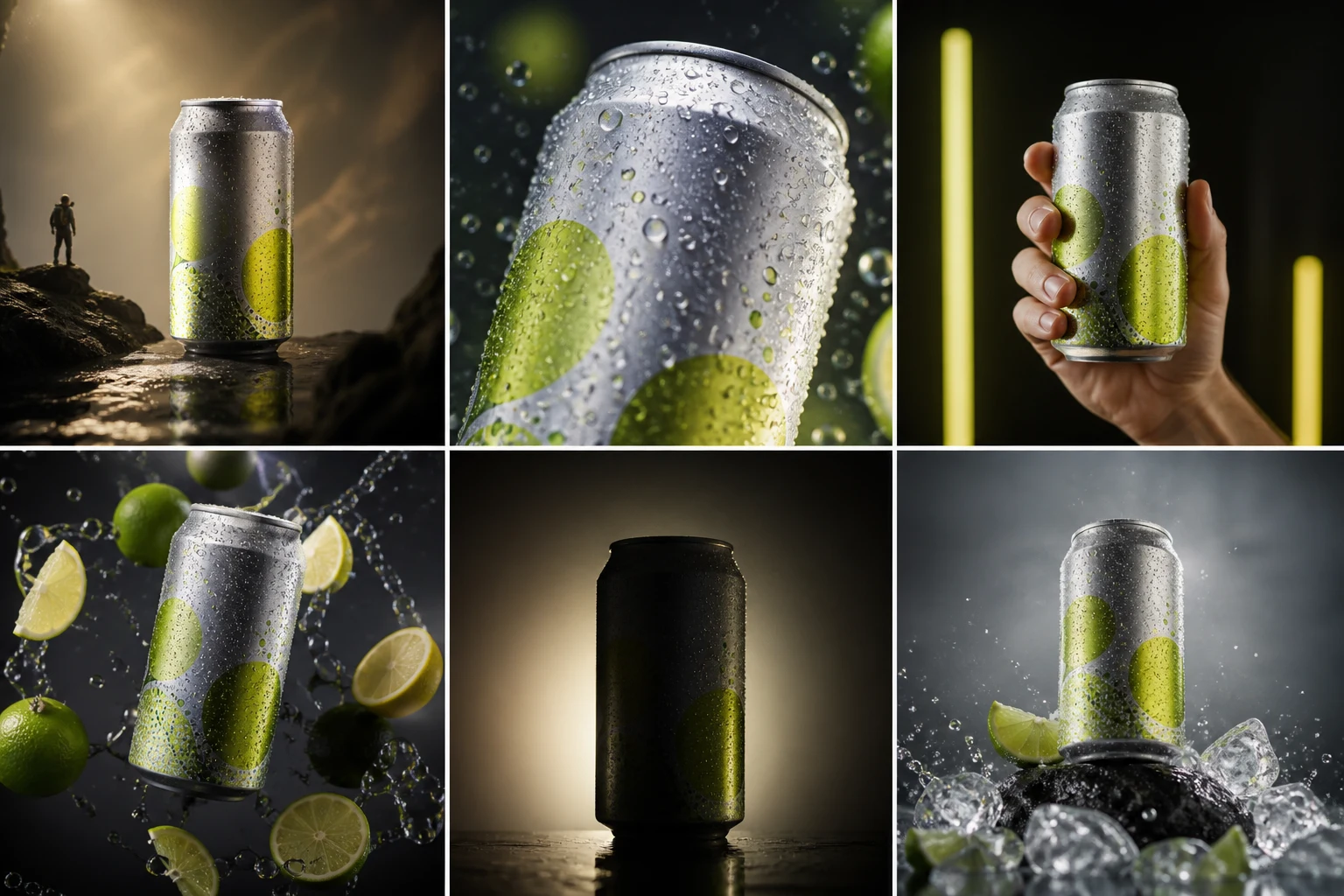
 New
NewDedicated generated workflow sampleHook Board
Develop six scroll-stopping opening frames before spending on video.
NewDevelop six scroll-stopping opening frames before spending on video.
Turn a product, creator, property, or story objective into six visually distinct first-frame concepts with honest hook logic, readable hierarchy, and a planned second beat.
References are uploaded privately after opening Create, so files never travel through the URL.
Workflow guardrailHook Board helps develop creative options; it does not predict or guarantee reach, conversion, or platform performance.
Configuring this app spends no credits. Generation always requires your approval.
Pixtor turns these controls into a complete production brief, configures the recommended model and delivery settings, then lets you edit everything before generation.
Describe the audience, truthful promise, and content destination
Attach an optional exact subject or product reference
Compare six opening-frame directions
Take the strongest hook into Create for a full image or video
This app uses Pixtor’s own prompts, interaction design, model routing, continuity rules, guardrails, and a dedicated generated preview designed to demonstrate the intended outcome.