 Popular
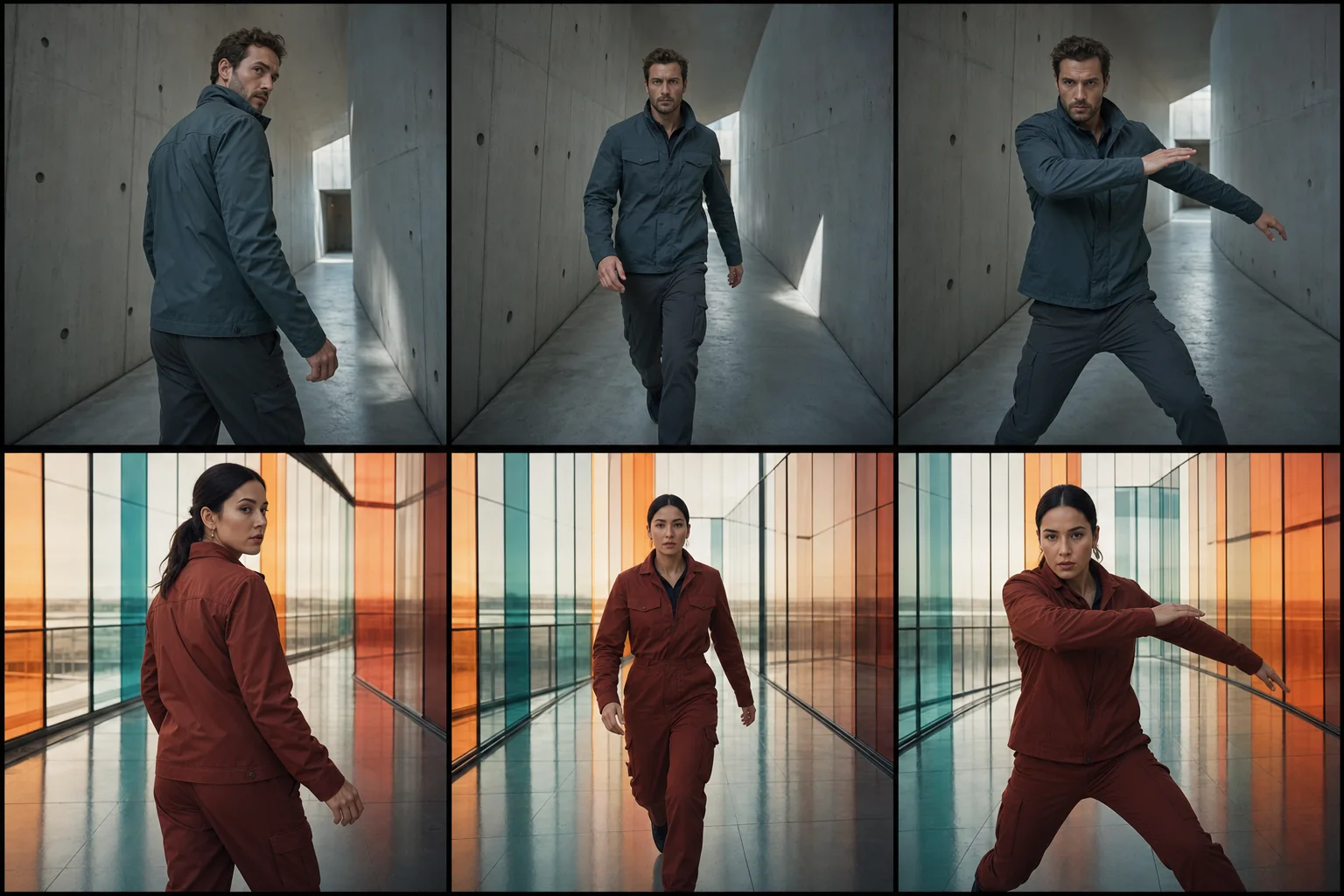
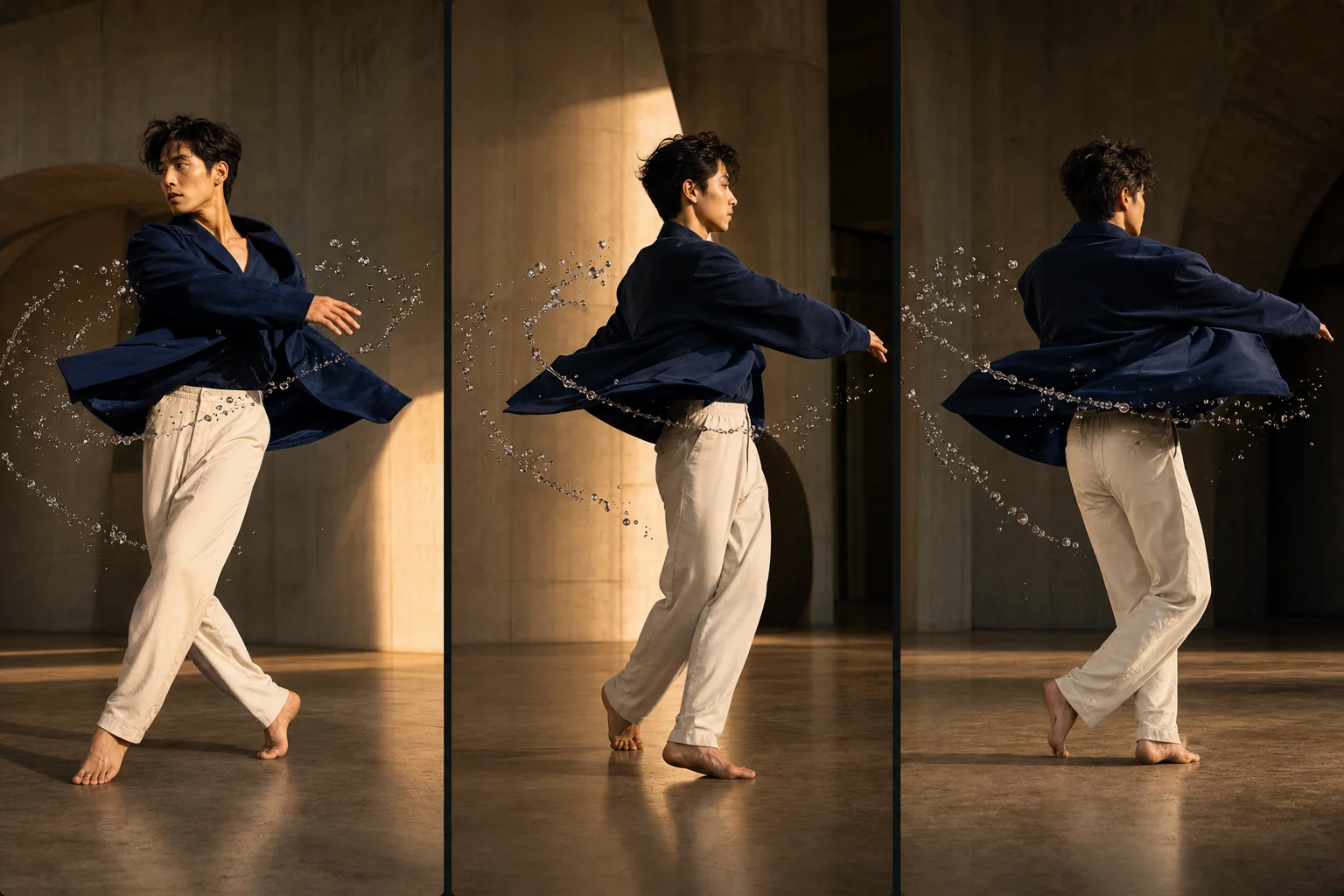
Dedicated generated workflow sampleFreeze Frame Orbit
Freeze one peak action while the camera moves through the suspended moment.
PopularFreeze one peak action while the camera moves through the suspended moment.
Build a social-ready orbit around a consenting adult, product, fabric, particles, or practical debris held in physically convincing suspended time.
References are uploaded privately after opening Create, so files never travel through the URL.
Workflow guardrailUse only your own media or consenting adult performers. Avoid dangerous-stunt imitation, deceptive public-figure footage, and scenes where the frozen action obscures whether someone is being harmed.
Configuring this app spends no credits. Generation always requires your approval.
Pixtor turns these controls into a complete production brief, configures the recommended model and delivery settings, then lets you edit everything before generation.
Attach your own image or permitted action clip
Describe the peak moment and orbit path
Choose how time resumes
Generate the eight-second effect and replay it in the same-page viewer
This app uses Pixtor’s own prompts, interaction design, model routing, continuity rules, guardrails, and a dedicated generated preview designed to demonstrate the intended outcome.