Gemini 3 Pro Image · 1:1 · 1 image
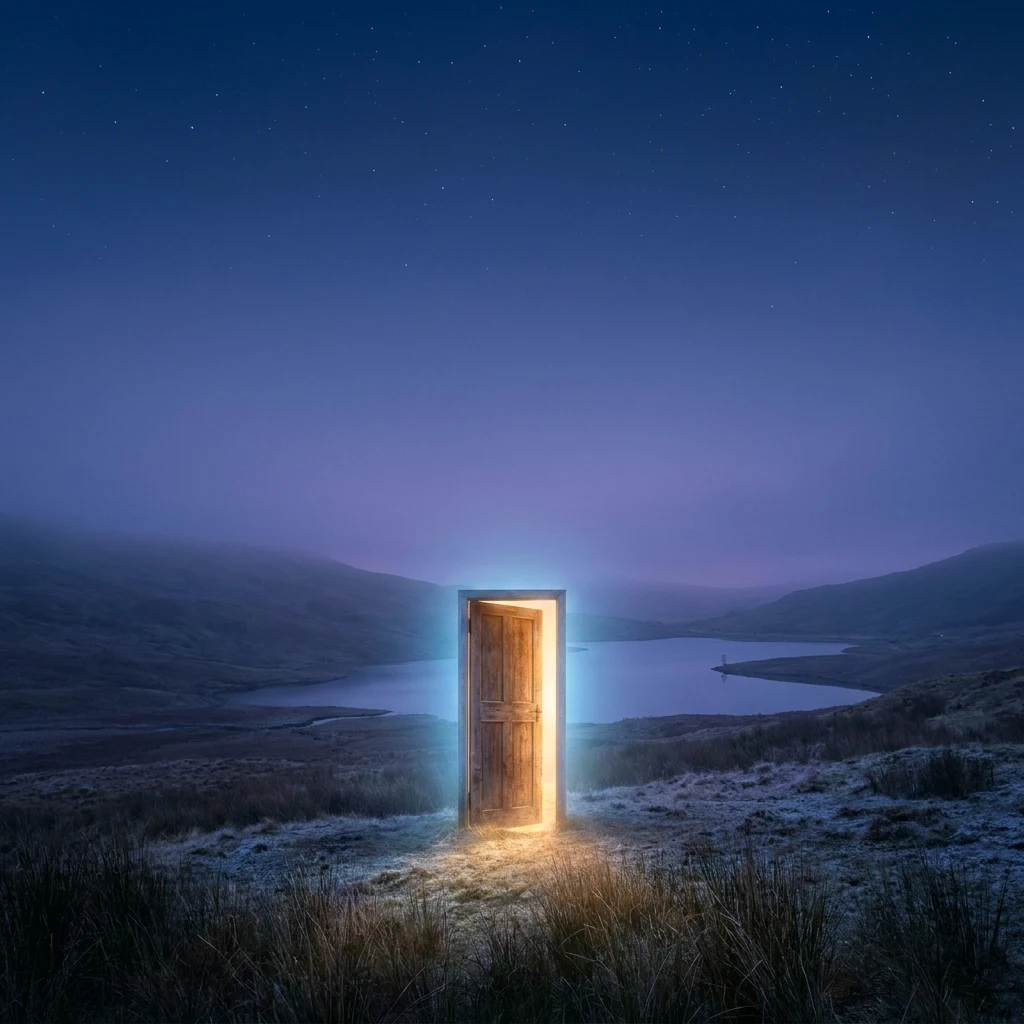
A luminous doorway in a blue landscape, with room for your own title. Generated with the default controls through Pixtor. Changing controls does not update this saved example. Results vary.
Create original cover artwork with a clear mood and room for your title.
A luminous doorway in a blue landscape, with room for your own title. Generated with the default controls through Pixtor. Changing controls does not update this saved example. Results vary.
JPG, PNG, WebP · up to 20 MB · preview stays in your browser
PIXTOR APP — COVER ART LAB

OBJECTIVE
Direct the central metaphor, visual medium, palette, contrast, and title-safe space for an album, podcast, or editorial cover.

USER CONTROLS
Visual metaphor: A small glowing doorway standing in a quiet blue landscape, suggesting a new beginning.
Visual medium: Cinematic photographic surrealism
Emotional direction: Hopeful and spacious
Title-safe space: Clear upper third
Contrast intensity: 50%
Accent palette: #94b7ef
Focus horizontal position: 50%
Focus vertical position: 50%
Output format: 1:1

REFERENCE MAP
References are optional. If none are attached, use the written brief as the source of truth and ignore the conditional reference map below.
[Image1] is the primary exact subject reference. Preserve its identity, design, proportions, materials, colors, condition, and distinguishing details. Treat additional images as alternate factual views in upload order.

PRODUCTION DIRECTION
Create original cover artwork organized around one strong visual metaphor and the chosen emotional direction. Use a clear visual hierarchy with a readable main silhouette at small streaming-thumbnail size. Reserve the requested title-safe area as uncluttered low-detail negative space. Do not render titles, artist names, advisory stickers, platform logos, or imitation of an existing album cover. If a reference is supplied, preserve its subject identity while changing only the requested artistic treatment and environment. Deliver the artwork alone with no vinyl, device, or billboard mockup. Interpret the focus coordinates in normalized screen space, measured from the upper-left corner. Use them as the visual anchor; they are not a segmentation mask. User notes refine the selected controls but must not override identity, factual-product, or safety constraints. Deliver one finished image, not a collage, mock interface, or set of variants. Keep the subject readable at thumbnail size and inspect edges, anatomy, and materials.

DELIVERY
1:1 image output with 1 result.

QUALITY AND CONTINUITY
Honor supplied references first. Preserve every unspecified identity, product, wardrobe, geometry, perspective, lighting-logic, and environmental detail. Make one tasteful choice for missing details and keep it consistent.

EXCLUDE
copied album art, artist impersonation, celebrity face, tiny busy details, unreadable fake typography, logo, device mockup. No watermarks, interface elements, prompt labels, accidental captions, duplicate subjects, flicker, morphing, or unintended text.