 Popular
Dedicated generated workflow sampleClone Chorus
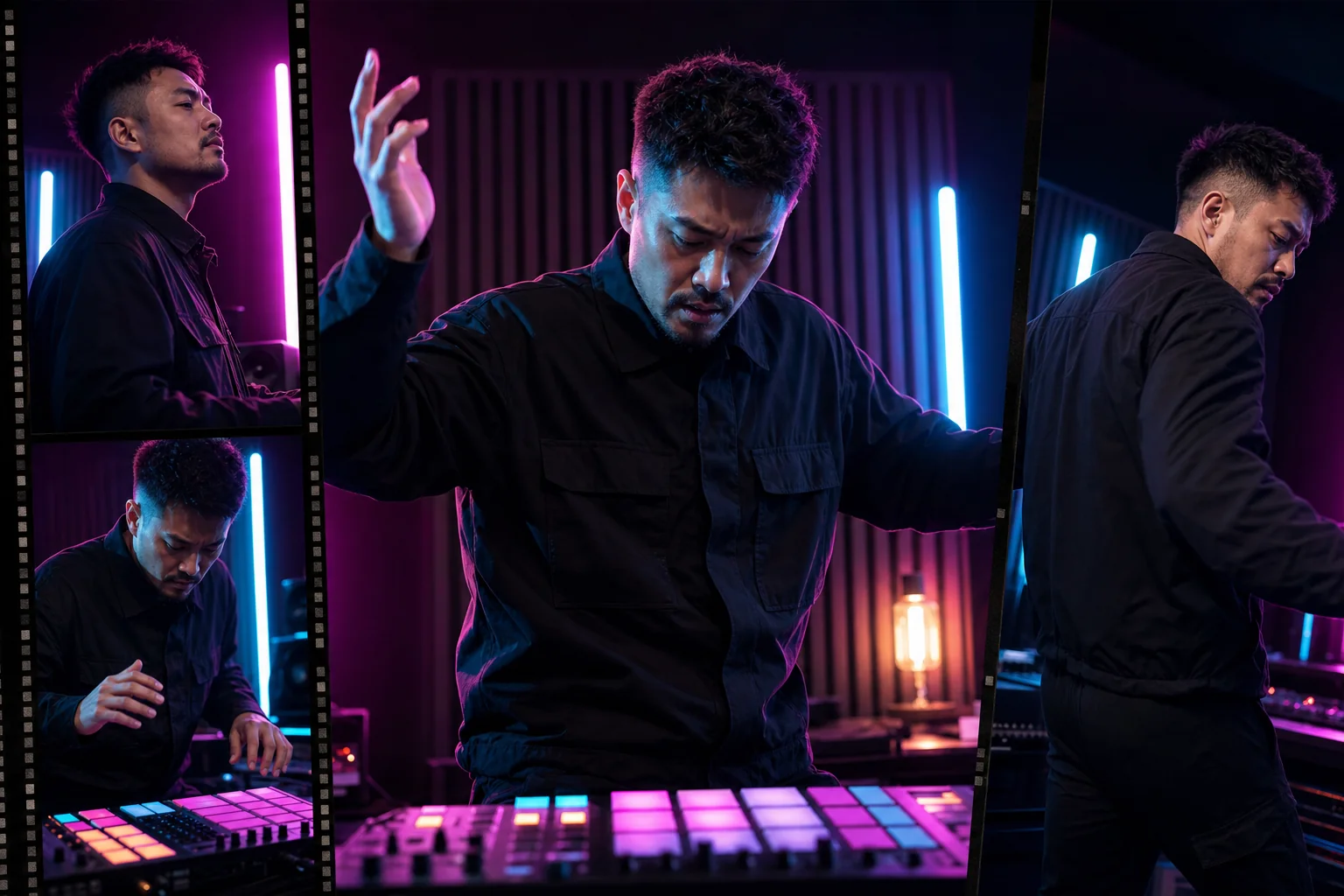
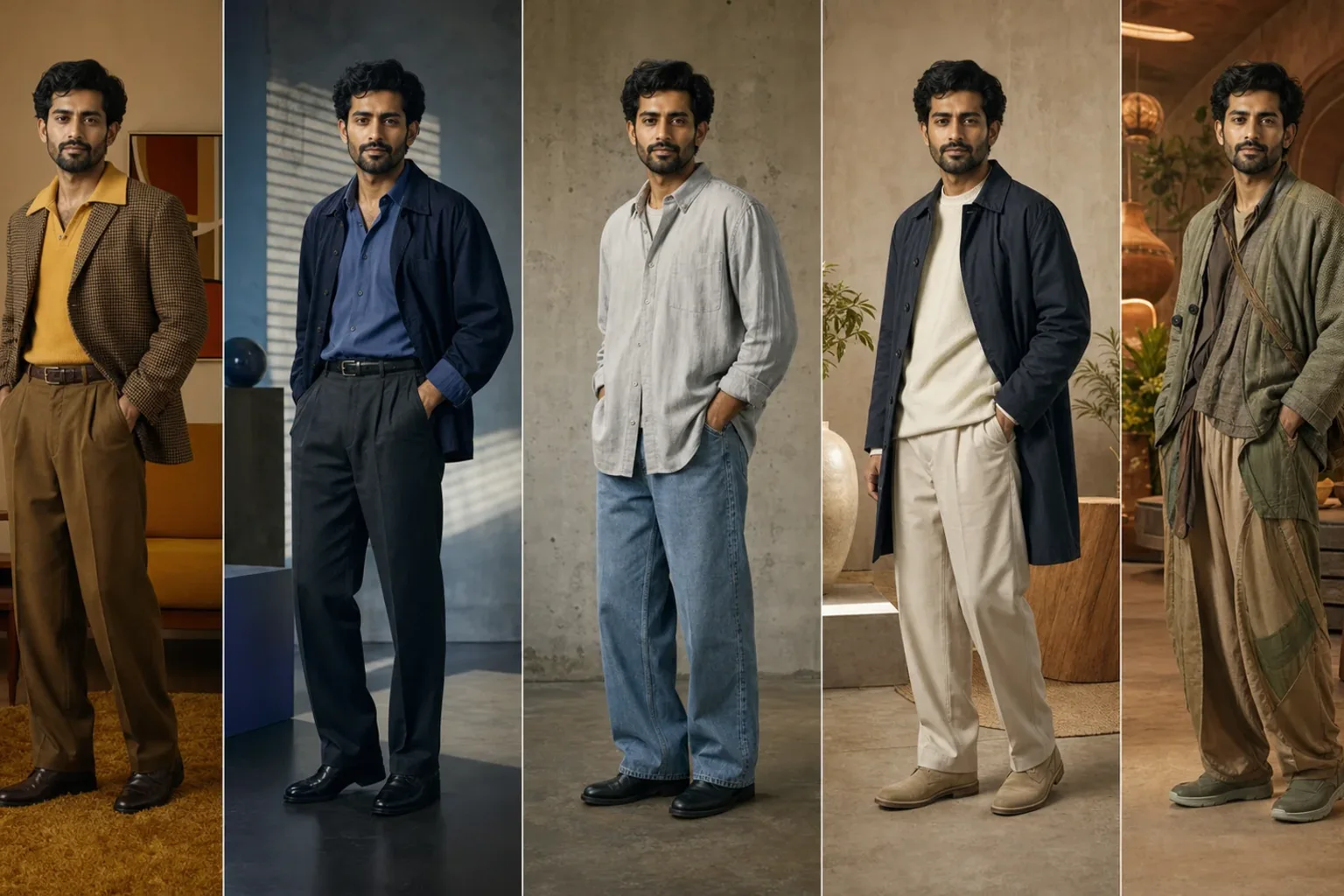
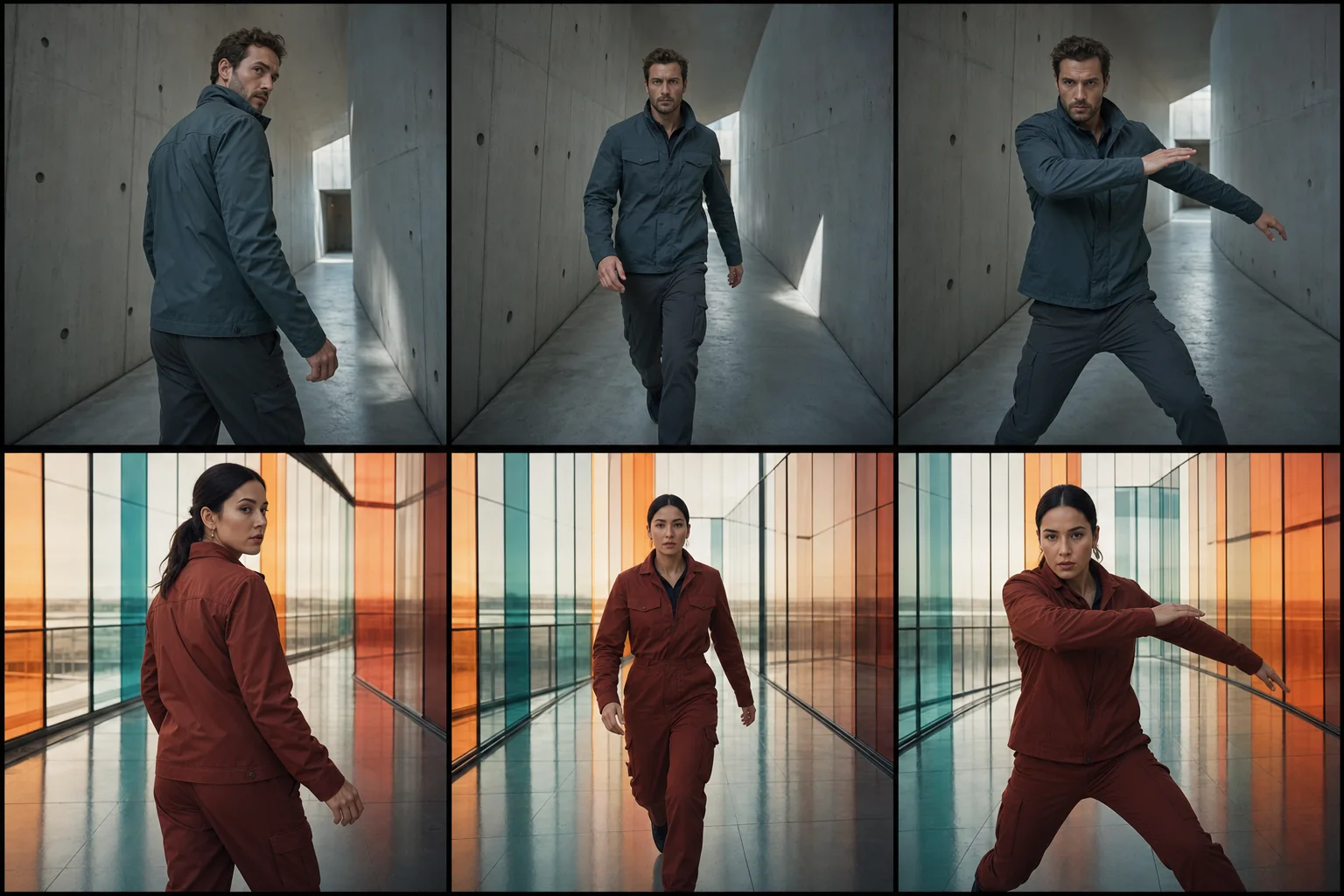
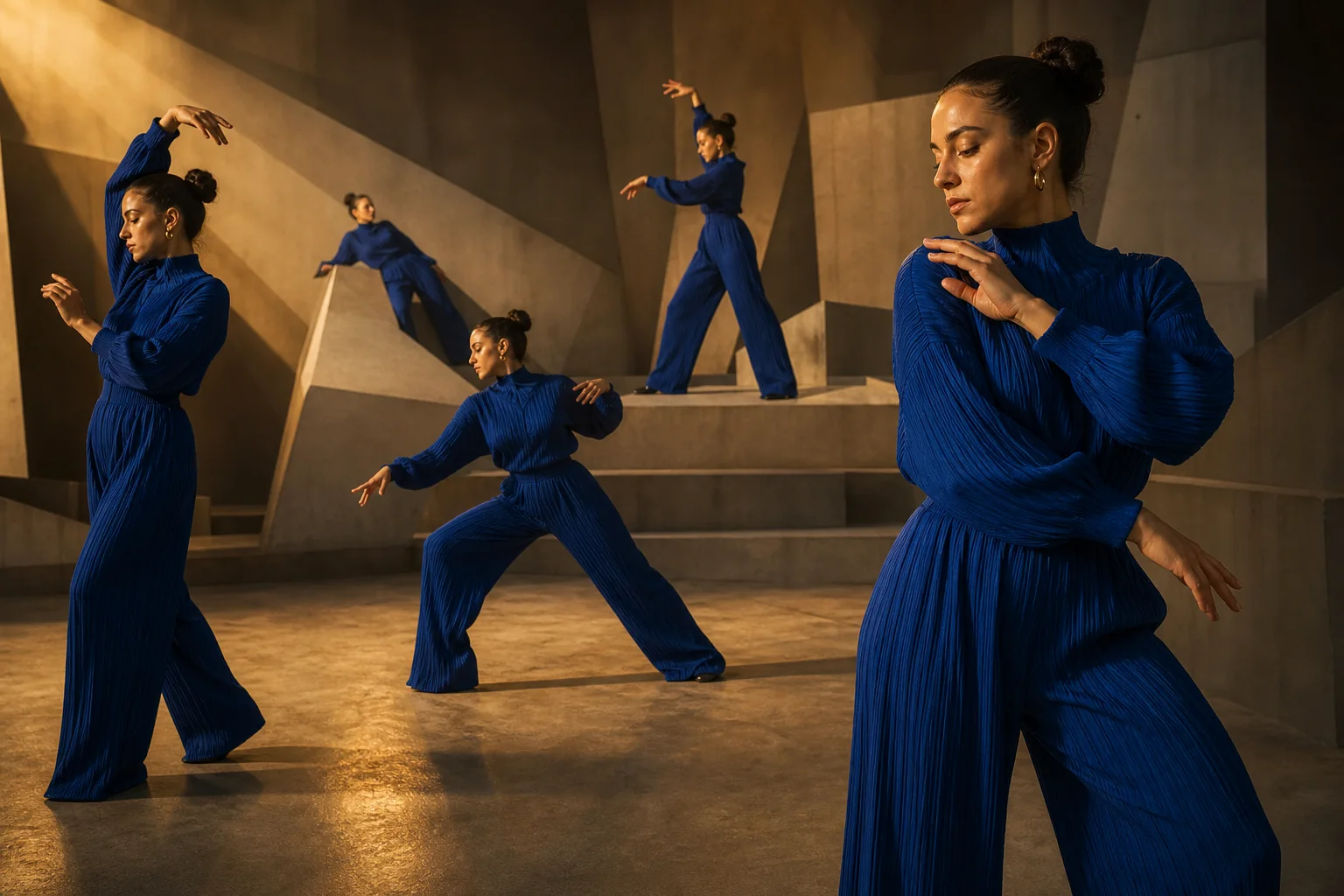
Multiply one performer into a coordinated, camera-aware ensemble.
PopularMultiply one performer into a coordinated, camera-aware ensemble.
Create a social-ready shot where several copies of one consenting adult enter, move, and interact without collisions, identity drift, or broken scene geometry.
References are uploaded privately after opening Create, so files never travel through the URL.
Workflow guardrailUse only your own image or an adult who explicitly agreed to the transformation. Public-figure cloning or deceptive impersonation is not supported.
Configuring this app spends no credits. Generation always requires your approval.
Pixtor turns these controls into a complete production brief, configures the recommended model and delivery settings, then lets you edit everything before generation.
Upload your own full-body adult reference
Choose clone count, choreography, and reveal
Generate an eight-second synchronized ensemble
Download the effect or refine its timing in Create
This app uses Pixtor’s own prompts, interaction design, model routing, continuity rules, guardrails, and a dedicated generated preview designed to demonstrate the intended outcome.