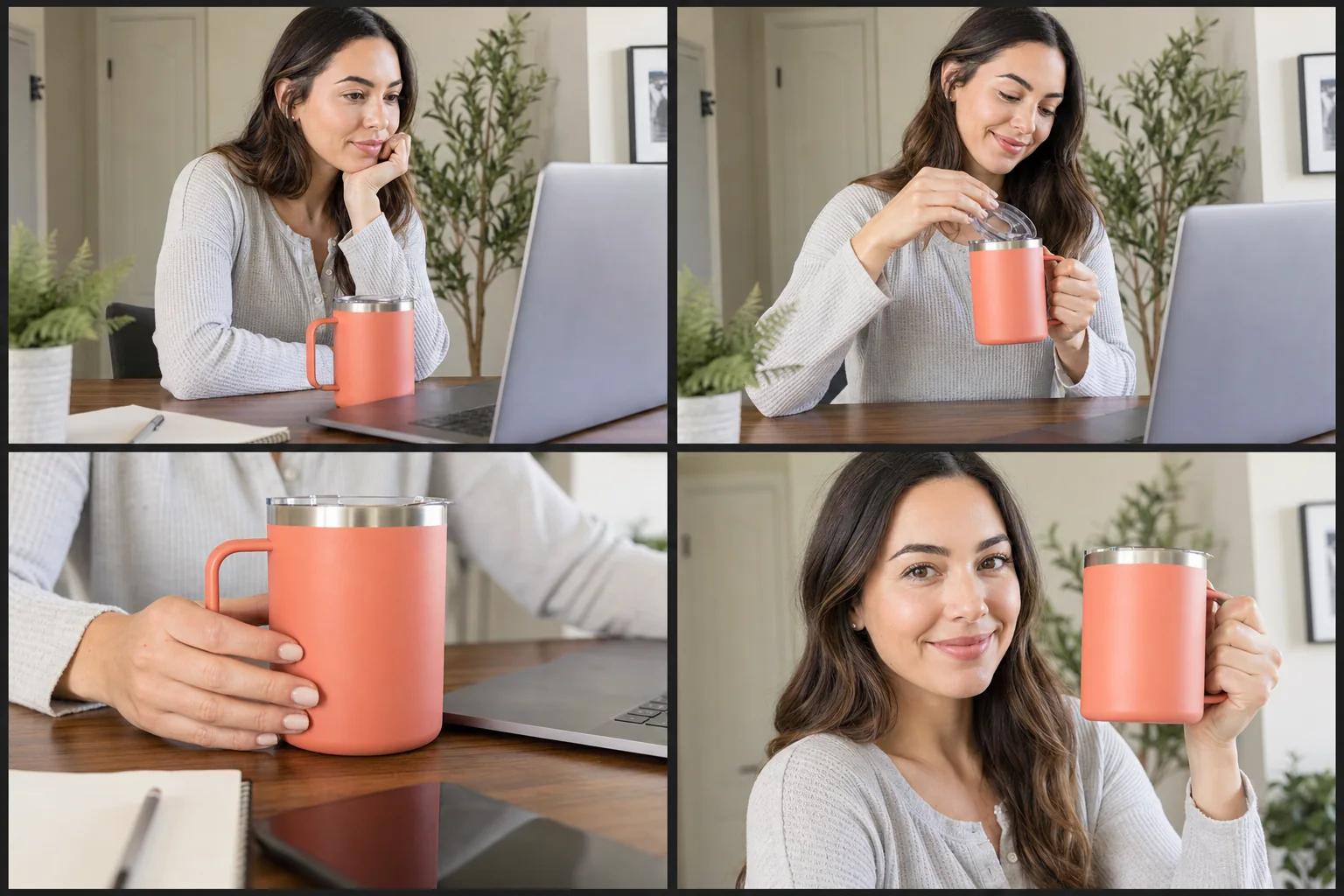
 New
NewDedicated generated workflow sampleCityscale Campaign
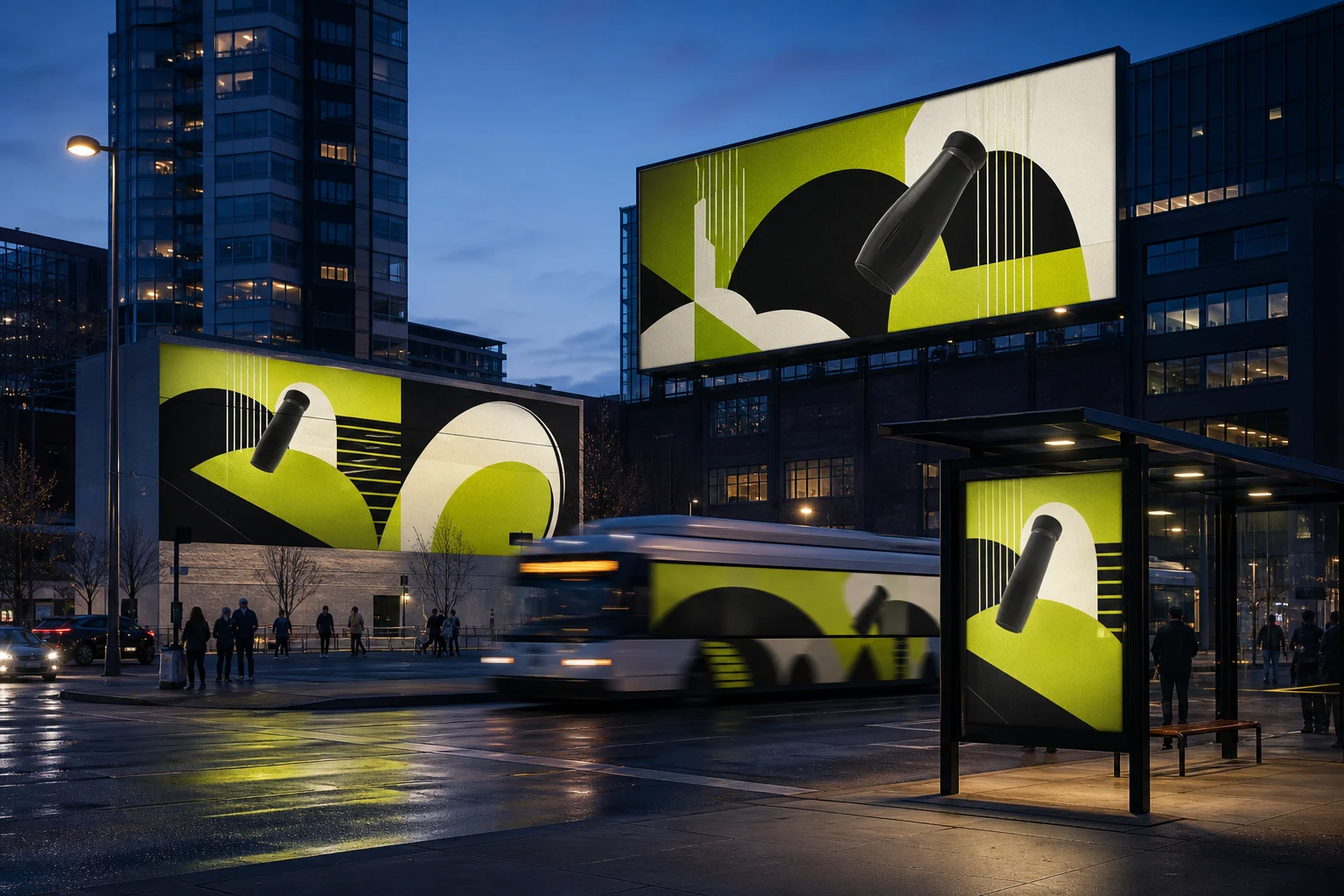
Preview approved campaign art across believable city media placements.
NewPreview approved campaign art across believable city media placements.
Place an exact supplied campaign or product into a coordinated billboard, transit shelter, mural, and moving display concept with correct perspective, ambient light, and disclosure-ready context.
References are uploaded privately after opening Create, so files never travel through the URL.
Workflow guardrailOutputs are campaign visualizations, not proof of purchased or displayed media. Confirm artwork rights, local advertising rules, and placement availability independently.
Configuring this app spends no credits. Generation always requires your approval.
Pixtor turns these controls into a complete production brief, configures the recommended model and delivery settings, then lets you edit everything before generation.
Upload final approved campaign artwork or a product reference
Choose the environment and placement family
Generate four coordinated out-of-home concepts
Use as a pitch visualization, not evidence that placements are live
This app uses Pixtor’s own prompts, interaction design, model routing, continuity rules, guardrails, and a dedicated generated preview designed to demonstrate the intended outcome.